Get the best loyalty & customer engagement platform out there!
- Design industry shaping loyalty programs
- Integrate easily and go live quicker
- Deliver hyper-personalized consumer experiences
Capillary: Recognized as a Leader in Everest Group’s PEAK Matrix® 2025 Read more >
The Balanced Loyalty Quotient Report 2026 is now live — our largest and most in-depth loyalty report yet. Download Report >

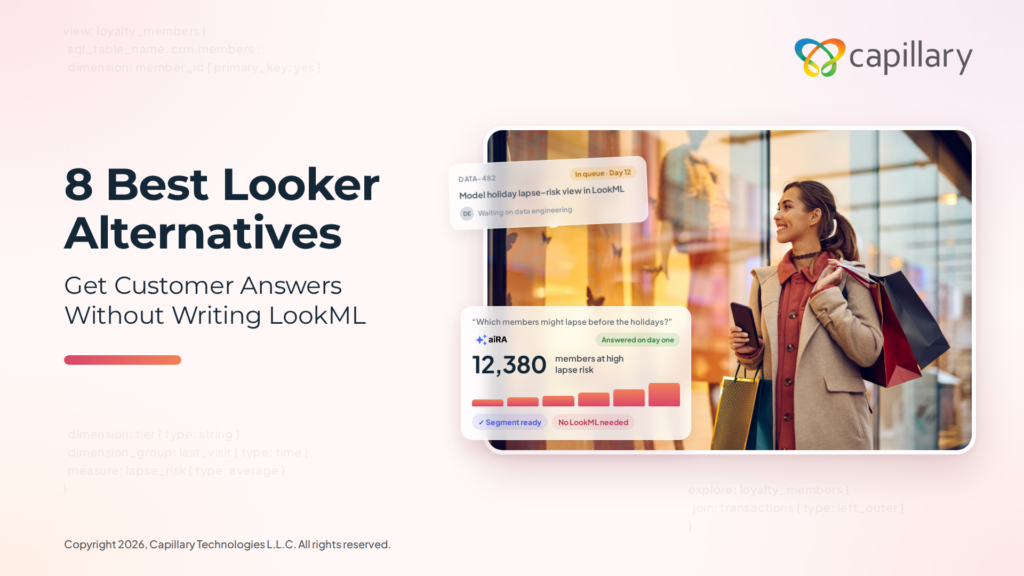
Marketing teams need timely answers to questions such as which loyalty members are most likely to lapse before the holiday season. In Looker, a question of this kind typically remains in the data team’s queue until an engineer has modeled the relevant data in LookML. By the time the answer is available, the window for acting on it may already have passed.
Even once the answer arrives, it represents only the first step in the process. Marketing teams must still define the target audience, select the appropriate offer and launch the campaign, and Looker does not support any of these stages.
This guide compares eight Looker alternatives so you can choose one for your team. Let’s begin.
We evaluated each tool on how quickly business users can get answers without a data model, how well it handles customer and campaign data, whether it supports action on insights, and how long it takes to deliver value. These are the eight Looker alternatives worth considering in 2026:
Looker is Google Cloud’s enterprise business intelligence (BI) platform. Data teams use LookML, its modeling language, to define metrics, joins, and business logic once, so every dashboard works from the same definitions.
It’s sold in three editions: Standard and Enterprise for internal BI, and Embed for building analytics into your own products. None of the editions has a published list price, and all require an annual commitment.
In 2026, Google repackaged its Looker product family. It renamed its free reporting tool, Looker Studio, to Data Studio, removed Looker’s list prices from its pricing page, and began billing Conversational Analytics usage beyond an included allowance from October 1, 2026.
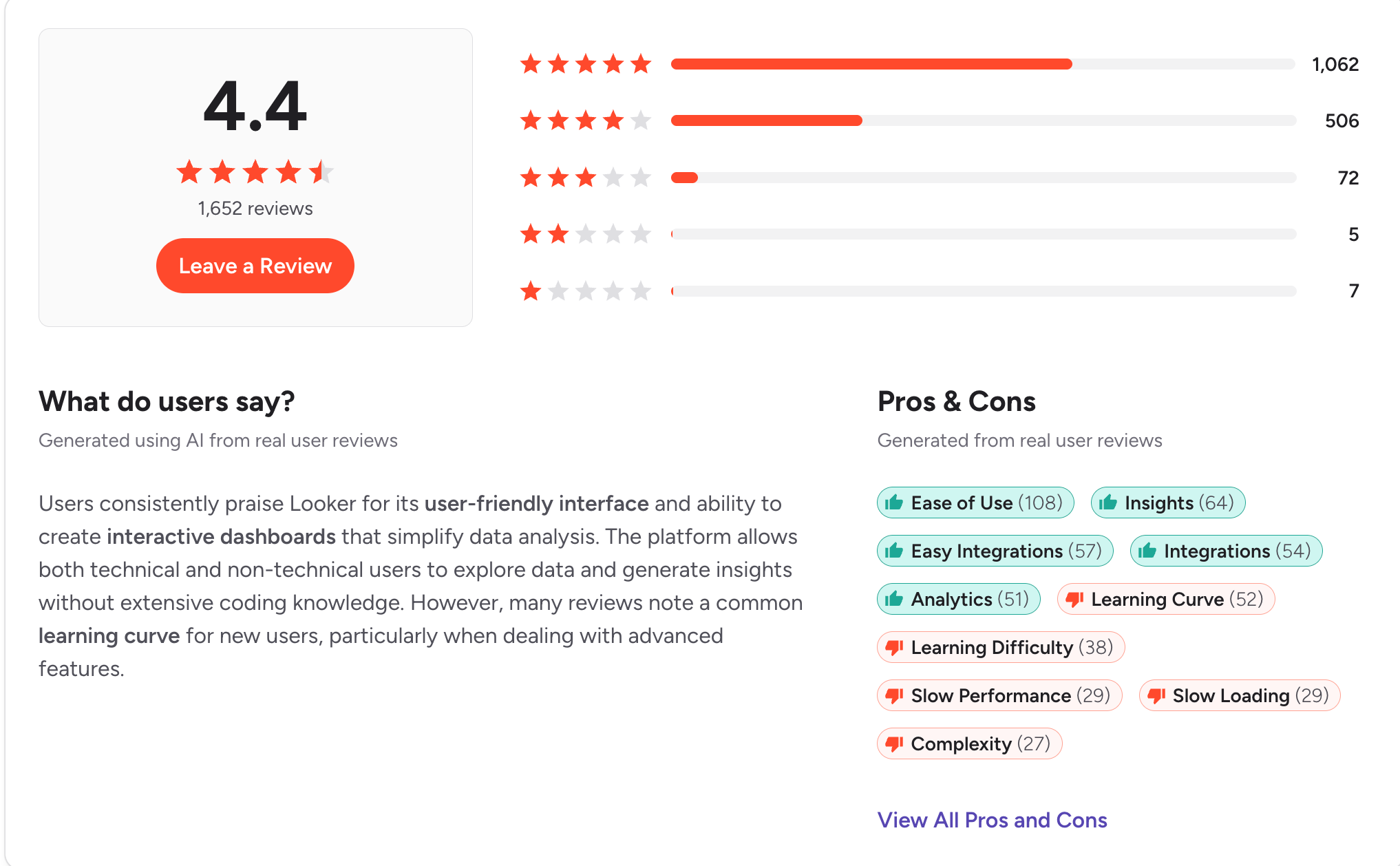
Looker holds a 4.4-star rating on G2 across 1,652 reviews. Users rate it highly for ease of use once it is configured (108 mentions) and for real-time reporting (64 mentions). For organizations that need a single, governed definition of every metric, it remains a strong choice.
However, G2 and Capterra reviews point to several recurring limitations:
Looker is best suited to organizations with dedicated data engineering resources. For marketing and CRM teams that need timely answers about customers and campaigns, the modeling requirement often delays results.
The alternatives below address these limitations in different ways.
A good Looker alternative should let someone outside the data team ask a question and trust the answer.
It shouldn’t need engineers to write a semantic model before it’s useful. It should stay fast as your customer data grows, and the price shouldn’t be a surprise at renewal.
So we took the complaints that come up most often in Looker’s G2 and Capterra reviews and turned each one into a criterion. Here are the questions we asked when building this list:
Best for: Enterprise marketing, CRM and loyalty teams that need answers about customers and campaigns without waiting for a data model to be built.
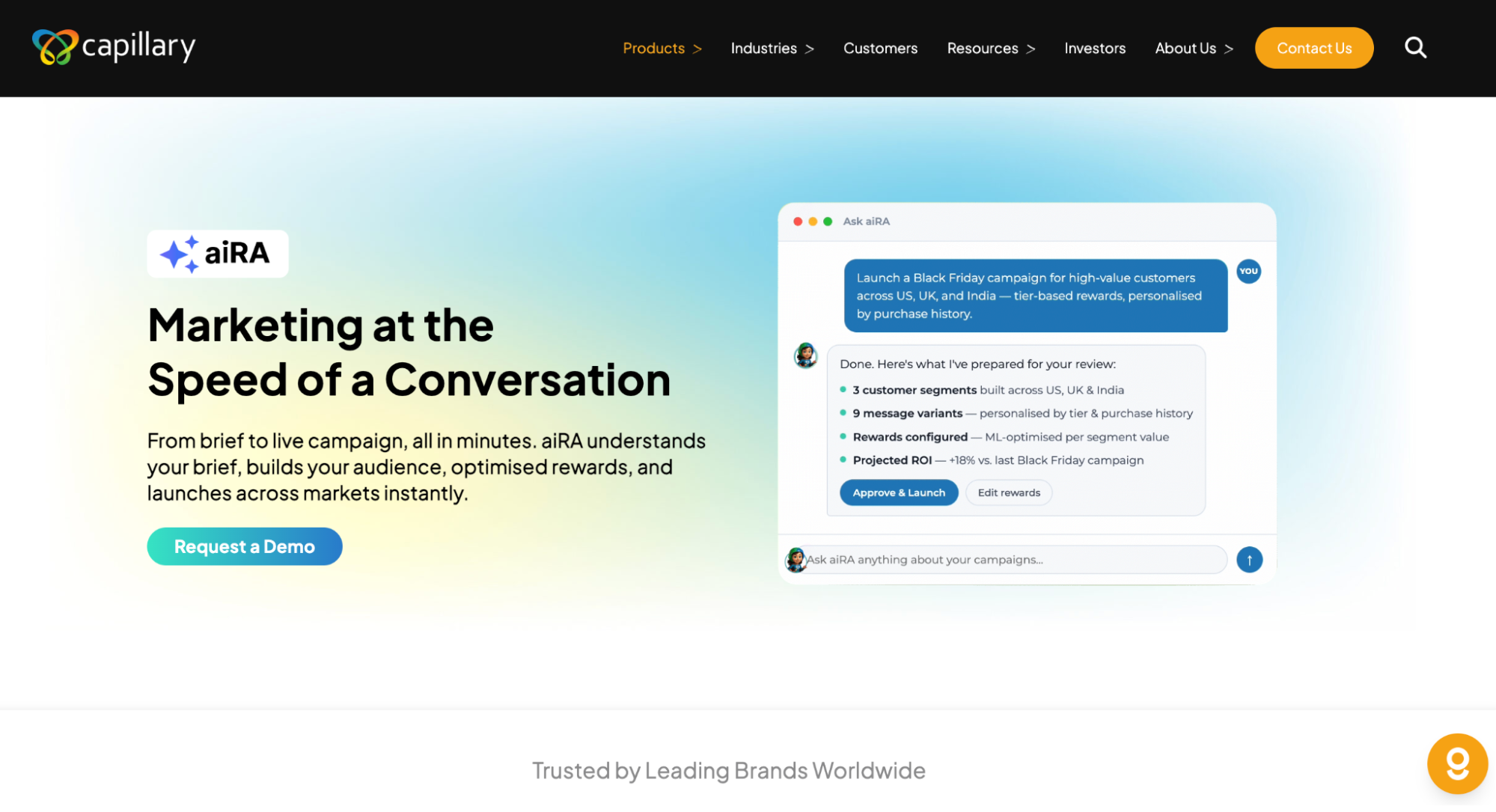
aiRA by Capillary is an AI agent built for enterprise marketing and loyalty teams. In Looker, every new question depends on engineers first modeling the data in LookML. aiRA works directly on your brand’s customer data, so teams can ask questions in plain English and get answers on their first day.
Once aiRA identifies an opportunity, it recommends the audience, offer, reward, message and channel, and it can set up the campaign for your team to review and approve. It can also create Jira tickets, send Slack notifications or trigger workflows in other applications.
A full deployment on your brand data typically takes 2–4 weeks from the first conversation, with a dedicated Capillary success manager supporting your team throughout.
Key features
Pros
Cons
See aiRA on your own data
Request a demo to see how aiRA turns a question about your customers into a campaign ready to launch, with no LookML required.
Best for: Mid-size and large companies that want connectors, data prep, and dashboards in one cloud platform, without modeling data in code first.
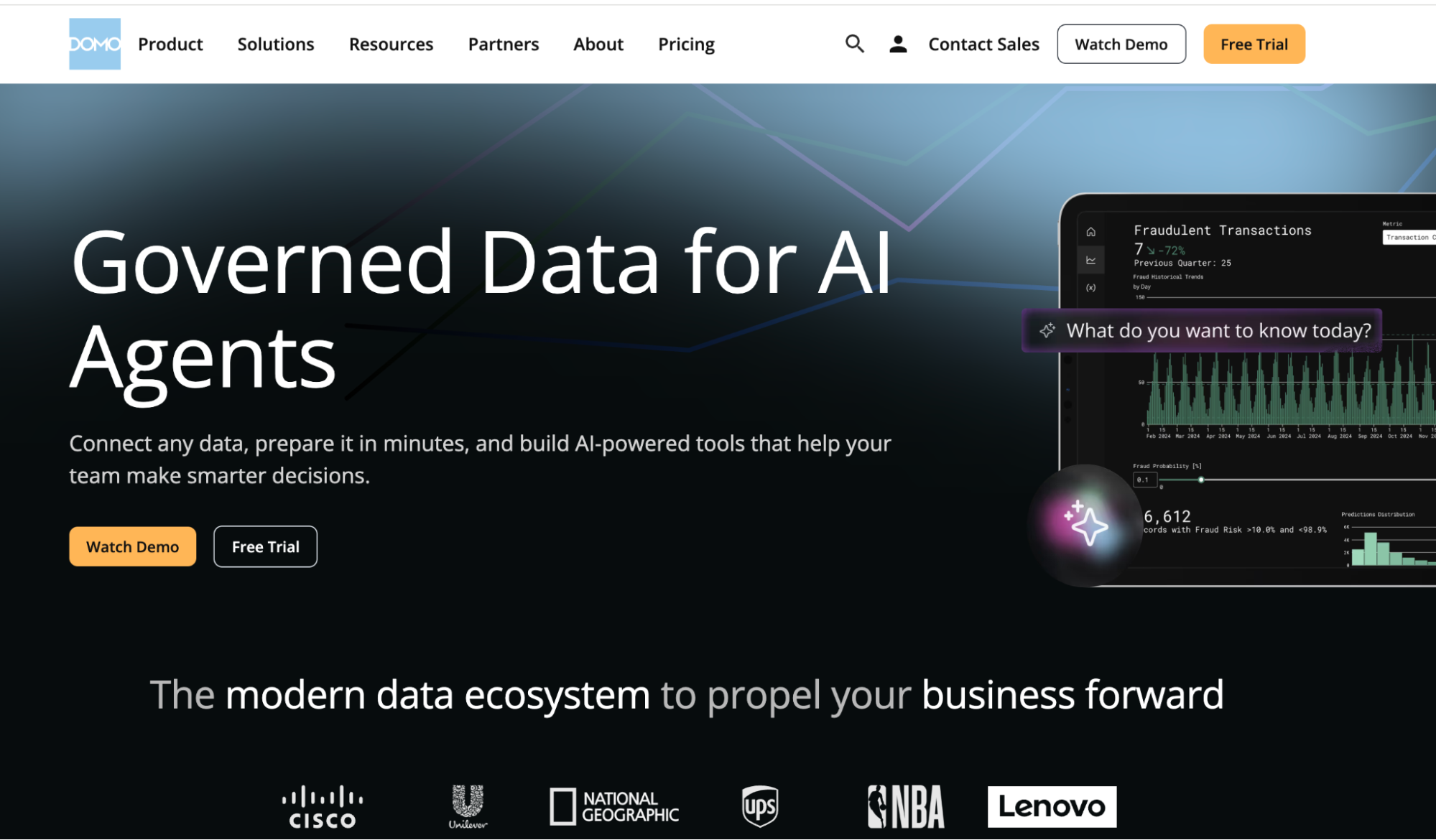
Domo is a cloud BI platform, now part of Progress Software, that combines data connectors, transformation, dashboards, and apps in one place. Unlike Looker, it doesn’t need a semantic layer written in code before people can start building reports. Teams blend data with a drag-and-drop ETL tool instead.
It works best when a BI team sets up the pipelines and dashboards that business teams then use. Advanced features still take time to learn, and credit-based pricing can climb as data volume and usage grow.
Key features
Pros
Cons
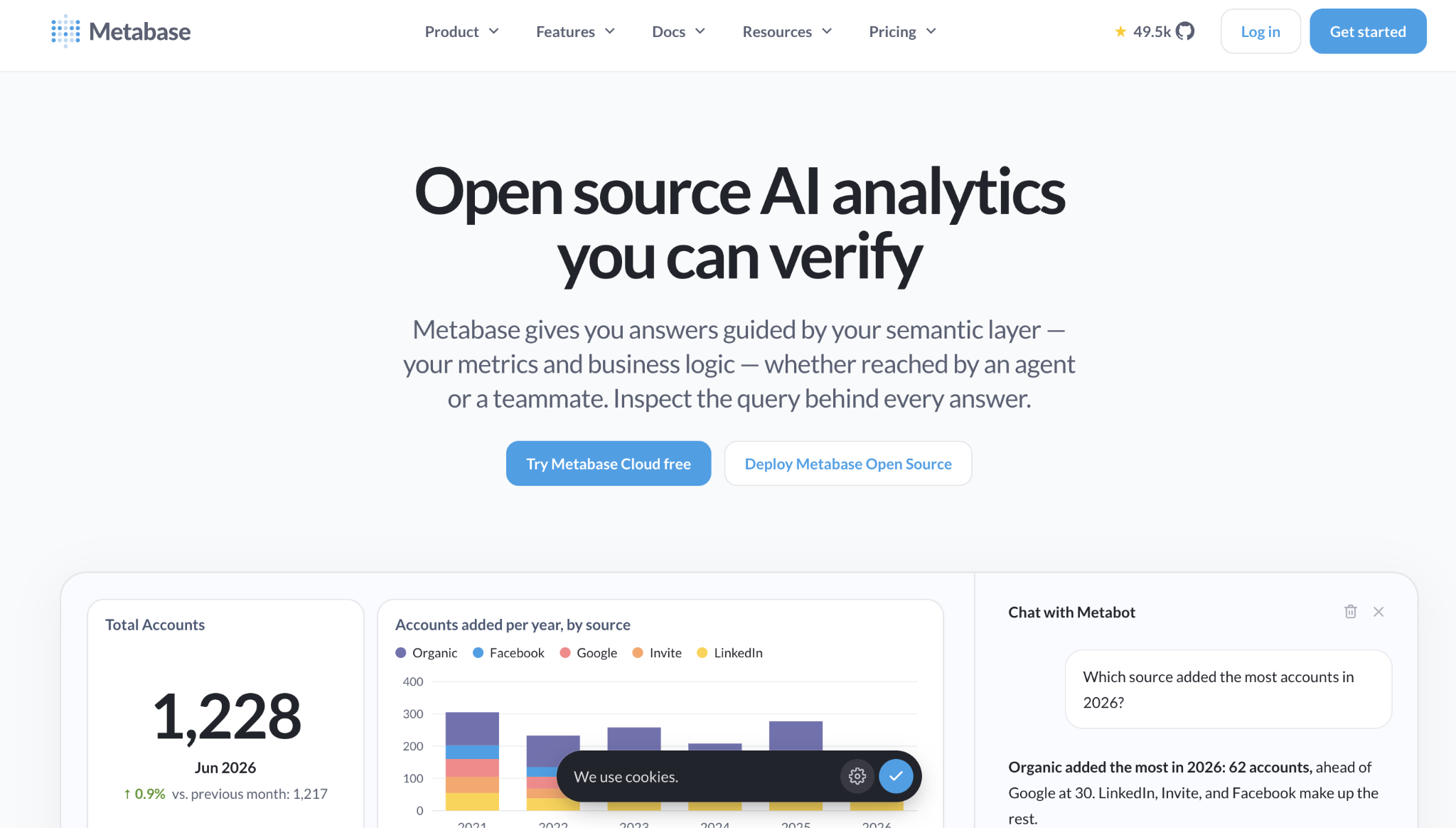
Best for: Startups and mid-size teams that want affordable, open-source BI that business users can query without writing SQL.
Metabase is an open-source BI tool that you can self-host for free or run on Metabase Cloud. Unlike Looker, it doesn’t need a modeling layer before people can start exploring. Its visual query builder lets non-technical users filter and summarize data, and analysts can switch to SQL when they need to.
It works best for teams whose data already sits in a SQL database or warehouse. Visualization options are more basic than enterprise BI tools, and performance can drop on very large datasets.
Key features
Pros
Cons
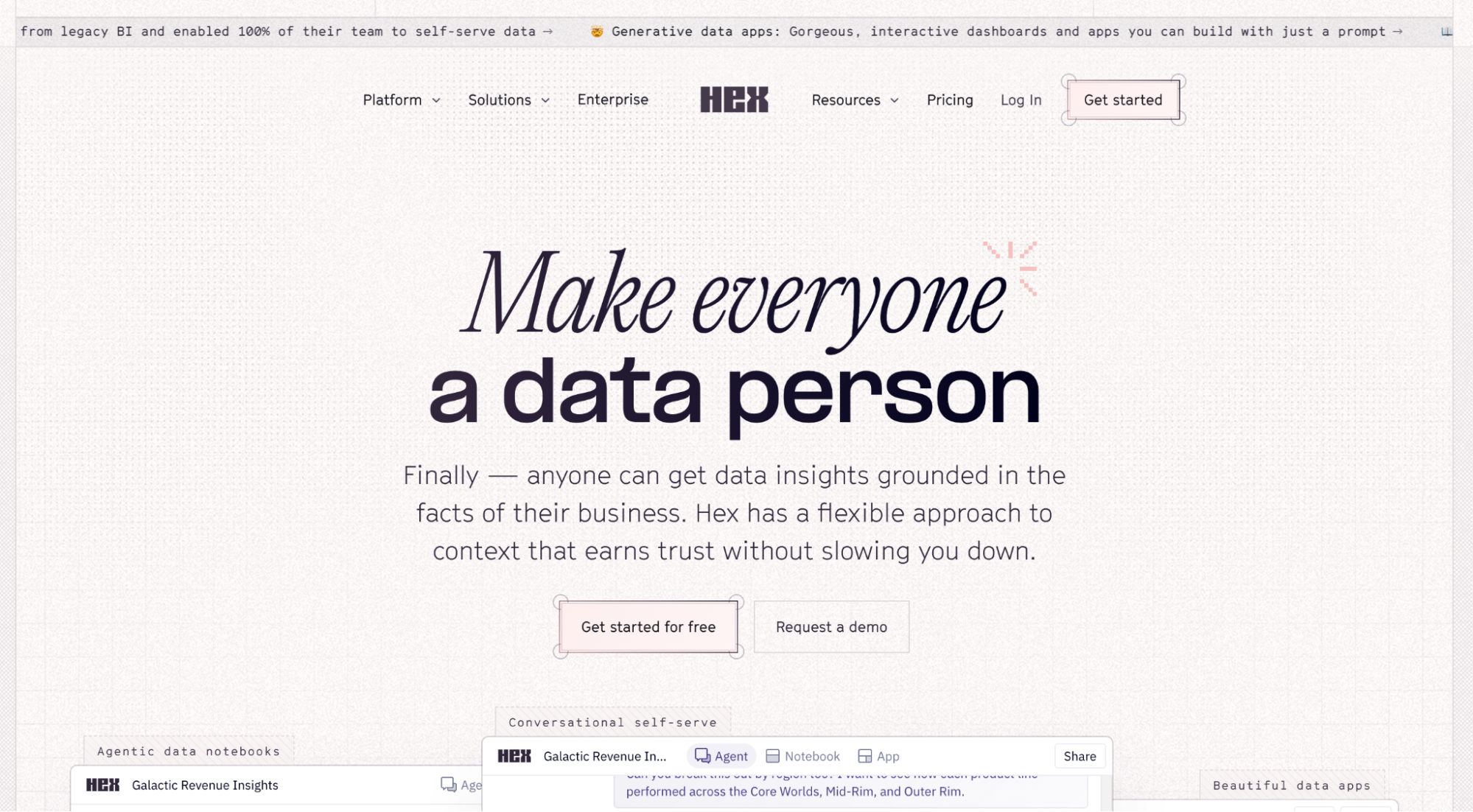
Best for: Data teams that work in SQL and Python and want to share their analysis as interactive apps.
Hex is a collaborative data workspace that combines SQL and Python notebooks with publishable data apps and AI-assisted analysis. Where Looker centers on a semantic model, Hex centers on the analyst’s notebook.
Data teams write the logic, then publish apps that business users can filter and explore. It suits companies with analysts who code against a cloud warehouse. Business teams mostly consume what analysts publish, so new questions still route back to the data team.
Key features
Pros
Cons
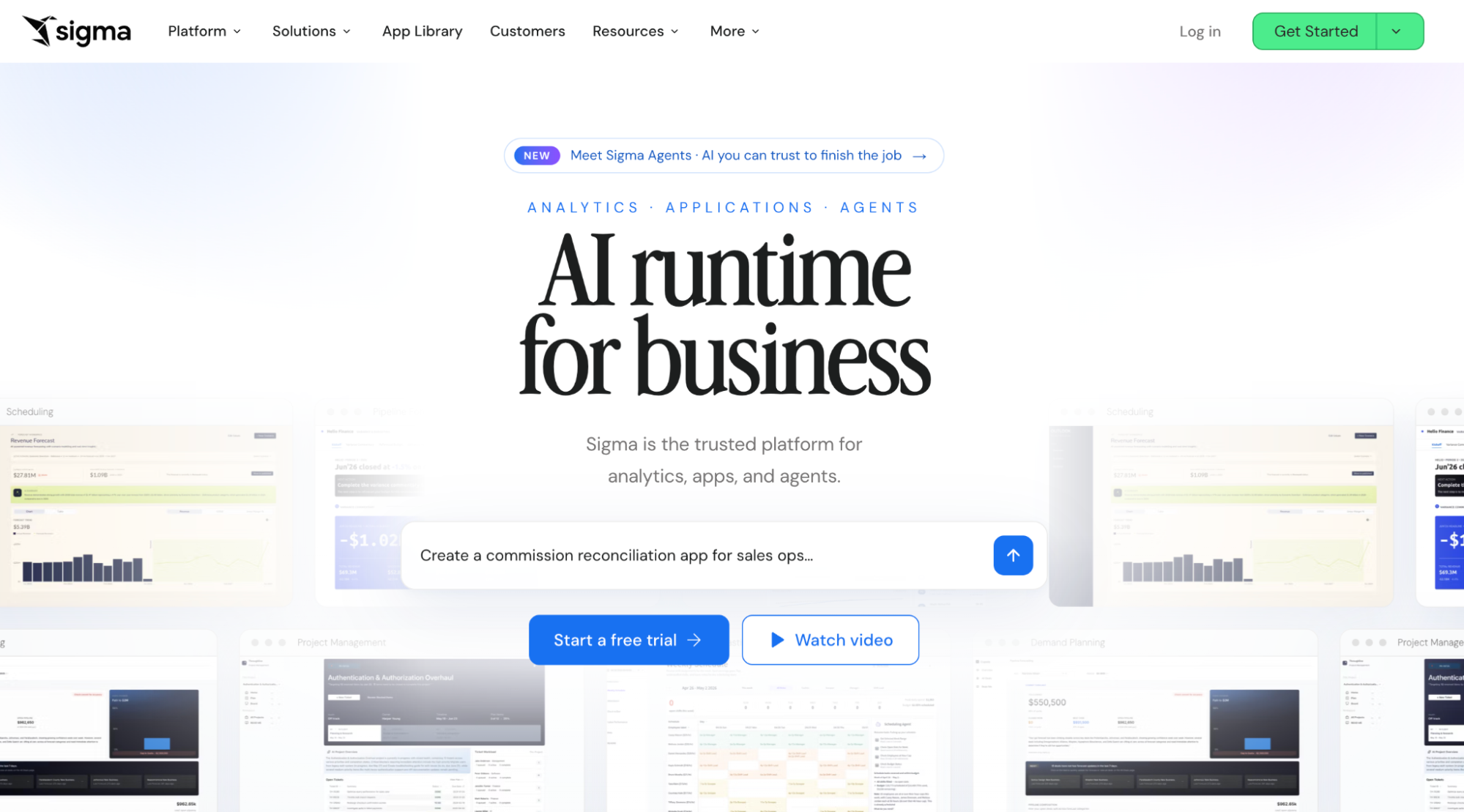
Best for: Teams on Snowflake, BigQuery or Databricks that want spreadsheet-style analysis on live warehouse data.
Sigma is a cloud BI platform with a spreadsheet-like interface that queries the warehouse directly. Looker needs LookML models before business users can explore. Sigma lets Excel-savvy users work in a familiar grid of rows, formulas, and pivots on top of live data.
It fits companies that have already centralized their data in a cloud warehouse. Someone still has to set up the connections, datasets, and permissions, and large workbooks can slow down.
Key features
Pros
Cons
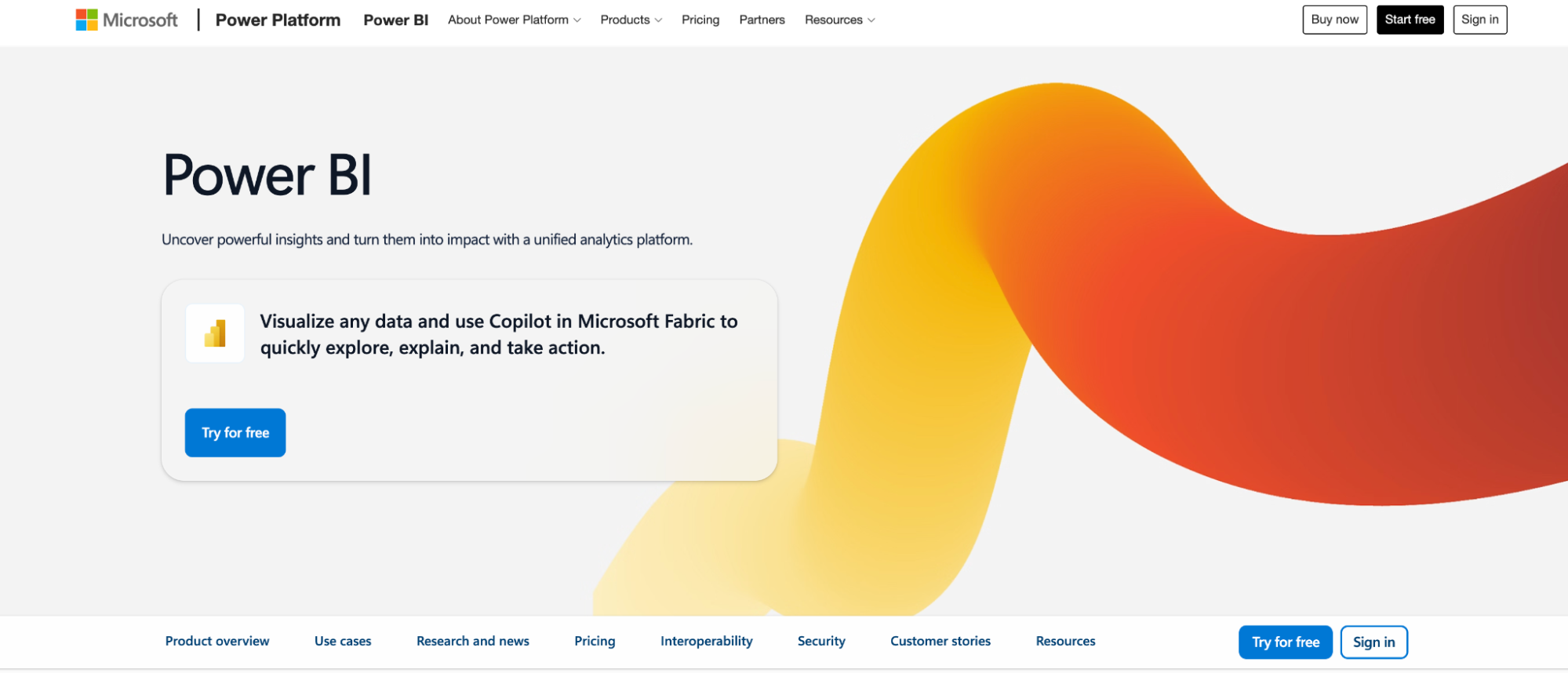
Best for: Organizations on Microsoft 365 that want low-cost reporting inside Excel, Teams, and SharePoint.
Power BI is Microsoft’s BI platform, now part of Microsoft Fabric. It connects to Excel, SQL Server, and cloud sources, and turns them into interactive reports and dashboards. For Microsoft shops, it’s often the cheaper, more familiar alternative to Looker, which is tied closely to Google Cloud. Basic reports are easy to build, but anything more complex needs DAX formulas and data modeling. Business users still depend on BI developers for new analysis.
Key features
Pros
Cons
Best for: Enterprises with a modeled cloud warehouse that want business users to search their data in plain English.
ThoughtSpot is a search-and AI-driven analytics platform. Users type questions in natural language and get charts back, instead of building reports by hand. Looker asks business users to explore within LookML models.
ThoughtSpot’s Spotter AI agent lets them ask questions directly. It works best once a data team has modeled the warehouse, and reviewers say the platform takes real time to learn beyond basic searches.
Key features
Pros
Cons
Best for: Analyst teams that build custom visual dashboards across many data sources.
Tableau is Salesforce’s BI platform, known for flexible drag-and-drop visualization. Looker defines metrics in code first. Tableau lets analysts start from the data and build visuals directly, which makes it stronger for exploration and visual storytelling. It works best when analysts build and maintain dashboards for other teams. Advanced calculations take time to learn, and licensing costs grow as more users need access.
Key features
Pros
Cons
If you lead marketing, CRM, or customer insights, the right Looker alternative should get your team from question to action without a long wait on the data team. Here are five questions to ask before you choose.
In Looker, business users can only explore data after engineers have modeled it in LookML. Every new question that falls outside the existing model goes back into the data team’s queue.
A good alternative should let marketing and CRM teams ask questions in plain English from day one. Ask the vendor what a business user can do before any semantic layer or custom model is in place, and have someone on your team try it during the demo.
General BI tools treat customer data like any other table. Someone still has to define what a lapsed customer, a high-value segment, or a campaign response looks like before the tool can answer questions about them.
Look for tools that already understand customer behavior, segments, loyalty, and campaign results. That way, questions like “Which customers are likely to churn this quarter?” don’t need custom modeling before you get a useful answer.
Most BI tools stop at the dashboard. Once you have the answer, someone still has to rebuild the audience in another tool, pick an offer, write the message, and set up the campaign.
The right tool should help you turn answers into next steps, such as building a segment, recommending an offer, or launching a campaign, without switching platforms. Ask the vendor to show you the full path from a customer question to a live campaign, not just the chart.
Looker rollouts often involve weeks or months of modeling work before business users see value. An alternative that needs the same groundwork won’t solve that problem.
Ask for a realistic timeline from kickoff to the first useful answer on your own data, and what the vendor handles for you. A strong vendor should be able to describe each phase of the pilot, who’s involved on both sides, and what your team will have at the end.
Each tool in this guide addresses Looker’s limitations in a different way. Tableau and Power BI offer more flexible reporting, while Sigma, Hex, and Metabase give technical users faster access to warehouse data.
However, most of them still stop at the dashboard, which leaves marketing teams to build the segment and launch the campaign in another system. aiRA by Capillary closes that gap. Marketing and CRM teams can ask questions in plain English, build segments and launch campaigns in one place, with human approval at every step.
Request a demo to see how aiRA works on your own customer data.
For marketing, CRM and loyalty teams, aiRA by Capillary is the best Looker alternative. You can ask about your customers in plain English, build a segment and launch a campaign in the same conversation, with no LookML model needed.
Looker is well rated on G2, but reviewers keep flagging the LookML learning curve, slow dashboards on large datasets and quote-only pricing. Business teams also end up waiting on data engineers for new questions.
Looker is Google Cloud’s enterprise BI platform, built on the LookML modeling layer and sold on annual contracts. Looker Studio, now renamed Data Studio, is Google’s free reporting tool for simple dashboards.
Looker has no published list price, and every edition needs a sales quote and an annual commitment. Some alternatives are cheaper to start with, such as Metabase’s free open-source version, though enterprise tools of every kind are usually quote-based too.
Yes. Most alternatives on this list don’t use a proprietary modeling language. For customer questions specifically, aiRA by Capillary lets marketers describe an audience in plain English and builds the segment without SQL or a semantic model.

Blogs
Great Ingredients, Broken Recipes: Why North America’s Biggest Loyalty Programs Are Failing Their Best CustomersA few weeks ago, I set out to answer a question that had been nagging
Agentic Analytics
8 Best Marketing Analytics Tools for 2026 (Self-Service & AI-Powered Compared)Introduction Marketers are drowning in channel data, yet most still wait days for a simple
Agentic Analytics
Tableau Alternatives: 6 No-Code & AI-Powered BI Tools Worth Switching To in 2026Introduction Tableau is powerful, but it is also heavy. The learning curve is steep, most