
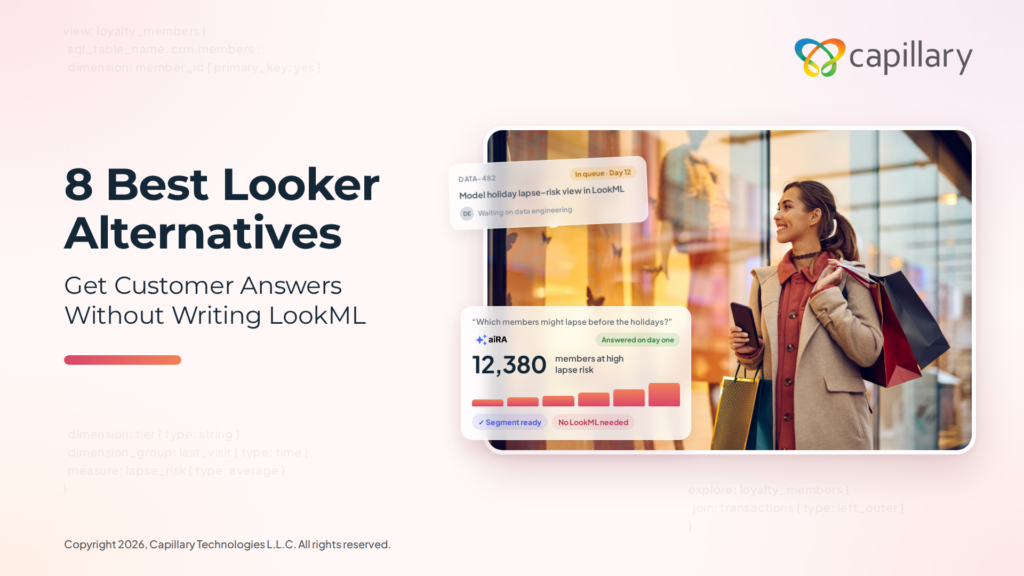
Marketing teams need timely answers to questions such as which loyalty members are most likely to lapse before the holiday season. In Looker, a question of this kind typically remains in the data team’s queue until an engineer has modeled the relevant data in LookML. By the time the answer is available, the window for acting on it may already have passed.
Even once the answer arrives, it represents only the first step in the process. Marketing teams must still define the target audience, select the appropriate offer and launch the campaign, and Looker does not support any of these stages.
This guide compares eight Looker alternatives so you can choose one for your team. Let’s begin.
Tl;dr
We evaluated each tool on how quickly business users can get answers without a data model, how well it handles customer and campaign data, whether it supports action on insights, and how long it takes to deliver value. These are the eight Looker alternatives worth considering in 2026:
- aiRA by Capillary: Best overall Looker alternative for marketing, CRM and loyalty teams.
- Domo: Best for connectors, data preparation and dashboards in one cloud platform.
- Metabase: Best for affordable, open-source BI that non-technical users can query.
- Hex: Best for SQL and Python analysis shared as interactive data apps.
- Sigma: Best for spreadsheet-style analysis on live cloud warehouse data.
- Power BI: Best for reporting within the Microsoft 365 ecosystem.
- ThoughtSpot: Best for natural language search on a modeled cloud warehouse.
- Tableau: Best for custom visual dashboards built by analyst teams.
What is Looker?
Looker is Google Cloud’s enterprise business intelligence (BI) platform. Data teams use LookML, its modeling language, to define metrics, joins, and business logic once, so every dashboard works from the same definitions.
It’s sold in three editions: Standard and Enterprise for internal BI, and Embed for building analytics into your own products. None of the editions has a published list price, and all require an annual commitment.
In 2026, Google repackaged its Looker product family. It renamed its free reporting tool, Looker Studio, to Data Studio, removed Looker’s list prices from its pricing page, and began billing Conversational Analytics usage beyond an included allowance from October 1, 2026.
Where does Looker fall short?
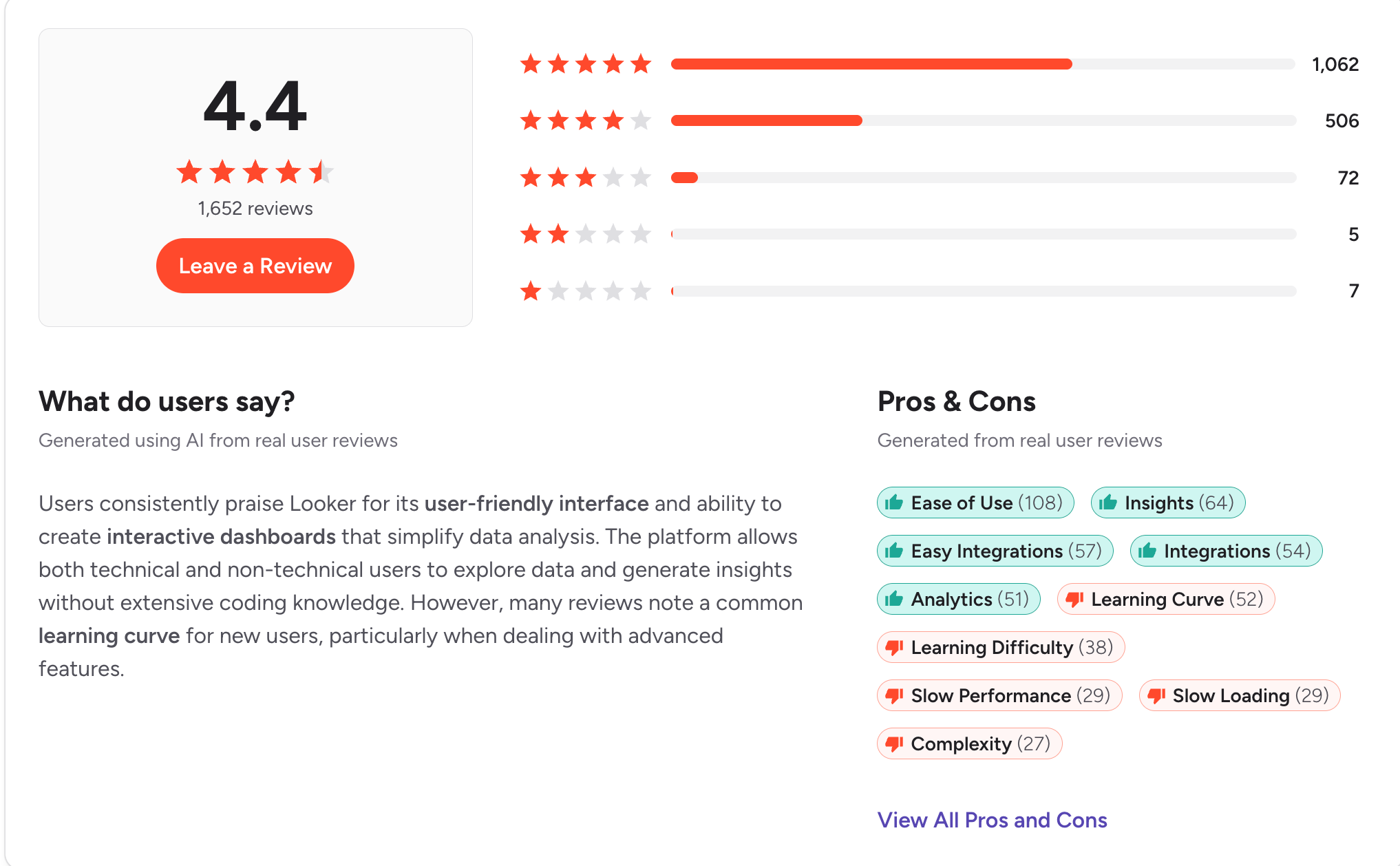
Looker holds a 4.4-star rating on G2 across 1,652 reviews. Users rate it highly for ease of use once it is configured (108 mentions) and for real-time reporting (64 mentions). For organizations that need a single, governed definition of every metric, it remains a strong choice.
However, G2 and Capterra reviews point to several recurring limitations:
- Dependence on LookML (52 mentions for learning curve, 38 for learning difficulty): Business users cannot explore data until engineers have modeled it in LookML. As one G2 reviewer noted, “A dedicated developer needs to set up the data models first.”
- Performance at scale (29 mentions each for slow loading and slow performance): Response times decline on large datasets and complex queries.
- Limited visualization options (22 mentions for limited customization, 20 for poor visualization): Reviewers report that some standard chart types require workarounds.
- Pricing transparency: Google offers Looker in three editions (Standard, Enterprise and Embed), all of which are priced by quote and require an annual commitment. In 2026, Google removed the previous list prices from its pricing page. From October 1, 2026, AI usage beyond the included allowance is billed separately.
Looker is best suited to organizations with dedicated data engineering resources. For marketing and CRM teams that need timely answers about customers and campaigns, the modeling requirement often delays results.
The alternatives below address these limitations in different ways.
How this list was tested and selected
A good Looker alternative should let someone outside the data team ask a question and trust the answer.
It shouldn’t need engineers to write a semantic model before it’s useful. It should stay fast as your customer data grows, and the price shouldn’t be a surprise at renewal.
So we took the complaints that come up most often in Looker’s G2 and Capterra reviews and turned each one into a criterion. Here are the questions we asked when building this list:
- Learning curve: Can a business user get a useful answer in their first week, without learning a modeling language?
- Setup: How long does it take to go from kickoff to working on your own brand data?
- Performance: Does it stay fast on large customer datasets and complex queries?
- Visualization and customization: Can you shape reports around your team’s needs without workarounds?
- Pricing: Is pricing clear upfront, and does it stay predictable as users and data grow?
Best Looker alternatives at a glance
Top 8 Looker alternatives to choose from
1. aiRA by Capillary
Best for: Enterprise marketing, CRM and loyalty teams that need answers about customers and campaigns without waiting for a data model to be built.
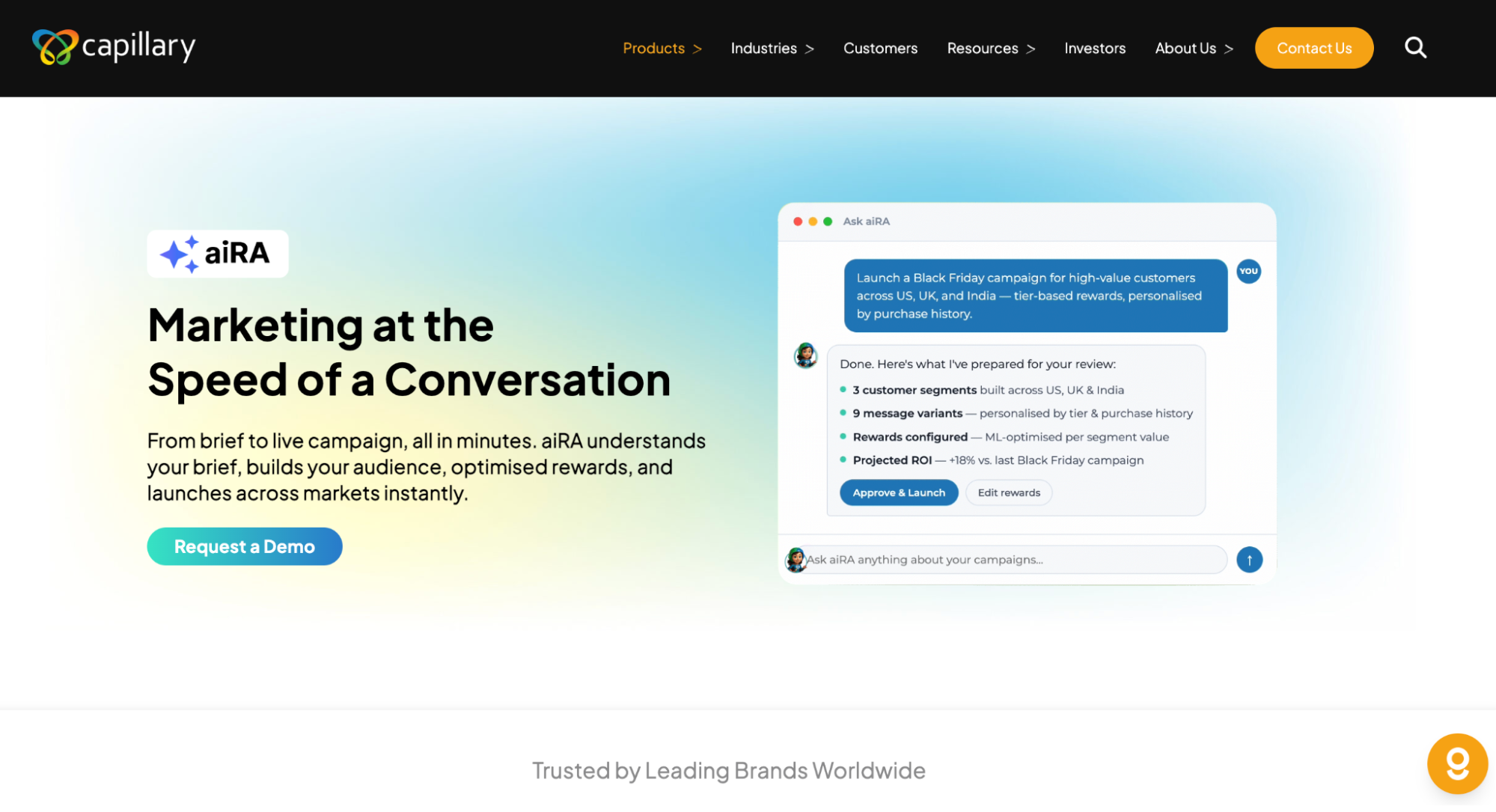
aiRA by Capillary is an AI agent built for enterprise marketing and loyalty teams. In Looker, every new question depends on engineers first modeling the data in LookML. aiRA works directly on your brand’s customer data, so teams can ask questions in plain English and get answers on their first day.
Once aiRA identifies an opportunity, it recommends the audience, offer, reward, message and channel, and it can set up the campaign for your team to review and approve. It can also create Jira tickets, send Slack notifications or trigger workflows in other applications.
A full deployment on your brand data typically takes 2–4 weeks from the first conversation, with a dedicated Capillary success manager supporting your team throughout.
Key features
- Plain-English customer analytics: Profile customers and identify trends such as seasonal buying patterns and engagement shifts, without SQL or a semantic model.
- Self-serve segmentation: Describe an audience and aiRA builds the segment, complete with propensity scores and projected campaign value.
- Campaign creation and recommendations: Configure the audience, rewards, messaging and multi-channel delivery from a single brief. Each recommendation comes with a predicted ROI by market and an explanation of the reasoning.
- Enterprise governance: aiRA is ISO 27001 aligned and compliant with PCI DSS, GDPR, CCPA and PDPA.
Pros
- Marketing and CRM teams can access customer insights and segments directly, without analyst requests or engineering support
- Analysis, segmentation, campaign setup and measurement all happen in one conversational workflow
- Human approval on every customer-facing action and a full audit trail meet enterprise governance requirements
Cons
- Designed for enterprise marketing, CRM and loyalty use cases, so aiRA may not be the best fit for startups
See aiRA on your own data
Request a demo to see how aiRA turns a question about your customers into a campaign ready to launch, with no LookML required.
2. Domo
Best for: Mid-size and large companies that want connectors, data prep, and dashboards in one cloud platform, without modeling data in code first.
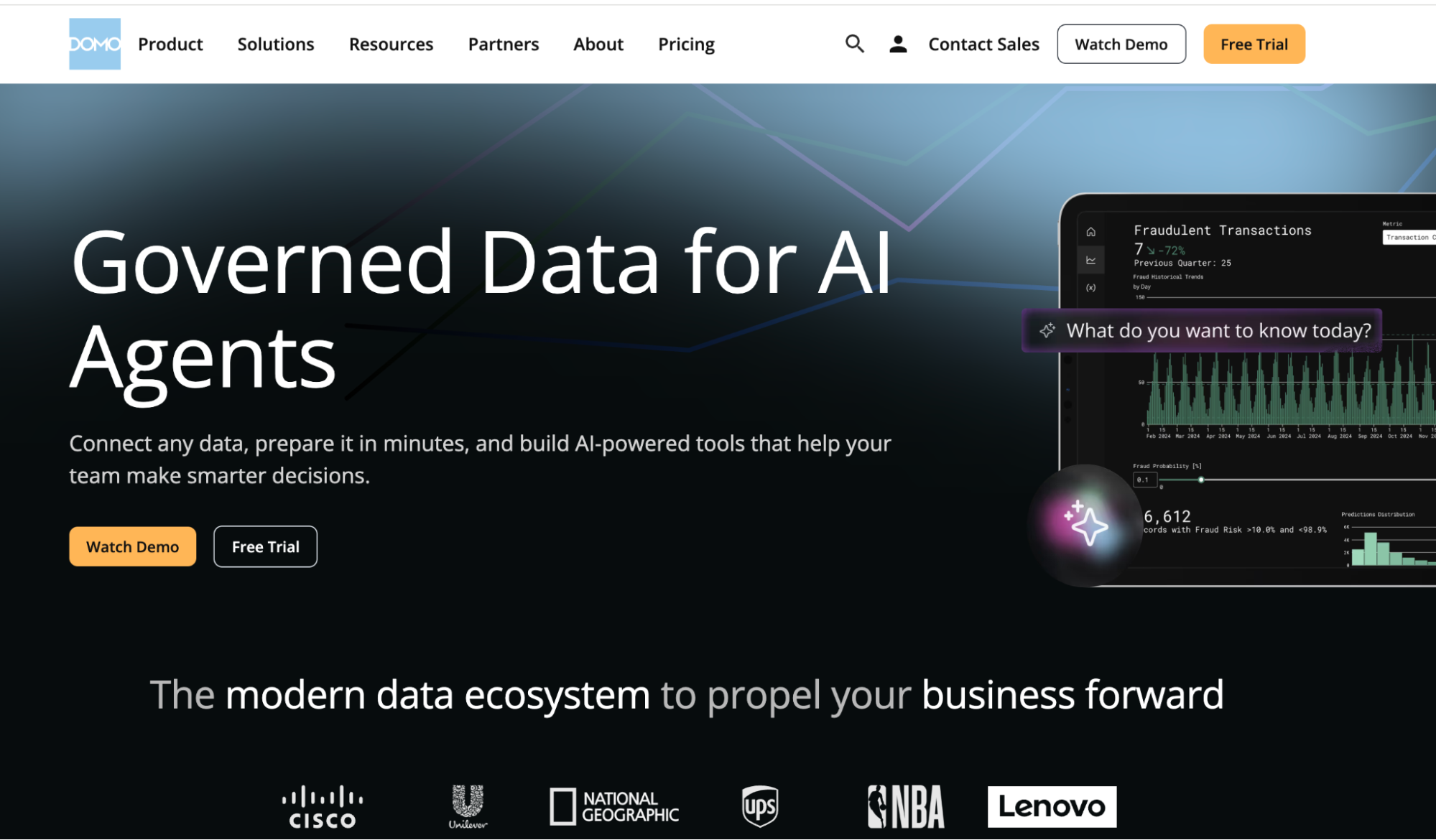
Domo is a cloud BI platform, now part of Progress Software, that combines data connectors, transformation, dashboards, and apps in one place. Unlike Looker, it doesn’t need a semantic layer written in code before people can start building reports. Teams blend data with a drag-and-drop ETL tool instead.
It works best when a BI team sets up the pipelines and dashboards that business teams then use. Advanced features still take time to learn, and credit-based pricing can climb as data volume and usage grow.
Key features
- Prebuilt connectors: Pull data from CRMs, ERPs, ad platforms, cloud warehouses, and spreadsheets into one place without building custom API connections.
- Magic ETL: Clean, join, and transform datasets with a drag-and-drop pipeline builder, or switch to SQL for more complex logic.
- Dashboards and App Studio: Build cards and dashboards, then package them into custom apps for different teams.
- Alerts and mobile access: Set thresholds on KPIs, get notified when a metric shifts, and check live dashboards from the mobile app.
Pros
- Quick to get started, with enough prebuilt connectors to link most sources without a custom API connection
- Brings campaign data from multiple ad platforms into one place, which makes client reporting easier
- Pulls data from different tools into live dashboards without needing technical skills
Cons
- The cost is high, and teams have to keep track of their credit usage
3. Metabase
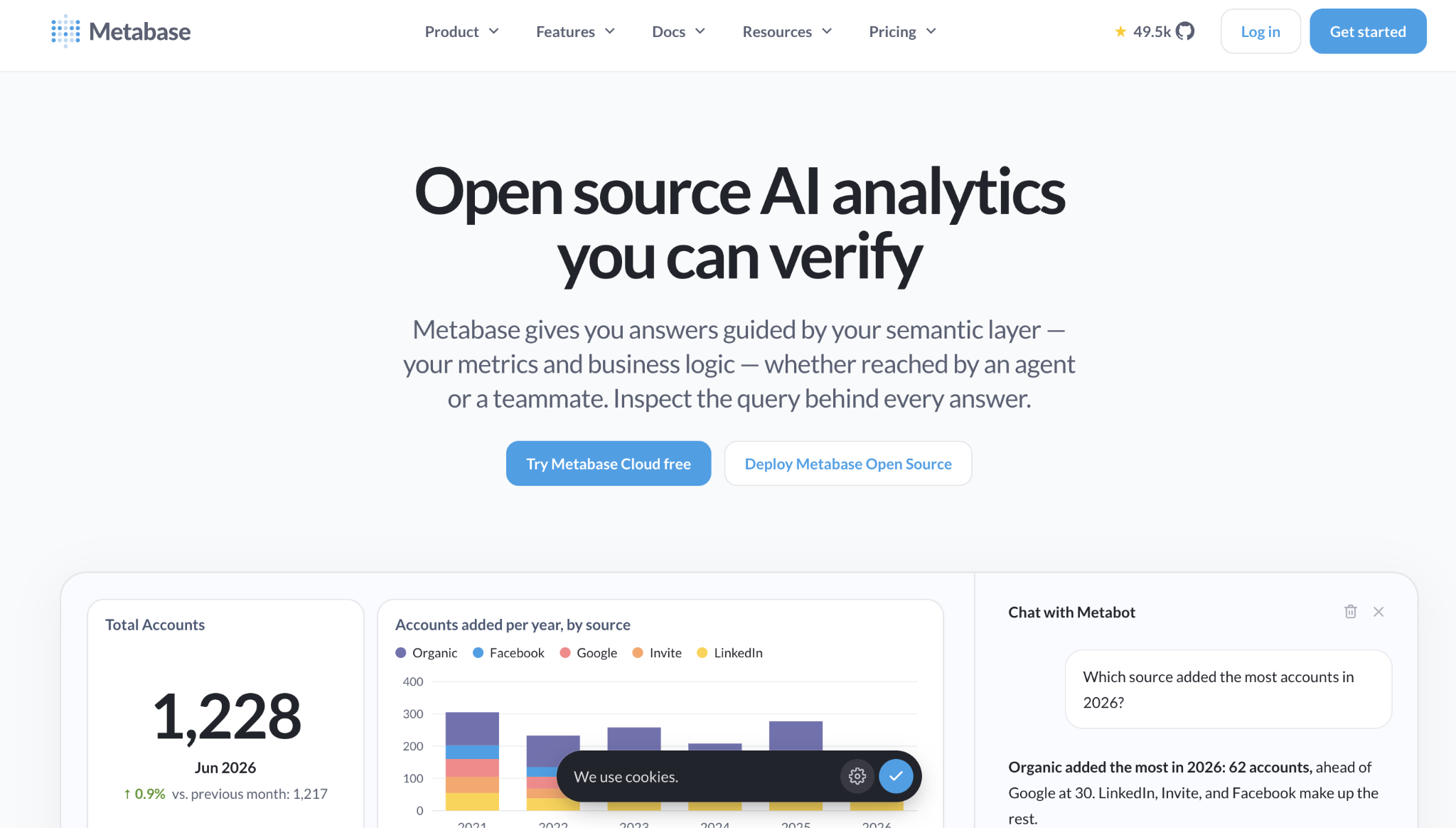
Best for: Startups and mid-size teams that want affordable, open-source BI that business users can query without writing SQL.
Metabase is an open-source BI tool that you can self-host for free or run on Metabase Cloud. Unlike Looker, it doesn’t need a modeling layer before people can start exploring. Its visual query builder lets non-technical users filter and summarize data, and analysts can switch to SQL when they need to.
It works best for teams whose data already sits in a SQL database or warehouse. Visualization options are more basic than enterprise BI tools, and performance can drop on very large datasets.
Key features
- Visual query builder: Build questions by picking tables, filters, and groupings, with no SQL required.
- Native SQL editor: Write custom queries for more complex analysis and save them as reusable questions.
- Dashboards, subscriptions and alerts: Combine questions into filterable dashboards and send scheduled reports or alerts by email or Slack.
- Embedded analytics: Embed dashboards in internal tools or customer-facing products.
Pros
- Technical and non-technical users can explore data and build dashboards with little learning curve
- The Question feature lets non-technical users build queries without code, so full dashboards come together quickly
- Teams across the company can work with data on their own, without relying on the BI team
Cons
- Reports slow down when the underlying queries run slowly, and the UI lacks newer AI features and chart types
4. Hex
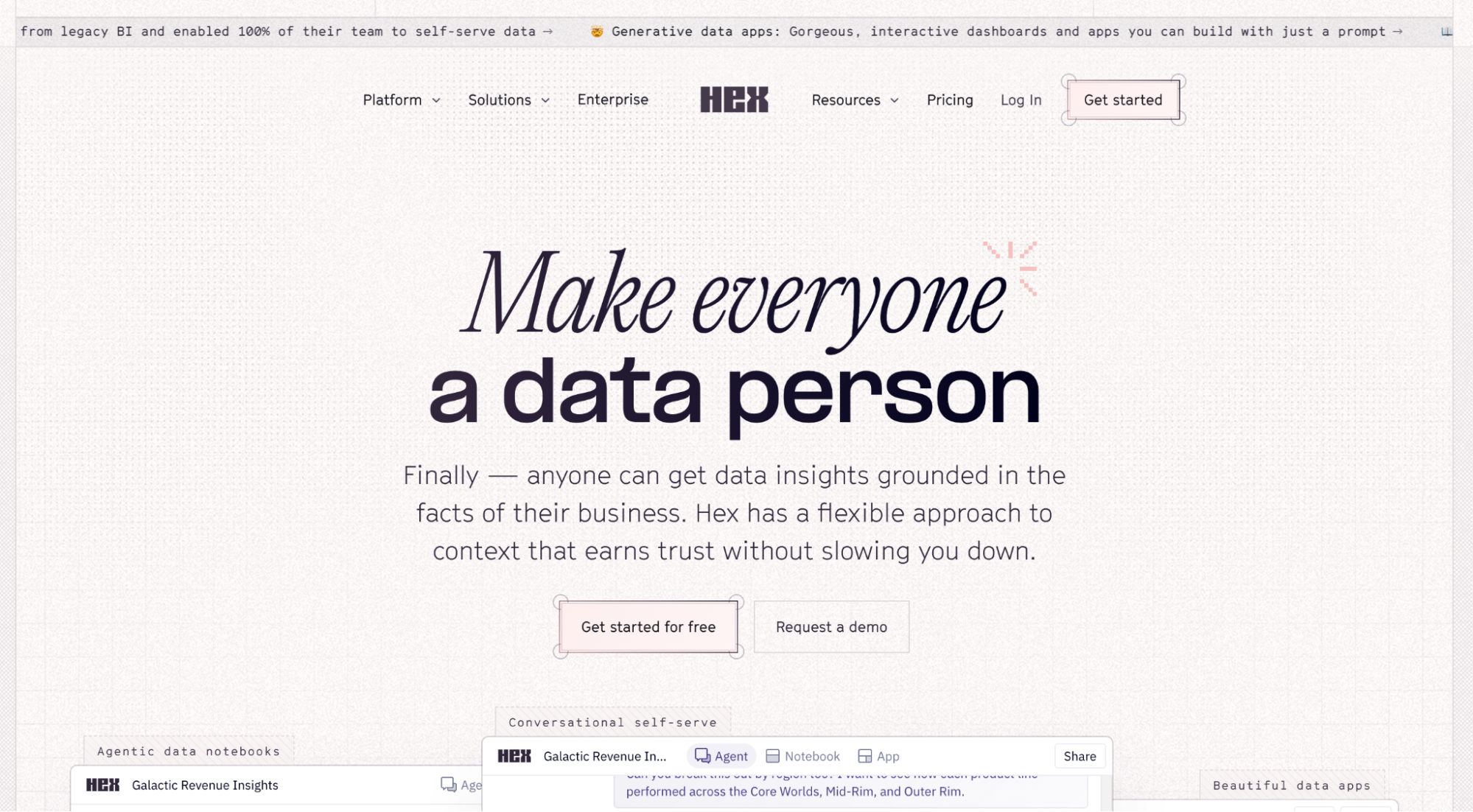
Best for: Data teams that work in SQL and Python and want to share their analysis as interactive apps.
Hex is a collaborative data workspace that combines SQL and Python notebooks with publishable data apps and AI-assisted analysis. Where Looker centers on a semantic model, Hex centers on the analyst’s notebook.
Data teams write the logic, then publish apps that business users can filter and explore. It suits companies with analysts who code against a cloud warehouse. Business teams mostly consume what analysts publish, so new questions still route back to the data team.
Key features
- SQL and Python notebooks: Mix SQL and Python cells in one project and pass results between them.
- Data apps: Turn notebook analyses into interactive apps and dashboards with inputs and filters.
- AI-assisted analysis: Use Hex’s AI features to generate queries, explain results, and explore data conversationally.
- Scheduled runs and Git sync: Refresh apps on a schedule and version projects with GitHub or GitLab.
Pros
- Mixes SQL and Python in one notebook and keeps variables and tables so you can build on them
- Explore data, build interactive analyses, and share polished outputs in one collaborative place
Cons
- Slow load times and limited sharing permissions make dashboards hard to share with a wide audience
5. Sigma
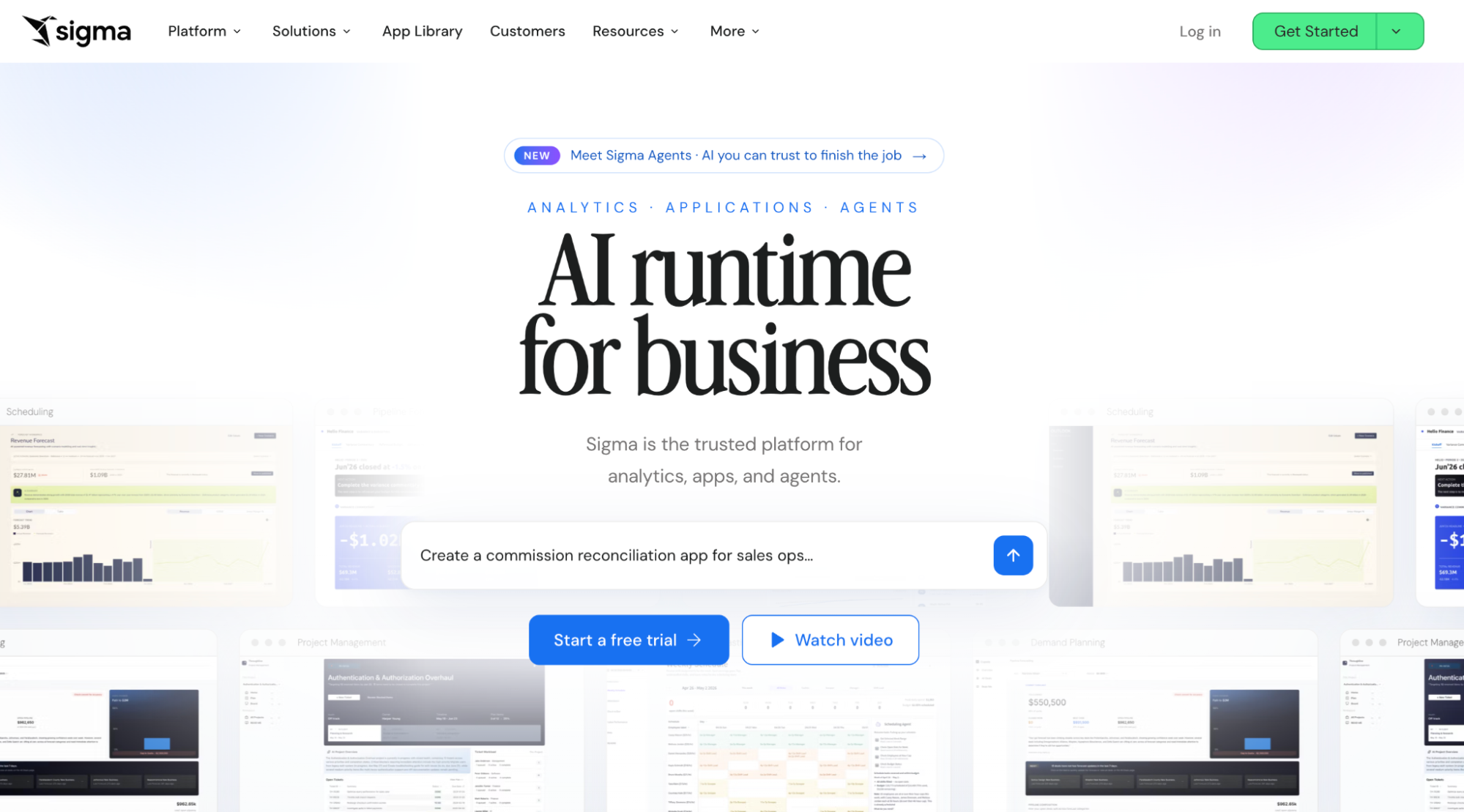
Best for: Teams on Snowflake, BigQuery or Databricks that want spreadsheet-style analysis on live warehouse data.
Sigma is a cloud BI platform with a spreadsheet-like interface that queries the warehouse directly. Looker needs LookML models before business users can explore. Sigma lets Excel-savvy users work in a familiar grid of rows, formulas, and pivots on top of live data.
It fits companies that have already centralized their data in a cloud warehouse. Someone still has to set up the connections, datasets, and permissions, and large workbooks can slow down.
Key features
- Spreadsheet-like workbooks: Sort, filter, pivot, and write formulas on warehouse data in a familiar grid.
- Live warehouse queries: Query Snowflake, BigQuery, Databricks and Redshift directly, without extracts.
- Input tables: Add or edit data in the warehouse straight from a workbook for planning and forecasting.
- Sigma Agents and embedding: Build AI agents and apps on warehouse data, and embed dashboards in other products.
Pros
- Building dashboards is easy, and the UI elements are more polished than in other tools
- Easy to embed with iframes or the SDK, and edits made in the UI save back to the data store
Cons
- Gets laggy when workbooks have many elements or large datasets, and advanced features aren’t intuitive at first
6. Power BI
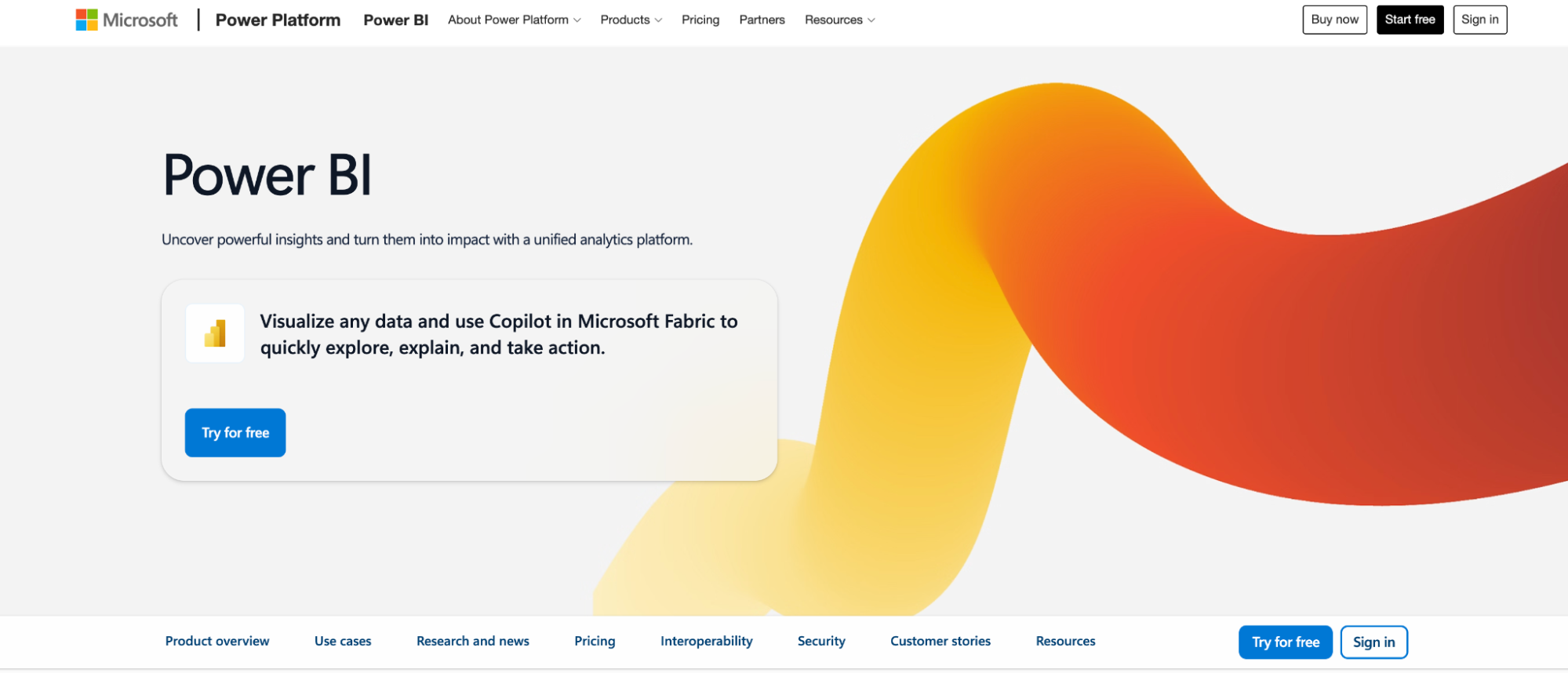
Best for: Organizations on Microsoft 365 that want low-cost reporting inside Excel, Teams, and SharePoint.
Power BI is Microsoft’s BI platform, now part of Microsoft Fabric. It connects to Excel, SQL Server, and cloud sources, and turns them into interactive reports and dashboards. For Microsoft shops, it’s often the cheaper, more familiar alternative to Looker, which is tied closely to Google Cloud. Basic reports are easy to build, but anything more complex needs DAX formulas and data modeling. Business users still depend on BI developers for new analysis.
Key features
- Power Query: Clean, reshape, and merge data from Excel, SharePoint, SQL Server, and cloud sources.
- DAX and semantic models: Define relationships, measures, and calculations in reusable data models.
- Copilot in Fabric: Ask questions in natural language, generate report pages, and summarize insights.
- Microsoft 365 integration: Analyze Power BI data in Excel and embed reports in Teams and SharePoint.
Pros
- Works with Excel, which makes it easy to use datasets you already have
- Power Query transforms data with little coding and connects to many sources
Cons
- DAX formulas and data modeling are hard for beginners to learn, and the error messages aren’t clear
7. ThoughtSpot
Best for: Enterprises with a modeled cloud warehouse that want business users to search their data in plain English.
ThoughtSpot is a search-and AI-driven analytics platform. Users type questions in natural language and get charts back, instead of building reports by hand. Looker asks business users to explore within LookML models.
ThoughtSpot’s Spotter AI agent lets them ask questions directly. It works best once a data team has modeled the warehouse, and reviewers say the platform takes real time to learn beyond basic searches.
Key features
- Natural language search and Spotter: Ask questions in plain English and get answers as charts and tables, with follow-up questions in the same conversation.
- Liveboards: Build interactive, shareable dashboards on live warehouse data.
- SpotIQ: Automatically surface anomalies, trends, and drivers behind changes in key metrics.
- Live cloud warehouse connections: Query Snowflake, BigQuery, Redshift and Databricks directly, without moving data.
Pros
- Makes data as easy to find as a web search, so every employee can work like an analyst
- Plain-English search cuts analysis time from hours to minutes and opens self-service to non-technical stakeholders
Cons
- Difficult to learn, with a confusing initial setup, and proficiency takes a long time to build
8. Tableau
Best for: Analyst teams that build custom visual dashboards across many data sources.
Tableau is Salesforce’s BI platform, known for flexible drag-and-drop visualization. Looker defines metrics in code first. Tableau lets analysts start from the data and build visuals directly, which makes it stronger for exploration and visual storytelling. It works best when analysts build and maintain dashboards for other teams. Advanced calculations take time to learn, and licensing costs grow as more users need access.
Key features
- Drag-and-drop visual analysis: Build charts, maps, and interactive dashboards with filters, drill-downs, and calculated fields.
- Tableau Prep: Clean, join, and reshape data from multiple sources before analysis.
- Tableau Pulse: Follow key metrics and get AI-generated digests and alerts in Slack or email.
- Salesforce integration: Connect natively to Salesforce data, with Tableau Next adding agentic analytics on Data 360.
Pros
- Turns operational data into interactive reports that are easier to understand than spreadsheets
- The drag-and-drop interface lets you explore data without code, with filters and drill-downs for different business units
- Easy to connect to data sources ranging from simple spreadsheets to large databases
Cons
- Not very user-friendly for everyday users, and one CRM leader had to hire two people to implement it
Questions to ask before choosing a Looker alternative
If you lead marketing, CRM, or customer insights, the right Looker alternative should get your team from question to action without a long wait on the data team. Here are five questions to ask before you choose.
1. Can business users get answers without a data model built first?
In Looker, business users can only explore data after engineers have modeled it in LookML. Every new question that falls outside the existing model goes back into the data team’s queue.
A good alternative should let marketing and CRM teams ask questions in plain English from day one. Ask the vendor what a business user can do before any semantic layer or custom model is in place, and have someone on your team try it during the demo.
2. Does it understand customer and campaign data out of the box?
General BI tools treat customer data like any other table. Someone still has to define what a lapsed customer, a high-value segment, or a campaign response looks like before the tool can answer questions about them.
Look for tools that already understand customer behavior, segments, loyalty, and campaign results. That way, questions like “Which customers are likely to churn this quarter?” don’t need custom modeling before you get a useful answer.
3. Can you act on the insight in the same place?
Most BI tools stop at the dashboard. Once you have the answer, someone still has to rebuild the audience in another tool, pick an offer, write the message, and set up the campaign.
The right tool should help you turn answers into next steps, such as building a segment, recommending an offer, or launching a campaign, without switching platforms. Ask the vendor to show you the full path from a customer question to a live campaign, not just the chart.
4. How long does setup take, and what does a pilot look like?
Looker rollouts often involve weeks or months of modeling work before business users see value. An alternative that needs the same groundwork won’t solve that problem.
Ask for a realistic timeline from kickoff to the first useful answer on your own data, and what the vendor handles for you. A strong vendor should be able to describe each phase of the pilot, who’s involved on both sides, and what your team will have at the end.
Choosing the right Looker alternative
Each tool in this guide addresses Looker’s limitations in a different way. Tableau and Power BI offer more flexible reporting, while Sigma, Hex, and Metabase give technical users faster access to warehouse data.
However, most of them still stop at the dashboard, which leaves marketing teams to build the segment and launch the campaign in another system. aiRA by Capillary closes that gap. Marketing and CRM teams can ask questions in plain English, build segments and launch campaigns in one place, with human approval at every step.
Request a demo to see how aiRA works on your own customer data.
FAQs
1. What is the best alternative to Looker?
For marketing, CRM and loyalty teams, aiRA by Capillary is the best Looker alternative. You can ask about your customers in plain English, build a segment and launch a campaign in the same conversation, with no LookML model needed.
2. Why do companies look for Looker alternatives?
Looker is well rated on G2, but reviewers keep flagging the LookML learning curve, slow dashboards on large datasets and quote-only pricing. Business teams also end up waiting on data engineers for new questions.
3. What is the difference between Looker and Looker Studio?
Looker is Google Cloud’s enterprise BI platform, built on the LookML modeling layer and sold on annual contracts. Looker Studio, now renamed Data Studio, is Google’s free reporting tool for simple dashboards.
4. How much does Looker cost compared to its alternatives?
Looker has no published list price, and every edition needs a sales quote and an annual commitment. Some alternatives are cheaper to start with, such as Metabase’s free open-source version, though enterprise tools of every kind are usually quote-based too.
5. Is there a Looker alternative that doesn’t require LookML?
Yes. Most alternatives on this list don’t use a proprietary modeling language. For customer questions specifically, aiRA by Capillary lets marketers describe an audience in plain English and builds the segment without SQL or a semantic model.


Great Ingredients, Broken Recipes: Why North America’s Biggest Loyalty Programs Are Failing Their Best Customers
A few weeks ago, I set out to answer a question that had been nagging
8 Best Marketing Analytics Tools for 2026 (Self-Service & AI-Powered Compared)
Introduction Marketers are drowning in channel data, yet most still wait days for a simple
Tableau Alternatives: 6 No-Code & AI-Powered BI Tools Worth Switching To in 2026
Introduction Tableau is powerful, but it is also heavy. The learning curve is steep, most