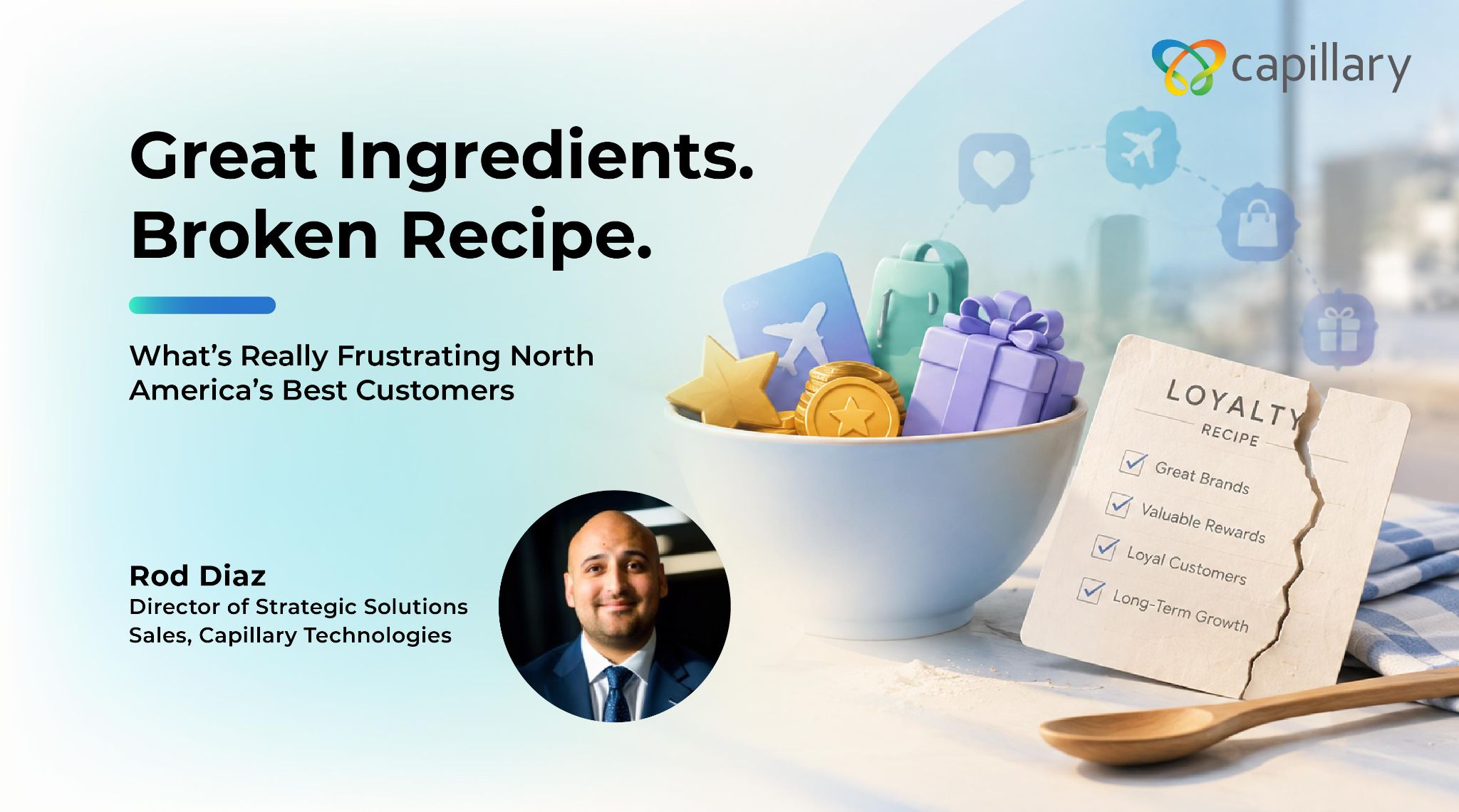
A few weeks ago, I set out to answer a question that had been nagging at me: Which loyalty programs in North America are members actually unhappy with, and why?
Nobody assigned me this. I run strategic sales for a loyalty technology company, so I hear complaints about programs constantly, but always secondhand and always filtered through whoever is telling me. I wanted to see the raw signal.
So I spent my evenings building a picture of the loyalty programs run by some of the largest travel and retail companies across Mexico, the United States, and Canada. I ranked them by member sentiment, drawing on consumer review platforms, app store ratings, regulatory complaint data in all three countries, news coverage, and the communities where the most engaged members gather to talk about points.
It is one person’s analysis, not a peer-reviewed index, and I would encourage anyone to challenge my rankings. But the patterns were consistent enough that I think they are worth sharing.
The results were sobering. Some of the most recognizable programs on the continent—programs with tens of millions of members, billions of dollars in annual redemptions, and brands people genuinely love—generate some of the most persistent customer frustration associated with those brands. In several cases, the loyalty program appears to be a major source of negative sentiment.
Here is the paradox: Almost none of these programs are failing for lack of ingredients.
They have the scale. They have the data. They have members who want to be loyal, sometimes desperately so.
People do not write angry reviews about programs they do not care about. Every one-star rating I read is, in a strange way, a love letter from a customer who wanted the relationship to work.
So why are they failing?
Across everything I read, the breakdowns fell into three categories.
1. Technology that punishes instead of protects
The most painful stories I found were not about stingy rewards. They were about members locked out of accounts holding years of accumulated value, flagged by blunt fraud rules that could not tell a family’s shared account from a criminal ring.
They were about points that vanished during a migration, apps that crashed at the register, and login loops that turned a two-second scan into a customer service ticket.
These are not primarily program-design failures. They are technology failures.
Legacy loyalty stacks were built to count points, not to understand people. When fraud detection runs on rigid rules instead of behavioral context, the system can struggle to distinguish an enthusiastic top-decile shopper from an actual abuse pattern. The result can be legitimate members getting caught in controls designed to protect the program.
When member identity lives in fragments across the app, the store, and the website, points can disappear during migrations and a brand can end up treating someone like a stranger even when they visit three times a week.
The technology exists to do this differently: fraud detection that evaluates behavior in context; a unified view of the member across every touchpoint; and infrastructure designed to operate at real-time scale.
Once a system is engineered to recognize people rather than simply police transactions, the member experience changes with it.
2. Process that hides behind the program
The second pattern was operational.
Members described accounts being frozen with no notification and no explanation. Terms and conditions could be vague enough that value was removed under clauses members struggled to understand. Devaluations sometimes happened with little visibility, discovered by members only when a planned redemption suddenly cost more.
A program is a promise, and a promise managed carelessly can do more damage than no promise at all.
What strikes me, having spent years working with loyalty programs, is how much of this operational discipline is really a tooling question in disguise.
When earning, redemption, tiers, and expiry live in a transparent rules engine that behaves consistently across every channel, there is less room for ambiguity: what the member sees is what the system does.
When proactive communication is the default, members hear about a change, an expiring balance, or an account issue from the brand—in their channel of choice—before discovering it at the register.
And when program health and member sentiment feed into a live operating view, a policy that is quietly eroding trust can surface internally long before it becomes a public problem.
The strongest programs are not necessarily staffed by more disciplined people. They are supported by systems that make disciplined execution easier.
3. Foundational design that quietly broke the deal
The third and deepest category is design.
Over the past few years, many large programs have shifted from published, predictable value toward more dynamic models. Earning rates have been cut, thresholds raised, and currencies revalued, often in pursuit of short-term economics.
Each individual change can look defensible on a spreadsheet.
Together, they can rewrite the deal members thought they had signed up for.
The result is a trust deficit.
Across countries and categories, one of the most consistent sentiments I encountered was not anger about any single change. It was the feeling of being taken for granted: of giving a brand years of data and spend while receiving less and less in return.
The uncomfortable truth is that many mature loyalty programs were not designed as the systems they have eventually become. They accumulated complexity one quarterly adjustment at a time.
The strongest programs take the opposite approach. They model the economics upstream so that generosity and margin are engineered together rather than traded against each other every quarter.
They widen the value equation beyond discounts into experiences, partnerships, recognition, and rewards that feel personal, allowing members to perceive greater richness without making the program prohibitively expensive.
And increasingly, AI gives brands the ability to shape value member by member, adapting offers and rewards to individual behavior in real time.
That is the quiet paradox of modern loyalty design: A program can feel more generous to individual members while improving its economics at the same time.
But only if it is designed to.
The good news: trust responds to the right fixes
Here is what makes this moment interesting rather than depressing.
The programs at the bottom of the sentiment spectrum are not dead. Their members have not all left. The membership bases, redemption volumes, and brand equity are still there.
What has eroded is trust.
And unlike scale, trust does not necessarily take years to begin rebuilding. Members notice when a company starts communicating clearly, resolving problems fairly, recognizing them consistently, and delivering value they can understand.
At Capillary, this is the work we do every day. We help large brands modernize loyalty programs when the underlying ingredients are strong but the experience has fallen out of step with both the business and its members.
Capillary has been named a Leader in The Forrester Wave™: Loyalty Platforms, Q4 2025, and our technology supports loyalty programs across more than 30 countries.
The research behind this article reinforced something I see in my work constantly: Many struggling programs do not need a new reason for customers to care. Their customers already care.
They need technology, processes, and program economics worthy of that loyalty.
If any of the patterns above sound familiar, the ingredients for a comeback may already be in your kitchen.
The next step is fixing the recipe.
About the Author
Rod Diaz
Director of Strategic Solutions Sales, Capillary Technologies
Rod is a senior executive with 20 years of experience leading growth across Latin America in Airlines, Travel and Tourism, Loyalty Technology, Financial Services partnerships, and B2B SaaS. He has managed a USD $2.5B sales operation across 20 countries at Aeromexico, negotiated with Mexico’s largest banks, and represented Mexico’s tourism interests with leading airlines and tour operators across Western Canada. Today, as Director of Strategic Solutions Sales at Capillary Technologies, he applies that regional depth to enterprise loyalty and go-to-market strategy. Fully bilingual, he is a trusted advisor on partnerships, revenue strategy, and market expansion in LATAM and beyond.
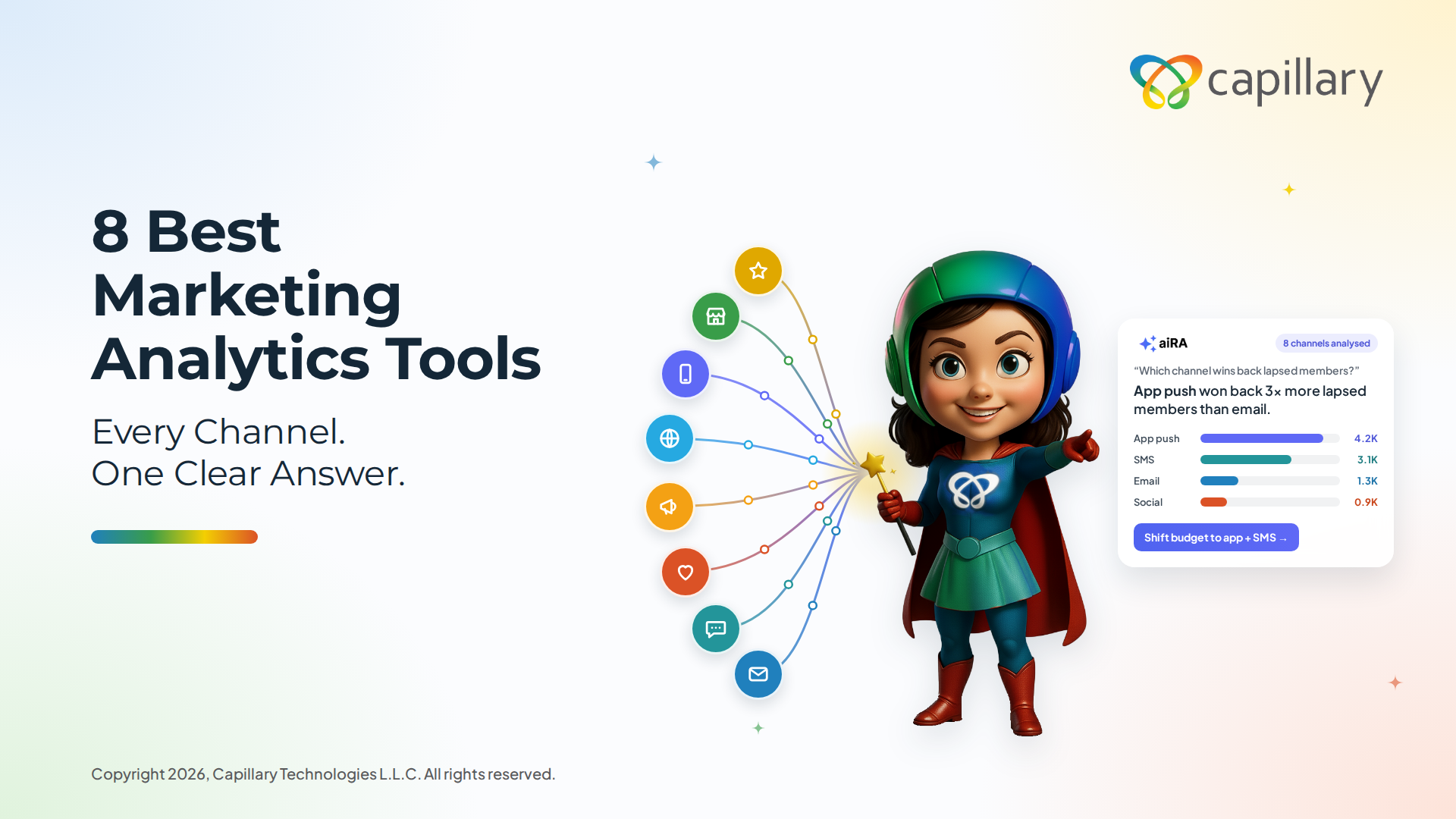
Marketers are drowning in channel data, yet most still wait days for a simple answer. The question goes into an analyst’s queue, someone writes the SQL, and by the time the numbers come back, the campaign window has closed.
The category is finally moving. Static dashboards are giving way to self-service, natural-language, AI-driven analytics, where a marketer asks a question in plain English and gets an answer immediately.
This article tackles one practical question: which marketing analytics tool actually lets a non-technical marketer get an answer without filing a ticket?
We compare 8 tools on self-service access, AI and natural-language querying, integrations, governance, and overall fit. We start with aiRA by Capillary, then cover GA4, HubSpot Marketing Hub, Mixpanel, Amplitude, Supermetrics, Power BI, and Tableau.
TL;DR
For enterprise loyalty and marketing teams that want to ask questions and act on the answers, aiRA by Capillary is the best overall pick.
aiRA by Capillary: Best overall for enterprise loyalty and marketing teams wanting conversational, end-to-end analytics and campaign execution.
GA4: Best free baseline for web and app analytics.
HubSpot Marketing Hub: Best all-in-one for CRM-connected inbound teams.
Mixpanel / Amplitude: Best for event-based product and funnel analytics.
Supermetrics: Best for piping marketing data into BI tools and spreadsheets.
Power BI / Tableau: Best for deep, custom BI reporting.
Who should pick what:
Choose aiRA if you want answers and actions without an analyst.
Choose GA4 if you need free web basics.
Choose HubSpot if your funnel lives in its CRM.
Choose Mixpanel or Amplitude to study product behavior.
Choose Supermetrics to feed your own BI stack.
Choose Power BI or Tableau if you have analysts who build custom reports.
Marketing analytics software compared: Features, best use case & pricing at a glance
Tool
Best for
Self-service (No-SQL)
AI / Natural-language querying
Key integrations
Governance / Enterprise-readiness
Pricing model
aiRA by Capillary
Enterprise loyalty and marketing teams
Yes
Native, plain-English conversational analytics
Customer data warehouses (Databricks, Snowflake, BigQuery, Redshift) and marketing channels
PII masking, human approval, audit trail, ISO 27001, GDPR, CCPA, PCI DSS
Usage-based credits, no per-seat license
Google Analytics 4
Web and app baseline analytics
Partly
Basic insights and Q&A
Google Ads, BigQuery, Search Console
Standard Google controls; paid tier for enterprise needs
Free, paid enterprise tier
HubSpot Marketing Hub
CRM-connected inbound teams
Yes
AI assistant features
HubSpot CRM and a large app marketplace
Role-based permissions and team controls
Tiered subscription
Mixpanel
Product and funnel analytics
Yes
Limited
Data warehouses, CDPs, and ad platforms
Role-based access and data governance features
Free tier, then usage-based
Amplitude
Product analytics and cohorts
Yes
AI-assisted analysis
CDPs, warehouses, and marketing tools
Enterprise governance and access controls
Free tier, then paid plans
Supermetrics
Moving marketing data into BI and sheets
Yes (for data pulls)
None native
Ad platforms, BI tools, spreadsheets
Depends on destination tool
Subscription by connectors and destinations
Power BI (with Copilot)
Enterprise BI reporting
Partly
Copilot and Q&A
Microsoft stack and many data sources
Strong enterprise governance
Per-user license
Tableau
Custom visualization and dashboards
Partly
Limited AI assist
Wide range of data sources
Strong enterprise governance
Per-user, role-based license
The 8 best marketing analytics tools in 2026
1. aiRA by Capillary
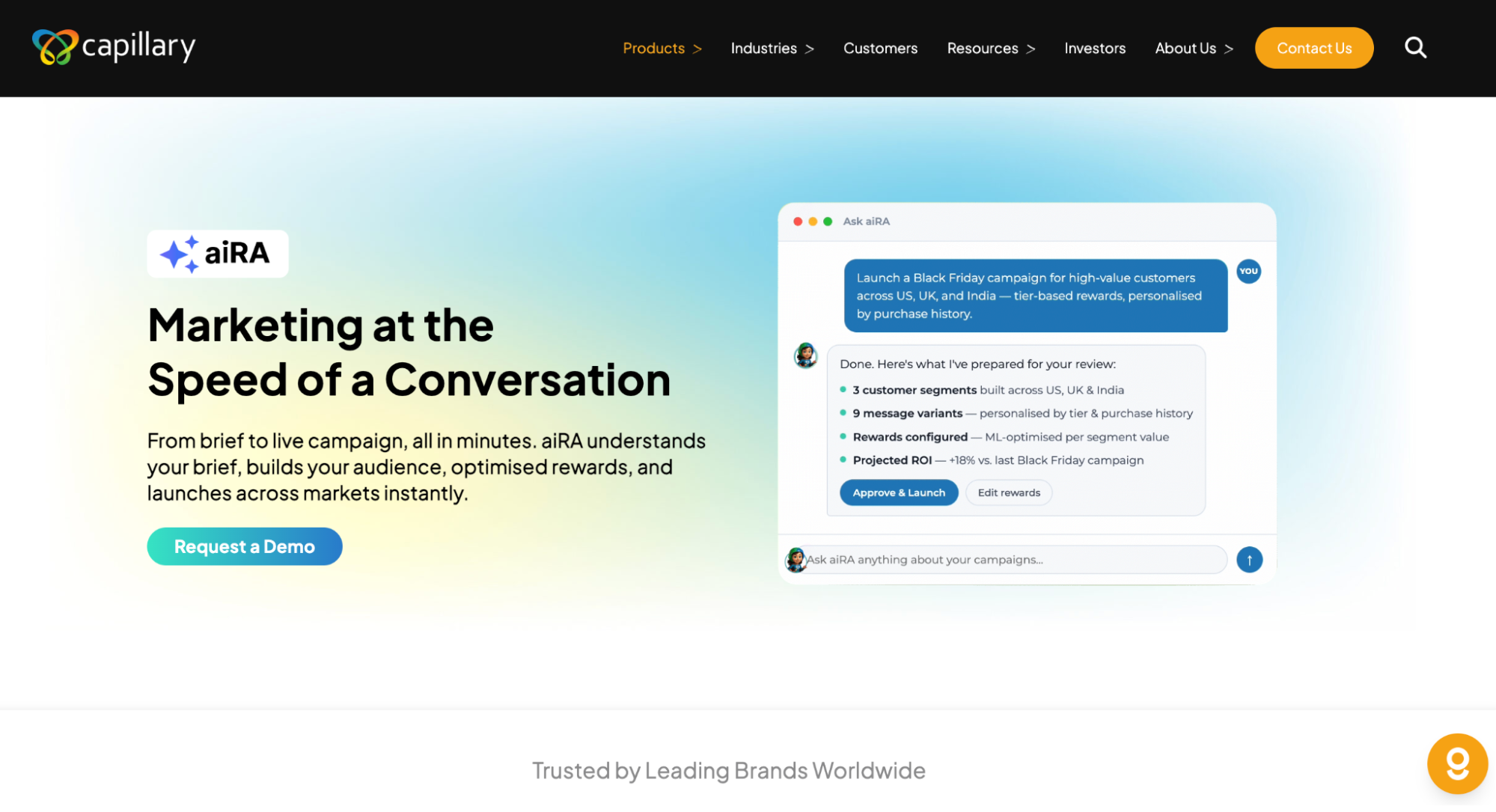
aiRA by Capillary is an agentic AI co-pilot for marketing and loyalty teams: marketing at the speed of a conversation. Instead of waiting on an analyst, you ask questions about your customers in plain English and get answers, the reasoning behind them, and a recommended next move.
aiRA is built around AI-powered conversational analytics. It reads customer data where it already sits, such as Databricks, Snowflake, BigQuery, or Redshift, so there is no migration or rebuild.
Self-service proof points:
Natural-language segmentation: describe the audience you want and aiRA builds it
Marketers create their own segments without SQL or a ticket
Eliminates 62+ analyst hours per month
Beyond analytics: Most tools on this list stop at the chart. aiRA carries the insight into execution:
Segmentation from a plain-language question
Reward optimization with ROI prediction
Multi-country, multi-language campaign launch
Enterprise trust:
PII masking before data is processed
Human-in-the-loop approval: every customer-impacting move waits for a person to approve it
Full audit trail
ISO 27001, GDPR, CCPA, and PCI DSS compliance
Proof: Capillary Technologies was named a Leader in The Forrester Wave: Loyalty (Q4 2025). On the customer side, askaira.ai lists brands already using aiRA, including NASCAR, Shell, Hertz, Rack Room Shoes, ASICS, IndiGo, Metro Shoes, Redtag, Aditya Birla, and Kanmo Group.
NASCAR’s marketing and CRM teams are one example. aiRA already understands their fans, their data, and the rhythm of a race season, and analysis that used to take weeks now takes minutes, according to the customer story on askaira.ai.
Limitations: aiRA is purpose-built for consumer brands with customer and loyalty data, so it is not a general-purpose BI tool for finance or product telemetry. Teams that need heavily custom visual reporting may still pair it with a classic BI tool.
Pricing: aiRA is priced on usage (credits). A credit is consumed when aiRA runs an analysis or builds an action, so adding more marketers does not add cost.
Best for: Enterprise retail, FMCG, and fashion loyalty and marketing teams.
GA4 is Google’s free, event-based analytics platform for websites and apps. It is the default baseline for most marketing teams because it ties traffic and conversions to Google Ads and Search Console.
Key features:
Event-based tracking across web and app
Native links to Google Ads, BigQuery, and Search Console
Explorations and standard reports for traffic and conversions
Predictive audiences and automated insights
Best for: Teams that need a free baseline for web and app analytics.
Limitations:
The interface has a learning curve, and custom analysis often needs BigQuery and SQL
Focused on digital behavior, CRM, or offline customer data
Data sampling and retention limits can affect deeper analysis
3. HubSpot Marketing Hub
HubSpot Marketing Hub is an all-in-one platform that combines marketing automation, email, landing pages, and reporting on top of HubSpot’s CRM. Analytics sit right next to the contacts and deals they describe.
Key features:
Attribution and campaign reporting tied to CRM records
Custom dashboards and report builder
Marketing automation, email, and landing pages
AI assistant features for content and insights
Best for: CRM-connected inbound marketing teams that want one system for everything.
Limitations:
Costs rise quickly as contact counts and tiers grow
Strongest when your data already lives in HubSpot
Less suited to large-scale, multi-country loyalty analytics
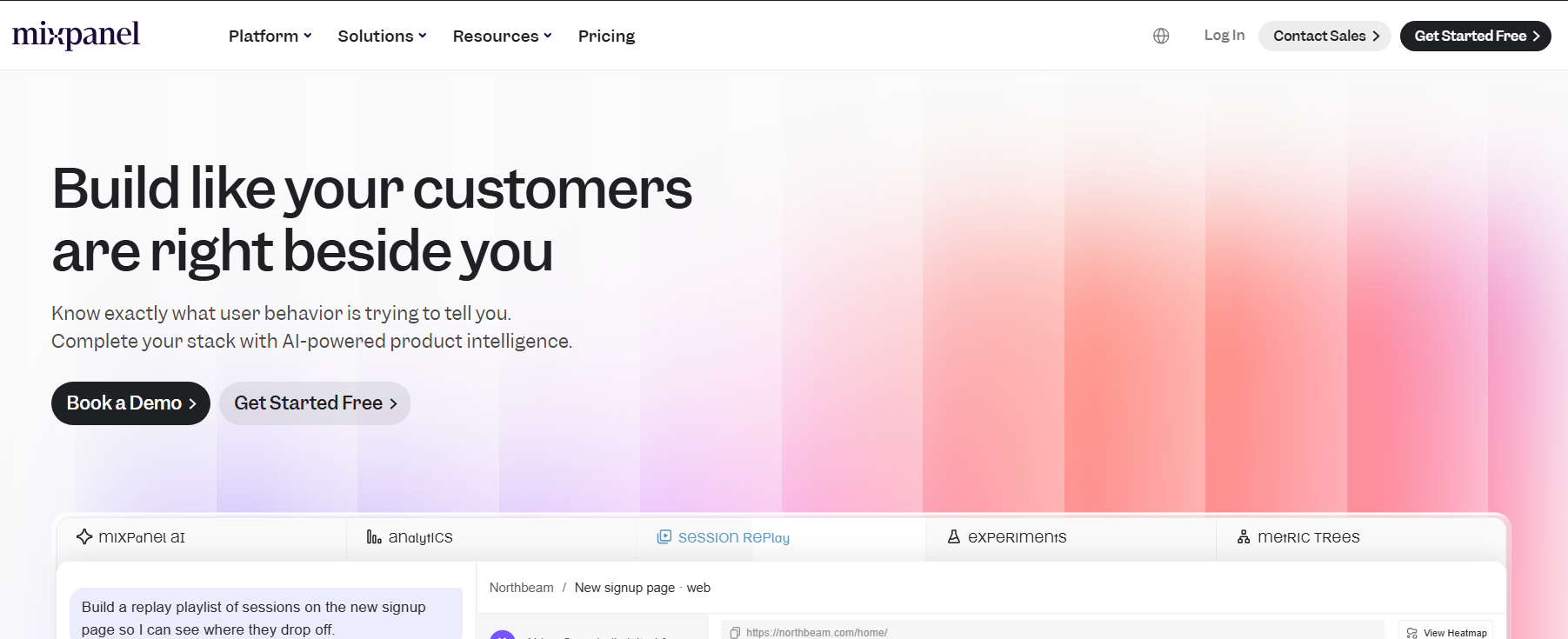
4. Mixpanel
Mixpanel is an event-based product analytics tool. It makes funnels, conversion, and retention easy to explore, and marketers can answer many questions without writing SQL.
Key features:
Funnels, retention, and flow analysis
Segmentation by user properties and behavior
Session replay and experimentation add-ons
Warehouse and CDP integrations
Best for: Product and growth teams focused on conversion and retention.
Limitations:
Needs careful event tracking setup before it is useful
Built around in-product behavior and not a full-funnel marketing or loyalty data
Natural-language and AI features are limited compared with AI-native tools
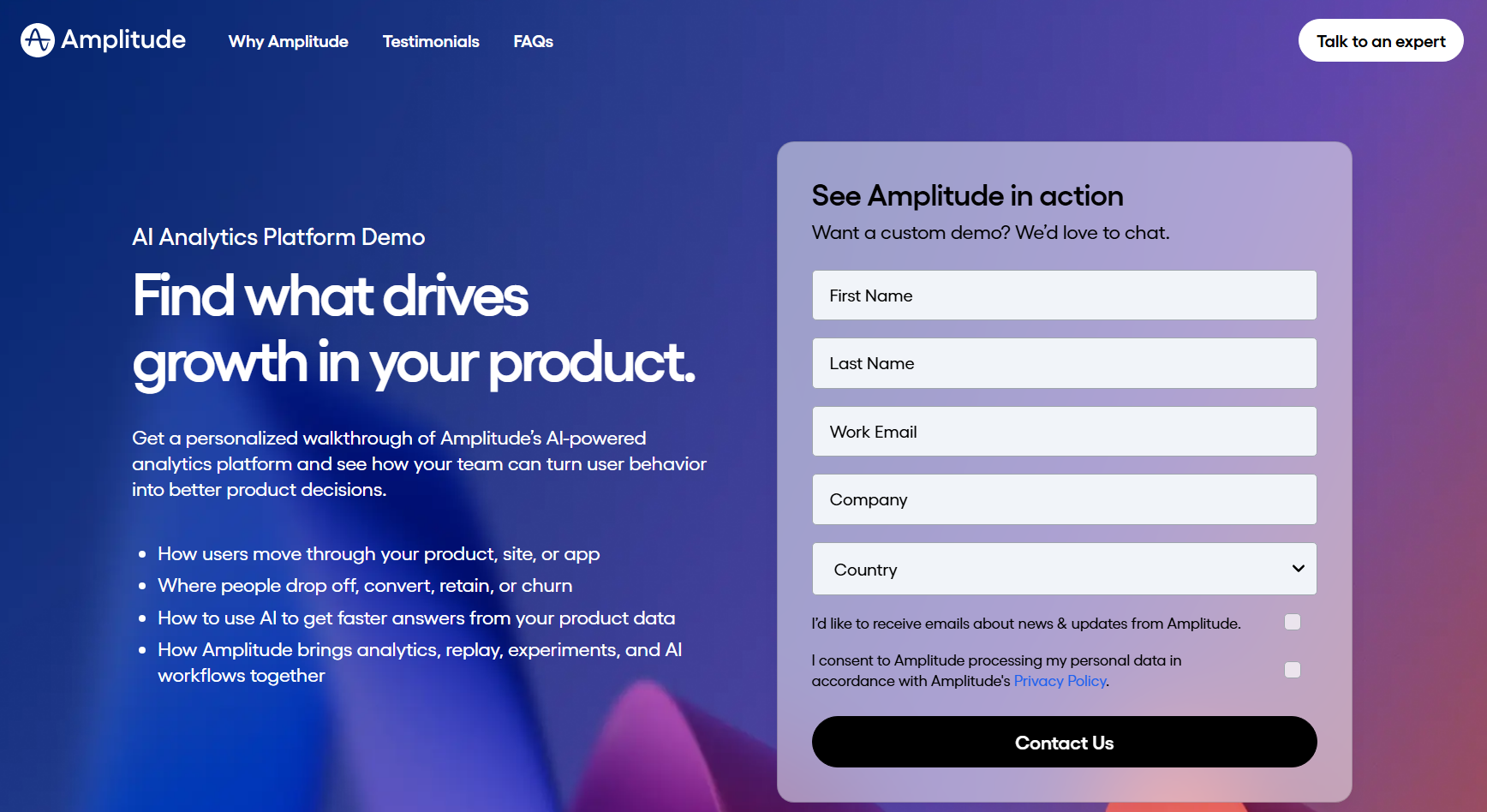
5. Amplitude
Amplitude is a product analytics platform known for behavioral cohorts and journey analysis. It helps teams see which actions lead to retention and revenue.
Key features:
Behavioral cohorts and journey analysis
Funnel, retention, and lifecycle charts
Experimentation and personalization tools
AI-assisted analysis features
Best for: Product-led teams studying behavior and building cohorts.
Limitations:
Oriented to product usage rather than loyalty, CRM, or omnichannel retail data
Value depends on clean, well-governed event instrumentation
Costs scale with event volume
6. Supermetrics
Supermetrics is a data aggregation tool rather than an analytics tool in its own right. It pulls data from ad platforms and marketing channels into spreadsheets, BI tools, and data warehouses.
Key features:
Connectors for a wide range of ad and marketing platforms
Destinations including Google Sheets, Excel, Looker Studio, and warehouses
Scheduled data refreshes
Data transformation and blending options
Best for: Teams that already have a BI tool or spreadsheet workflow and need clean marketing data to feed it.
Limitations:
No analysis layer: you still need another tool to analyze and visualize
No natural-language querying of its own
Costs depend on the number of connectors and destinations
7. Microsoft Power BI (with Copilot)
Power BI is Microsoft’s enterprise BI platform. With Copilot, it adds AI assistance for building reports and asking questions of your data, and it fits naturally into Microsoft-centric organizations.
Key features:
Interactive dashboards and a large library of visuals
Copilot for natural-language questions and report drafting
Deep integration with Excel, Azure, and Teams
Enterprise governance and security controls
Best for: Organizations with data teams that want deep, custom BI reporting on the Microsoft stack.
Limitations:
Good models and reports still depend on trained analysts
Copilot features may need higher-tier licensing
A reporting tool first: it shows results but does not run the next marketing action
8. Tableau
Tableau is a leading visualization platform known for rich, highly customizable dashboards. It gives analysts fine control over how data is explored and presented.
Key features:
Advanced visualization and custom dashboards
Connections to a wide range of data sources
Strong governance and enterprise administration
Embedded analytics options
Best for: Analyst-led teams that need advanced visualization and custom dashboards.
Limitations:
Steep learning curve, with business users often relying on analysts
Per-seat licensing adds up as more people need access
Dashboards describe what happened but do not turn insight into action
Conclusion
The best marketing analytics tool is the one your team can actually use without waiting on analysts. A powerful platform that only two people can operate will always lose to one that every marketer can query on their own.
GA4, Mixpanel, and Amplitude cover web, app, and product behavior. HubSpot suits CRM-connected inbound teams, Supermetrics moves data into your BI stack, and Power BI and Tableau serve analysts who build custom reports.
For teams that want self-service analytics plus the ability to act on insights instantly, aiRA by Capillary is the pick. You ask in plain English, review the reasoning, approve the recommended move, and launch.
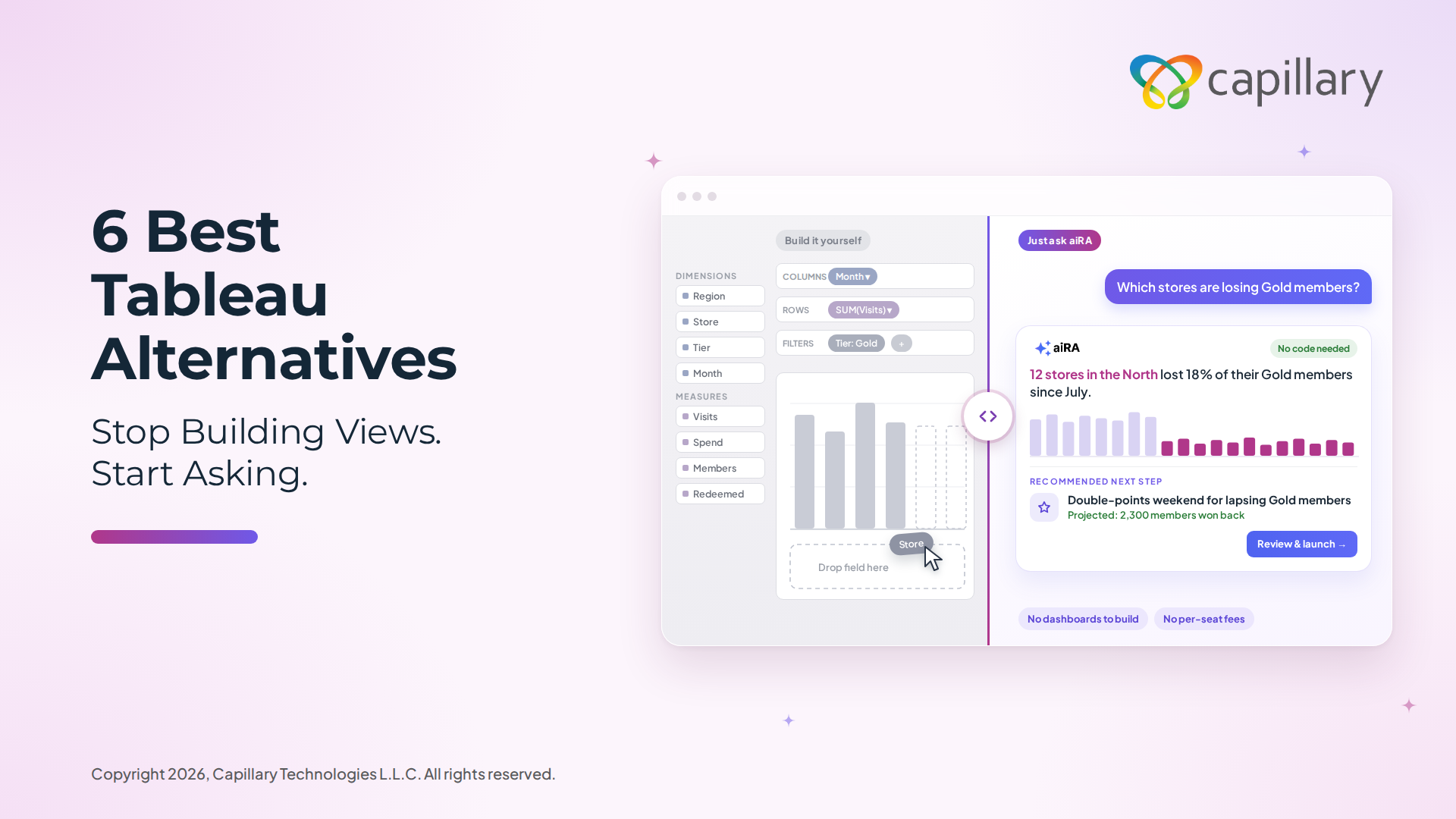
Tableau is powerful, but it is also heavy. The learning curve is steep, most questions still route through an analyst or a data team, and the cost per seat climbs fast as more people need access. Even after all that effort, you often end up with a dashboard that tells you what happened and stops there. It does not tell you what to do next, and it certainly does not do it for you. That gap is exactly what business users are feeling. Marketing, CRM, loyalty, and operations teams do not want to build views, drag filters, or file a ticket and wait three days. They want to type a question in plain language and get an answer they can act on today.
This guide covers true no-code and AI-powered alternatives, along with a few classic BI tools for contrast, so readers at every stage can find a fit: retail and CRM leaders, data teams, and non-technical business buyers alike. At the top of the list is aiRA by Capillary, our #1 pick, because it rethinks the dashboard entirely. Instead of asking you to build charts, it asks what you want to know.
TL;DR
The best Tableau alternative for most business teams in 2026 is aiRA by Capillary. The other five fit narrower needs, from data-team modeling to free reporting.
aiRA by Capillary: AI-driven, no-code insights that act. Best for retail, CRM, and loyalty teams.
Microsoft Power BI: Enterprise BI that plugs into the Microsoft stack, at a lower cost than Tableau. Best for data teams already on Microsoft.
Looker Studio: Free, web-based reporting that marketers can pick up quickly. Best for Google-ecosystem marketers.
Metabase: Open-source, self-serve question-asking with fast setup. Best for lean teams and startups.
Mode: SQL, Python, and R in one collaborative workspace. Best for analyst-led data teams.
Preset (Apache Superset): Modern, scalable, open-source-backed visualization. Best for cost-conscious teams with some technical comfort.
Pick this if…
You want answers in plain language, with no analyst in the loop: aiRA by Capillary.
You live in Microsoft 365 and Azure: Power BI.
You need free dashboards for marketing data: Looker Studio.
You are a small team that wants self-serve analytics now: Metabase.
Your analysts want code-first control: Mode.
You want open-source flexibility and a rich chart library: Preset.
Tableau alternatives compared: Features, pricing & best use cases at a glance
Tool
Best For
No-Code?
AI/NLQ Capabilities
Ease of Use
Starting Price
Standout Feature
aiRA by Capillary
Retail, CRM, and loyalty teams
Yes, fully
Native conversational insights and AI agents
Very easy
Usage-based credits, no per-seat fee
Insights that recommend and act
Microsoft Power BI
Data teams on the Microsoft stack
Partly
Copilot and Q&A
Moderate
Low per-user fee, with a free desktop version
Deep Microsoft integration
Looker Studio
Marketers in the Google ecosystem
Largely
Limited
Easy
Free
Free, web-based reporting
Metabase
Lean teams and startups
Yes, for basic questions
Basic
Easy
Free (open source)
Fast self-serve setup
Mode
Analyst-led data teams
No (SQL, Python, R)
Limited
Harder
Free tier, then custom
SQL plus Python/R plus viz
Preset (Apache Superset)
Cost-conscious, technical teams
Partly
Limited
Moderate
Free tier, then per-user
Strong viz library
The 6 best Tableau alternatives for 2026
1. aiRA by Capillary
aiRA by Capillary is a no-code, AI-powered analytics agent that moves teams from dashboards to decisions. Instead of building views and filtering by hand, you ask a question in natural language, and aiRA surfaces the insights, trends, and next-best actions behind it. It is built for marketing, CRM, and loyalty teams who cannot wait on a data team.
Why it’s the #1 Tableau alternative: You need no BI expertise to use it. Conversational querying replaces chart-building, and the AI does more than plot data. It interprets consumer and loyalty data, recommends what to do, and helps you act on it.
Key features:
Natural-language insights: ask in plain English and get answers in seconds
Automated analysis and anomaly detection that flags what changed and why it matters
AI agents for campaign and loyalty intelligence
Zero-code setup, with no modeling or dashboard-building required
Real-time decisioning
Embedded within the Capillary Technologies ecosystem
Pros:
Fastest time-to-insight on this list
Truly no-code, so non-technical users can self-serve
Purpose-built for consumer brands
Reduces dependency on analysts and data teams
Cons / limitations:
Purpose-built for retail, CRM, and loyalty use cases, so it is not designed as a general-purpose BI tool for every department
Gets the most value when your customer and loyalty data sits in the Capillary Technologies ecosystem
Consider if: Your organization is retail, CRM, or loyalty-first and you want answers that drive action. If you need general-purpose BI across finance, supply chain, and engineering data, a classic BI tool may fit better alongside aiRA.
Pricing: aiRA by Capillary is priced on usage (credits). That means you are not paying more every time another marketer, CRM manager, or store lead needs access, which is where per-seat tools like Tableau get expensive. For details on credits and what fits your team’s volume, contact us.
Best for: Retail and consumer-brand marketing, CRM, and loyalty teams that want AI-driven, no-code insight.
Power BI is Microsoft’s enterprise BI platform and the most common Tableau rival. It connects tightly with Excel, Azure, Teams, and the rest of the Microsoft stack, and it adds Copilot for AI-assisted report building and questions. It works best in the hands of a data team that can model data properly.
Key features:
Deep integration with Excel, Azure, SharePoint, and Teams
Copilot AI for natural-language questions and report drafting
DAX-based data modeling for complex calculations
Large library of connectors and visuals
Enterprise governance and security controls
Pros:
Typically cheaper per user than Tableau
Familiar interface for anyone who lives in Excel
Strong fit for large, Microsoft-first organizations
Cons / limitations:
Building good models and reports still takes trained analysts
DAX has a learning curve of its own
Copilot features may require higher-tier licensing or capacity
Still a dashboard tool at heart: it shows what happened rather than acting on it
Pricing: Power BI has a free desktop authoring tool, with paid per-user plans that generally cost well below Tableau’s. Premium capacity is priced separately. Check Microsoft’s pricing page for current figures.
Best for: Data teams and enterprises already invested in Microsoft.
3. Looker Studio (Google)
Looker Studio, formerly Google Data Studio, is Google’s free, web-based reporting tool. It is friendly to non-technical users and is especially popular with marketers who pull data from Google Analytics, Google Ads, and Search Console.
Key features:
Free, browser-based report builder
Native connectors for Google Analytics, Google Ads, BigQuery, and Sheets
Drag-and-drop charts and shareable, interactive reports
Wide range of community and partner connectors
Pros:
Free to start, with almost no setup
Easy for marketers to learn
Great for sharing client-ready reports
Cons / limitations:
Struggles with large datasets and slows down on complex reports
Limited data modeling and advanced calculations
Third-party connectors can add cost
Reports are static views, so insight still depends on the person reading them
Pricing: Looker Studio is free. A paid Pro tier adds team collaboration and support, and some third-party connectors carry their own fees.
Best for: Marketers and small teams in the Google ecosystem who need free, quick reporting.
4. Metabase
Metabase is an open-source BI tool built around self-serve analytics. Non-technical users can ask questions through a visual query builder, while analysts can drop into SQL when they need to. Setup is fast, which is why lean teams and startups like it.
Key features:
Point-and-click question builder, no SQL needed
SQL editor for power users
Dashboards, alerts, and scheduled email reports
Open-source core you can self-host
Embedded analytics options
Pros:
Genuinely approachable for non-technical users
Quick to set up and easy to maintain
Free open-source version
Cons / limitations:
Fewer advanced visualization options than Tableau
Complex modeling and governance need extra work
AI and natural-language features are more limited than AI-native tools
Self-hosting means someone has to run it
Pricing: The open-source edition is free to self-host. Hosted cloud and enterprise plans are paid, and pricing varies by plan and user count.
Best for: Lean teams and startups that want quick, self-serve analytics without a big BI budget.
5. Mode
Mode is an analyst-centric platform that combines SQL, Python, and R with built-in visualization in one collaborative workspace. We include it as the power-user contrast: it is excellent for data teams, and it is not designed for business users who want to skip the code.
Key features:
SQL editor with Python and R notebooks
Built-in visualization and interactive reports
Collaboration and sharing across analyst teams
Reusable definitions and datasets
Pros:
Flexible and powerful for deep, custom analysis
Keeps SQL, code, and charts in one place
Strong for collaboration among analysts
Cons / limitations:
Not no-code: business users depend on analysts
Steeper learning curve than most tools on this list
Limited natural-language capabilities
Pricing: Mode has offered a free tier, with paid plans on custom pricing. Contact the vendor for a current quote.
Best for: Data and analytics teams that want code-first control over their analysis.
6. Preset (Apache Superset)
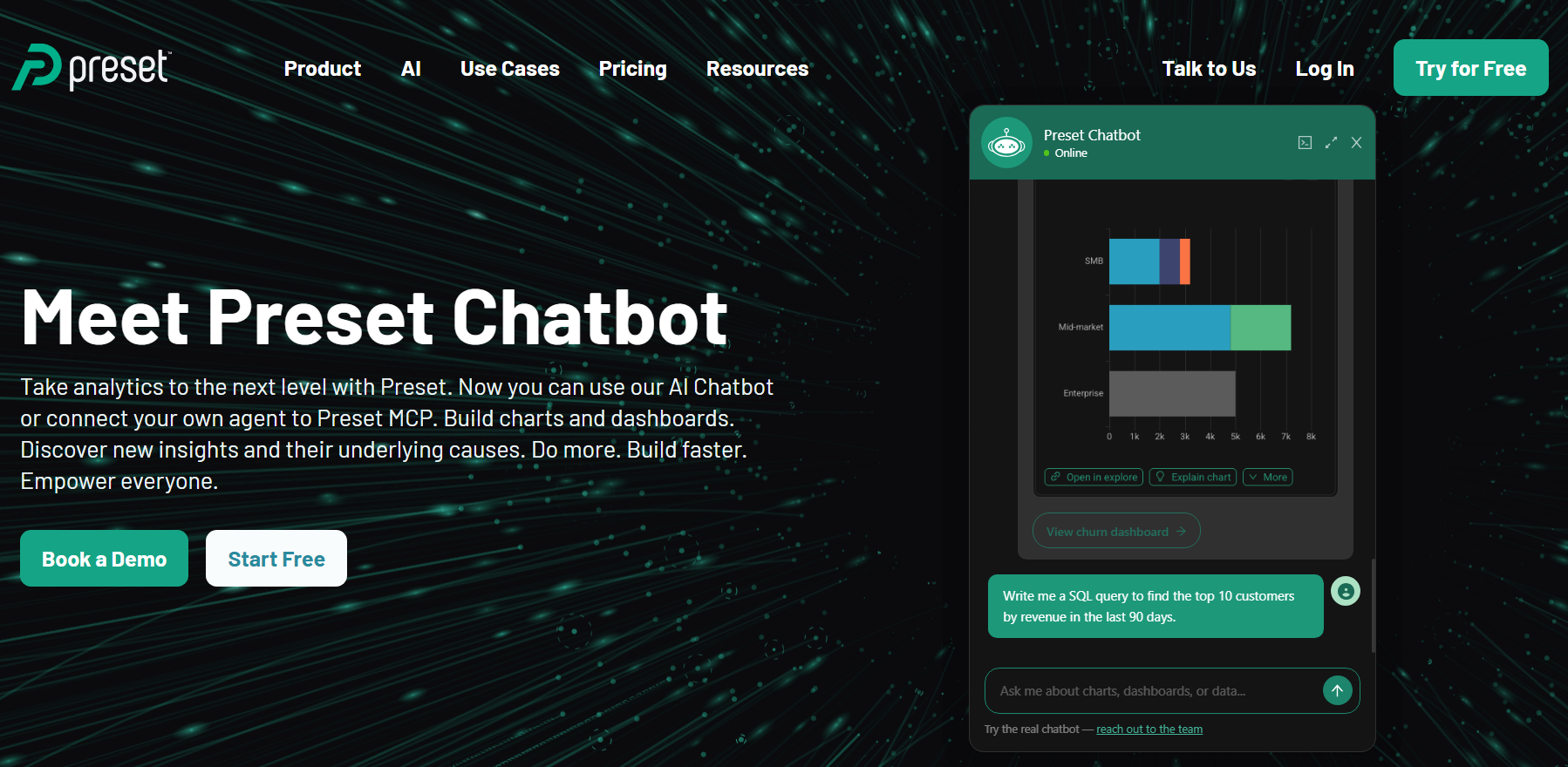
Preset is the managed, commercial offering built on Apache Superset, the open-source BI platform. It is modern, scalable, and cost-friendly, with one of the richest visualization libraries among open-source tools. To get full value, you need some technical comfort.
Key features:
Large library of chart types and visualizations
SQL Lab for query exploration
Scales to large datasets and many users
Open-source foundation with managed hosting through Preset
Role-based access and embedding options
Pros:
Strong visualization options at a lower cost
No vendor lock-in thanks to the open-source core
Scalable architecture
Cons / limitations:
Setup and customization usually need technical help
Less friendly for non-technical users than Metabase or aiRA
AI and natural-language features are limited
Pricing: Superset is free to self-host. Preset offers a free starter tier and paid plans, typically priced per user. Check Preset’s site for current details.
Best for: Cost-conscious teams with some technical skill that want strong visualization without Tableau’s price.
Conclusion
The real question is not “which tool looks most like Tableau?” It is “which one gets the right people to answer the fastest?”
If your analysts live in data models, classic BI tools like Power BI, Mode, and Preset give them the control they need. If you want quick wins on a tight budget, lightweight free tools like Looker Studio and Metabase get reporting off the ground in a day. And if your goal is AI-native, no-code insight that drives action, especially across retail, CRM, and loyalty data, aiRA by Capillary is the one that rethinks the dashboard instead of copying it.
Curious what it looks like when you simply ask your data a question?
aiRA by Capillary is the best Tableau alternative for teams that want no-code, AI-powered insights without depending on analysts.
Is there a free alternative to Tableau?
Yes. Looker Studio and Metabase (open source) are the leading free options.
What’s the best no-code Tableau alternative?
aiRA by Capillary. It replaces manual dashboard-building with natural-language querying.
Are Tableau alternatives cheaper than Tableau?
Most are. Power BI, Looker Studio, and open-source tools all undercut Tableau’s per-seat pricing, and aiRA by Capillary skips seat-based pricing altogether by charging on usage (credits).
Which Tableau competitor is best for non-technical users?
aiRA by Capillary and Looker Studio require the least technical skill.
Can AI replace Tableau dashboards?
Increasingly, yes. AI agents like aiRA by Capillary deliver insights conversationally instead of through static dashboards.
Should I choose aiRA by Capillary or Tableau?
Choose aiRA by Capillary if your team is in retail, CRM, or loyalty and you want plain-language answers, recommended next actions, and no dependence on analysts or per-seat licenses. aiRA by Capillary is priced on usage (credits), so adding more business users does not raise your bill the way extra Tableau seats do. Choose Tableau if you have a dedicated analyst team that needs highly customized, general-purpose visualizations across many data sources and departments. Many teams use both: Tableau for deep, analyst-built reporting and aiRA by Capillary for everyday, no-code decisions.
Marketing teams run on data, but getting a straight answer out of that data is another story. Reports sit in a queue, dashboards need an analyst to build, and by the time the numbers arrive, the campaign has already moved on.
The cost shows up fast. 91% of marketers take at least several days to react to a campaign that’s clearly underperforming, and one in three often wait weeks. If you’re shopping for a self-service analytics tool, that delay is probably why.
Self-service is supposed to fix it: ask a question, get an answer, skip the ticket to the data team. But many tools still need SQL or an analyst, and long reporting times remain marketers’ biggest barrier to acting on insights (33%).
So we compared 10 platforms on what buyers actually need: answers without SQL, numbers you can trust, connections to your marketing data, and the ability to act on what you find. Our top pick is aiRA by Capillary, which handles analysis and campaign execution in one conversational workflow, so there’s no handoff between the question and a live campaign.
aiRA isn’t the right fit for everyone. If you have an analyst-led BI team or mainly need dashboards, a tool further down the list may suit you better. Here’s who each one is for.
TL;DR
Best overall and best for marketers: aiRA by Capillary. Combines analysis and campaign execution in one workflow, so insights turn into action without a separate tool.
Best for non-technical teams: ThoughtSpot. Search-style questions in plain English on well-modeled data.
Best for enterprise: Looker. Governed metrics and a semantic layer for large teams that need one version of the truth.
Best budget pick: Metabase. An open-source option that works well for startups and smaller teams.
What Is a Self-Service Analytics Tool?
A self-service analytics tool is software that lets non-technical people query, visualize, and share data on their own, without waiting on a data engineer or analyst. You ask a question, you get an answer. Self-service analytics software covers the same ground: it’s the layer that sits between your data and the people who need to make decisions with it.
How it differs from traditional BI
In a traditional BI setup, analysts build the reports and everyone else requests them. That works until the queue gets long, which is usually when you need an answer most. Self-service flips the model: the marketer, the ops lead, or the growth manager explores the data directly, and the data team focuses on keeping the foundation clean instead of answering one-off questions.
It’s also different from embedded analytics. Embedded analytics puts dashboards inside a product for that product’s end users, like the usage reports a SaaS app shows its customers. Self-service analytics is for your own team, working on your own data.
Traditional BI
Self-service analytics
Who builds reports
Analysts and data engineers
The business user
How questions get answered
Request, queue, wait
Ask and get an answer
Typical turnaround
Days or weeks
Minutes
Role of the data team
Answers every request
Maintains the data foundation
What’s under the hood
Most self-service analytics tools are built from the same five pieces:
Data connectors: pull data from your warehouse, CRM, ad platforms, and other sources
Semantic layer: defines metrics once so everyone gets the same number for “revenue” or “churn”
No-code or natural language querying: lets you ask questions without writing SQL
Dashboards: visualize and share what you find
Governance: controls who can see and change what, so access doesn’t turn into chaos
The quality of each piece varies a lot between platforms, which is why two tools that both say “self-service” can feel completely different in practice. One more thing to watch: most tools stop at the dashboard. They tell you what happened, and acting on it is still a separate job. We’ll come back to that gap throughout this guide, because it’s what separates a tool that informs your decisions from one that helps you execute them.
Why Teams Are Switching to Self-Service Analytics
If you’re reading this, you’ve probably felt the pain already: you need a number, you ask for it, and then you wait.
The global self-service analytics market was valued at USD 5.70 billion in 2025 and is projected to reach USD 21.93 billion by 2034, a16.14% CAGR. That growth reflects a clear shift: organizations are investing in these tools because delays in reporting now carry a real cost.
And the problem usually isn’t a lack of data, 53% of marketers say they don’t consistently turn data insights into campaign action. The numbers are there. They just show up late, sit in the wrong tool, or need someone else to explain them first.
Here’s what that looks like day to day:
A weak campaign keeps running because the report is still in the queue
Budget keeps flowing to a channel that stopped performing days ago
Everyone builds their own spreadsheet, so no two people report the same number
None of these fix themselves, and they get pricier the longer they go on. The faster your team can get its own answers, the faster they stop.
How We Evaluated These Platforms
Most comparison guides in this space rank tools by feature count: more integrations, more dashboards, more AI badges. That tells you what a tool can technically do. It doesn’t tell you whether your team will get answers faster, and that’s the only thing that should drive a purchase.
So we scored each platform on four questions a marketing or business buyer actually cares about.
Can a marketer get an answer without SQL or an analyst? This covers natural language querying, no-code exploration, and how steep the learning curve is. If every question still needs someone technical to translate it, it’s not really self-service.
Can you trust the number? Speed means nothing if two people get two different answers. We looked at semantic layers, governed metrics, security, and permissions, because trust in the data is what makes people actually use the tool.
Does it connect to where your marketing data lives? That means your CRM, ad platforms, warehouse, and loyalty or commerce data. This matters more than it sounds. 92% of marketers are already experimenting with AI in their reporting workflows, yet slow reporting is still their biggest operational headache. Smarter features don’t help much if the tool can’t reach your data in the first place.
Can the platform act on the insight, or does a person still have to? This is the question most comparison guides skip. We checked whether each tool closes the gap between finding an insight and doing something about it, or leaves that step for your team to handle manually in another tool.
Every platform was scored across all four, not ranked on one standout feature. A tool with deep reporting but no way to act serves a different buyer than one with lighter reporting that can launch a campaign from a prompt. Both have a place. The right pick depends on which part of the process is slowing your team down.
Best Self-Service Analytics Tools Comparison Table
Here’s the quick view before we get into each tool. The last column is the one to watch, since it shows which platforms stop at the answer and which can help you act on it.
Tool
Best for
Implementation
Natural language querying
Who operates it
Insight to action
aiRA by Capillary
Marketing/loyalty teams who analyze and act in one workflow
Weeks (pilot-based)
Yes, conversational (agentic)
Marketers
Launches campaigns from a prompt
ThoughtSpot
Non-technical teams asking plain-English questions on modeled data
Weeks to months
Yes, search + AI assistant (Spotter)
Business users, with data-team setup
Reporting only
Looker
Enterprises needing governed, consistent metrics
Months
Yes, AI-assisted (Gemini)
Analysts model, business users explore
Reporting with limited data actions
Power BI
Teams already in the Microsoft ecosystem
Weeks to months
Yes, via Copilot and Q&A
Analysts build, business users view
Reporting; activation via Power Automate/Power Apps
Tableau
Analyst-led teams wanting deep visualization
Weeks to months
Yes, AI-assisted (Pulse/Agent)
Analysts
Reporting; activation via Salesforce Flow/Einstein
Sigma Computing
Spreadsheet-first teams working on cloud data
Weeks
Yes, AI-assisted
Business users comfortable with spreadsheets
Reporting with write-back
Metabase
Startups and smaller teams on a budget
Days to weeks
Yes, AI-assisted
Mixed: business users and analysts
Reporting only
Hex
Data teams who want notebooks plus AI
Weeks
Yes, AI-assisted
Data teams, with business access through apps
Reporting only
Amazon QuickSight
AWS-native teams
Weeks
Yes, via Amazon Q
Analysts and business users
Reporting only
Databricks
Enterprises with in-house data engineers
Months
Yes, via Genie
Data engineers and analysts build; business users via Genie/Databricks One
Reporting + NL analytics; activation needs extra tools
10 Best Self-Service Analytics Tools in 2026
1. aiRA by Capillary
aiRA by Capillary is Capillary Technologies’ agentic AI marketing and loyalty co-pilot. It brings segmentation, reward optimization, campaign creation, and performance analytics into one conversational interface, so your team isn’t hopping between tools to get from a question to a live campaign.
Here’s what sets it apart from the rest of this list. With most self-service tools, you ask a question, get a chart, and then someone has to go build the campaign somewhere else. With aiRA, asking and acting happen in the same workflow, with human approval at each step, so your team stays in control of what goes live.
The results back that up:
Fashion retailer in Saudi Arabia: during a Ramadan campaign, aiRA outperformed a dedicated analytics agency on 8 of 9 measured KPIs, including a 29.4% increase in new customer acquisition.
Consumer superapp: promo creation ran 50% faster with zero configuration errors.
Indian footwear brand: aiRA helped build a six-persona framework that supported 85.3% year-on-year retention.
Key features
Conversational analysis and campaign launch in a single workflow
Segmentation and propensity modeling
Reward and loyalty optimization
Omnichannel campaign coordination
Analytics reported back in the same system you launch from
Honest limitations
Delivers the most value for retail and loyalty-led marketing teams
Best suited to teams ready to run campaigns, not just view dashboards
Implementation is typically weeks and starts with a pilot
Pricing: Custom, quote-based.
Who it’s for: aiRA by Capillary is a strong fit for marketers who want analysis and execution in one place and are tired of the handoff between insight and action. If your team mainly needs generic BI dashboards across finance and operations, one of the tools further down this list will likely suit you better.
Want to see how this works with your own data? Book an aiRA demo and walk through a live campaign build.
2. ThoughtSpot
ThoughtSpot is built around a simple idea: you should be able to ask your data a question the way you’d ask a colleague. Its search-based interface and Spotter AI assistant let business users type a plain-English question and get an answer, without writing SQL or waiting on a report.
The catch is in the setup. ThoughtSpot works best when your data has already been modeled, so a data team usually needs to do the groundwork before business users can start asking questions. Once that’s in place, it’s one of the more approachable options for non-technical teams.
Key features
Search-style questions in plain English
Spotter, the AI assistant, for conversational analysis
Shareable Liveboards for dashboards and reporting
Connects to cloud data warehouses
Embedded analytics option for putting insights inside your own product
Honest limitations
Needs data-team setup and modeling before business users can self-serve
Reporting only: once you have the answer, acting on it happens in another tool
AI features and data limits depend on your tier, so a plan that looks affordable can force an upgrade conversation later
Implementation typically runs weeks to months
Pricing: ThoughtSpot publishes per-user tiers. Essentials starts at $25 per user per month and Pro at $50, billed annually, with Enterprise on custom quotes. Watch the limits as you scale: Essentials tops out at 25 million rows and 50 users, and Pro at 250 million rows. Before you commit, check which tier includes the AI agent and how much usage it allows.
Who it’s for: ThoughtSpot is a strong fit for non-technical teams who want to ask plain-English questions on well-modeled data, and have a data team to set that up. If you want your marketers to go from a question to a live campaign without leaving the tool, or you don’t have data resources to spare for modeling, it’s less of a match.
3. Looker
Looker is Google Cloud’s enterprise BI platform, and its big selling point is consistency. Metrics are defined once in a central semantic layer called LookML, so when the CFO and the head of marketing both pull “revenue,” they get the same number. If your teams have ever lost a meeting to the question of whose spreadsheet is right, you’ll see the appeal.
Business users can then explore that governed data on their own, including through Gemini, Looker’s AI assistant. The tradeoff is that someone has to build and maintain the model first, which makes Looker more of a data-team project than a pick-it-up-and-go tool.
Key features
LookML semantic layer for governed, consistent metrics
Gemini-powered, AI-assisted natural language exploration
Dashboards and reporting that business users can explore without writing SQL
Data actions that can trigger limited follow-up steps from a report
Strong fit with Google Cloud and BigQuery environments
Honest limitations
LookML needs developers, so the setup falls to your data team
Implementation typically takes months
Reporting first: data actions help, but launching a campaign still happens elsewhere
Not a lightweight tool for a marketing team that wants answers this week
Pricing: Custom, quote-based.
Who it’s for: Looker is a strong fit for enterprises that need governed, consistent metrics across teams and have the data resources to model them. If your marketers want to move quickly without waiting on a data team, or you want to act on an insight in the same place you found it, it’s likely more tool than you need.
4. Power BI
Power BI is Microsoft’s BI tool, and its biggest advantage is that it fits neatly into the Microsoft world. If your team already lives in Excel, Teams, and Azure, Power BI feels familiar from day one, and getting data in and reports out takes less effort than with most alternatives.
It’s also a capable tool well beyond marketing. Finance, operations, and sales can all report from the same place, which is a real plus for organizations that want one BI platform across the business. In most setups, though, analysts build the reports and business users mostly view them.
Key features
Deep integration with Excel, Teams, Azure, and the wider Microsoft stack
Natural language questions through Copilot and Q&A
Wide range of data connectors and flexible data modeling
Shareable dashboards and reports across departments
Activation through Power Automate and Power Apps, set up separately
Honest limitations
Analysts typically build the reports, and business users mostly view them
Reporting first: acting on an insight means wiring up Power Automate or Power Apps
AI features can depend on your license or capacity tier, so check what your plan actually includes
Implementation typically takes weeks to months
Less of an advantage if your stack isn’t Microsoft-based
Pricing: Per-user licensing keeps entry costs low. Pro is $14 per user per month and Premium Per User is $24, with Fabric capacity pricing for larger rollouts. Costs can climb quickly once you factor in capacity and AI features, so it’s worth mapping out your license mix before you commit.
Who it’s for: Power BI is a strong fit for teams already in the Microsoft ecosystem that want a cost-effective BI tool across departments and have analysts to build the reports. If your marketers want to go from question to live campaign without a separate build step, or your stack lives outside Microsoft, you’ll probably be happier with another option.
5. Tableau
Tableau is the tool a lot of analysts reach for when the visualization itself matters. It’s known for flexible, polished dashboards and a level of control over how data is explored and presented that’s hard to match. Now part of Salesforce, it also connects well with the Salesforce ecosystem.
That depth comes with a catch for self-service. Tableau is analyst-led: skilled people build the dashboards, and most business users interact with what’s already been built. Newer AI features like Pulse and Tableau Agent make it easier for non-technical users to ask questions, but the heavy lifting still sits with your analysts.
Key features
Deep, highly customizable data visualization
Tableau Pulse for proactive metric insights
Tableau Agent for AI-assisted analysis in natural language
Tableau Prep for cleaning and shaping data
Activation through Salesforce Flow and Einstein, set up separately
Honest limitations
Analyst-led, so business users mostly explore dashboards built for them
Reporting first: acting on an insight means wiring up Salesforce Flow or Einstein
AI features can sit in higher tiers or add-ons, which raises the real cost
Every deployment needs at least one Creator license
Implementation typically takes weeks to months
Pricing: Role-based, per user, billed annually. On the Standard edition, Creator is $75 per user per month, Explorer $42, and Viewer $15, with Enterprise tiers priced higher. Watch the add-ons, because Tableau Agent and premium Pulse features can push costs up.
Who it’s for: Tableau is a strong fit for analyst-led teams that want deep, flexible visualization and have the people to build and maintain it. If your marketers want to ask a question and get an answer without waiting on an analyst, or you want to launch a campaign from the same place you found the insight, it’s a better fit as a reporting layer than a complete solution.
6. Sigma Computing
Sigma takes a different angle on self-service. Instead of asking business users to learn a new BI interface, it gives them one they already know: a spreadsheet. Rows, columns, pivot tables, and formulas, but running live on your cloud data warehouse, so nobody is exporting CSVs or working from stale copies.
For teams that think in spreadsheets, that’s a big shortcut. It also goes a step beyond most BI tools with write-back, which lets users enter data, like forecasts or budget assumptions, and push it back to the warehouse.
Key features
Spreadsheet-style interface on live cloud warehouse data
Ask Sigma and AI assistance for natural language questions and formulas
Input tables for write-back to the warehouse
Collaborative workbooks with version history
Embedded analytics for customer-facing use
Honest limitations
Built around a cloud data warehouse, so you need one in place
Write-back updates your data, but it doesn’t launch campaigns or act on insights in your marketing channels
Works best for people who are comfortable with spreadsheet formulas and logic
Costs can shift to your warehouse, since queries run there
Cloud-only, with no self-hosted option
Pricing: Not published. Sigma is contact-sales only, with pricing based on user licenses across functionality tiers, so you’ll need a quote. A free trial is available.
Who it’s for: Sigma is a strong fit for spreadsheet-first teams, like finance, ops, and analytics-minded marketers, who want to work on live warehouse data without learning a traditional BI tool. If you need to go from insight to a live campaign in the same place, or you don’t have a cloud data warehouse yet, it’s not the right match.
7. Metabase
Metabase is the friendly, no-nonsense option. It’s open source, quick to get running, and built so that people who don’t write SQL can still ask questions of their data through a point-and-click interface. Analysts can drop into SQL when they need to, so one tool serves both groups.
That mix of low cost and low friction is why startups and smaller teams love it. The flip side is that it’s a general-purpose BI tool. It connects to your databases and warehouses, so marketing data from ad platforms and your CRM needs to land there first.
Key features
Point-and-click question builder for non-technical users, with SQL for analysts
Dashboards you can share across the team
AI-assisted questions through Metabot
Connects to 20+ databases
Embedded analytics option
Free open-source edition you can self-host
Honest limitations
Reporting only: acting on an insight happens in another tool
Marketing data has to be in your database or warehouse first
Advanced permissions, single sign-on, and white-labeling sit on higher paid tiers
Self-hosting the free edition needs engineering time
Lighter on deep data modeling and governed metrics than enterprise tools like Looker
Pricing: Starts at zero, with the open-source edition free to self-host. On the cloud side, Starter is $100 per month and Pro is $575 per month, with per-user fees on top, and Enterprise starts around $20,000 per year. Optional extras like Metabot AI can add to the bill, so check what your plan includes.
Who it’s for: Metabase is a strong fit for startups and smaller teams that want fast, affordable self-service analytics and have someone who can set up the data connections. If you need governed metrics at enterprise scale, or you want your marketers to go from a question to a live campaign without leaving the tool, you’ll outgrow it quickly.
8. Hex
Hex is built for data teams first. It’s a collaborative workspace where analysts write SQL and Python in shared notebooks, with an AI agent that helps write and run the analysis alongside them. When the work is ready, they publish it as an interactive app or dashboard that the rest of the company can use.
Business users get in through Threads, Hex’s conversational interface, where they can ask questions in plain English against data the team has set up. So Hex does serve non-technical people, but the platform is shaped around the people who build things for them.
Key features
Collaborative SQL and Python notebooks
Notebook Agent for AI-assisted analysis
Threads for conversational questions from business users
Published data apps and dashboards
Semantic layer tools so the AI works from trusted definitions
Slack integration for asking data questions
Honest limitations
Data-team-led, with business users getting access through the apps and Threads the team sets up
Reporting only: acting on an insight happens elsewhere
The conversational experience depends on your data team keeping the semantic context in good shape
Editor seats are the main cost, and compute and AI credits can add to it
Lower tiers cap published apps, so growing teams may hit limits
Pricing: Pricing is published and priced per editor seat. Community is free, Professional is $36 per editor per month, and Team is $75, with Enterprise on custom quotes. Keep in mind that editor seats, compute, and AI usage are the three cost layers that can push total spend above the base price.
Who it’s for: Hex is a strong fit for data teams that want notebooks and AI in one place, and want to give the rest of the company a friendlier way to explore their work. If your marketers need to run their own analysis and launch campaigns without leaning on a data team, it’s more of a data team tool than a marketer tool.
9. Amazon QuickSight
Amazon QuickSight is AWS’s BI service, now branded Quick Sight and part of Amazon Quick Suite. If your data already lives in AWS, it’s a natural fit: it connects directly to sources like Redshift, Athena, S3, and RDS, runs without servers to manage, and scales as your user base grows.
Natural language questions come through Amazon Q, where authors set up Q Topics on specific datasets so business users can ask questions in plain English. Higher tiers add generative AI extras, like executive dashboard summaries and data stories.
Key features
Direct connections to AWS data sources like Redshift, Athena, S3, and RDS
Amazon Q for natural language questions on topics your authors set up
Executive summaries and generative data stories on Pro tiers
Interactive dashboards with embedded analytics options
Serverless setup that scales with your user base
Honest limitations
Built for AWS, so it’s most useful if your data and team already live there
Reporting only: acting on an insight happens in another tool
AI features sit on Pro tiers, and authors need to set up Q Topics before business users can ask questions
Pricing has several moving parts: author and reader licenses, Pro tiers, sessions, and storage
Product names and bundles keep shifting, which can make evaluation confusing
Pricing: Per-user and usage-based. Readers start at around $3 per user per month and Authors at around $24, while Pro tiers with generative AI features cost more, such as Reader Pro at about $20. An account-level fee can also apply when Pro users have Q&A enabled, so confirm the current numbers on the AWS pricing page before you budget.
Who it’s for: QuickSight is a strong fit for AWS-native teams that want a cost-conscious, scalable BI layer next to the data they already have in AWS. If your stack lives elsewhere, or you want your marketers to go from a question to a live campaign without leaving the tool, you’ll likely want a different option.
10. Databricks
Databricks is less a BI tool and more a full data platform. Its lakehouse approach puts data engineering, analytics, and AI on one governed foundation, and BI sits on top of that. For companies that already run their data on Databricks, that’s a big draw, because analytics happens right where the data lives.
For self-service, Genie is the piece that matters. It lets business users ask questions of governed data in plain English, and Databricks One gives them a simpler front door to it. Behind that, though, data engineers and analysts do the heavy lifting of building and maintaining what business users see.
Key features
Lakehouse platform that unifies data engineering, analytics, and AI
Genie for natural language questions on governed data
Databricks One as an entry point for business users
Databricks SQL for BI queries and dashboards
Unity Catalog for governance and access control
Honest limitations
Needs in-house data engineers to build and maintain the foundation
Implementation typically takes months
Gives you analysis and natural language answers, but activation needs extra tools
Usage-based pricing is harder to predict than a flat per-seat plan
Overkill if you only need self-service reporting for a marketing team
Pricing: Consumption-based, billed in Databricks Units (DBUs) and quoted by sales. Genie is now metered too: Databricks began charging for Genie usage beyond a free monthly allowance on July 6, 2026, and the SQL warehouse compute that runs each query is billed separately. For a sense of the rate structure, third-party trackers list rates that vary by workload type.
Who it’s for: Databricks is a strong fit for enterprises with in-house data engineers that want one platform for data, analytics, and AI, with natural language access layered on top. If you’re a marketing team that wants answers and actions without a data engineering project behind them, it’s a heavier lift than you need.
Your Checklist Before the Demo Call
A vendor demo is built to show you what the platform does well. It won’t volunteer what it doesn’t do. These questions help you close that gap before you sign anything, so bring them along and ask them out loud.
Integrations: Ask whether the platform connects to your CRM, ad platforms, warehouse, and loyalty or commerce data without extra engineering. If the answer involves a multi-month project before you see any value, factor that cost in now, not after the contract is signed.
Real-time vs batch: Find out whether you’re working with data as it happens, or data that’s a day old by the time you act on it. For most marketing decisions, that lag is the difference between a timely move and a missed one.
Usability for non-analysts: Bring someone from your marketing team to the demo, not just your data lead. If every question still needs an analyst to translate it into a query, that dependency won’t disappear after onboarding. It becomes part of how the tool gets used.
Governance and trust: Ask how metrics are defined and who controls access. This matters more than it sounds, becauseGartner has warned that self-service initiatives across decentralized teams often turn into siloed analytics that are rarely tied to measurable business outcomes. If nobody owns the definitions, you’ll get fast answers that nobody trusts.
Insight to action: Look past the dashboard walkthrough and ask what happens after the answer shows up. Does the platform stop at telling your team what to do, or can it do something about it?
Pricing transparency: Push for a real number, including what it costs at your team size and once you add AI features or heavier usage. If every answer routes back to “let’s get you on a call with sales,” pricing is probably negotiated case by case.
One question matters more than the rest, so make it the one you lead with: does this tool need a separate step to turn an insight into a live campaign, or can it launch one on its own? Most platforms on this list will answer the first five questions well. Very few can say yes to this one, and that single answer will tell you more about fit than anything else in the demo.
Where This Leaves You
Self-service analytics has moved past the question of whether you can ask a data question without writing SQL. Most tools on this list can do that now. The real question is what happens after you get the answer.
That’s where the list separates. Most platforms handle the early checklist items well: integrations, usability, governance, pricing. And those basics matter. Organizations that get real value from analytics and AI tend to invest in trustworthy data, governance, and security first. Get those wrong and no tool will save you.
But even with a solid foundation, there’s a handoff most teams have learned to live with. A tool tells you which segment to target or which campaign is slipping. Then someone builds the campaign, routes it for approval, and pushes it live in another system, on another timeline. That handoff is where speed dies, and it’s the step most comparison guides never ask about, because a feature list doesn’t capture it.
That’s the gap aiRA by Capillary was built to close. Instead of ending at the insight, it moves from a plain-language question to a live campaign in the same workflow, with your team approving each step. In a Ramadan campaign for a fashion retailer in Saudi Arabia, aiRA outperformed a dedicated analytics agency on 8 of 9 measured KPIs, a strong sign that closing the loop between insight and action beats the traditional handoff.
Every extra day your team spends waiting on a dashboard is another day campaigns run on stale data. If you’re choosing a self-service analytics tool this quarter, pick one that doesn’t stop at the answer.
See what aiRA can do for your marketing team. [Book a demo call]
FAQ
What is the best self-service analytics tool for marketers? It depends on what slows your team down. If the bottleneck is going from an insight to a live campaign, aiRA by Capillary is our top pick, since it handles analysis and campaign execution in one workflow. If your team mainly needs dashboards and has analysts to build them, Tableau or Power BI are safer choices. For a smaller budget, Metabase is a solid place to start.
What is a self-service analytics tool? It’s software that lets non-technical people query, visualize, and share data without waiting on a data engineer or analyst. You ask a question, you get an answer, and the data team stays focused on keeping the foundation clean instead of answering every request.
What is the difference between self-service analytics and traditional BI? In traditional BI, analysts build the reports and everyone else requests them, which means a queue. In self-service analytics, the business user explores the data directly. The tradeoff is that self-service still needs good data modeling and governance behind it, or you end up with fast answers that nobody trusts.
Do you need SQL to use self-service analytics software? Not for everyday questions. Most tools on this list let you ask in plain English or build charts with point-and-click controls. That said, some of them, like ThoughtSpot and Looker, need a data team to model the data first, so SQL skills may still be needed behind the scenes even if your marketers never touch them.
How much does a self-service analytics tool cost? It ranges widely. Metabase’s open-source edition is free to self-host, Power BI Pro is $14 per user per month, and ThoughtSpot Essentials starts at $25. Enterprise-grade options like Looker, Sigma, and Databricks are quote-based, and aiRA by Capillary is custom-priced as well. Whatever you choose, ask what AI features, extra usage, and add-ons cost, since that’s where bills tend to grow.
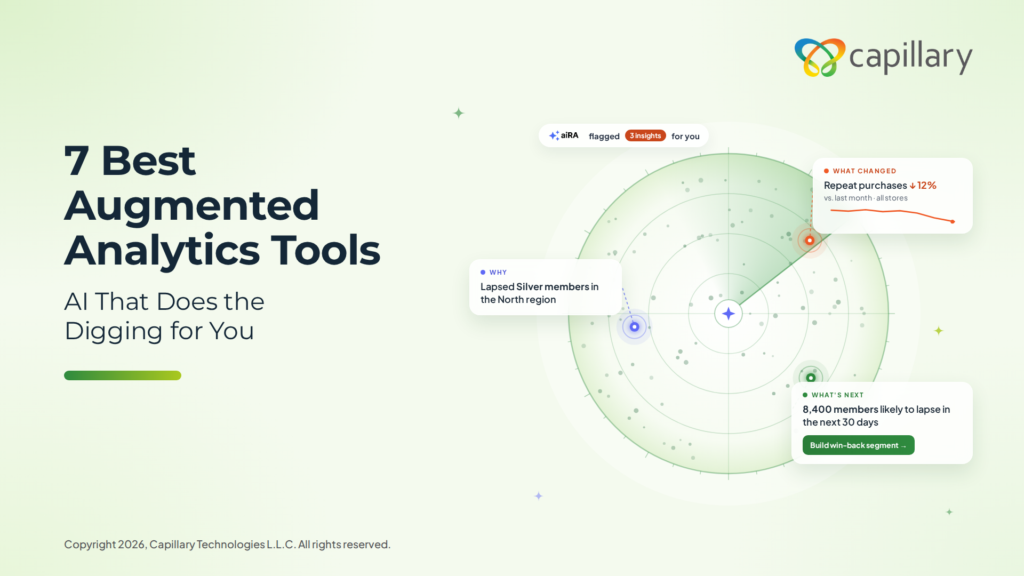
Most dashboards show you what happened, but they leave the digging to your team. Augmented analytics does that digging for you. It scans your data, flags what changed, and shows you why it happened.
For marketing and CRM teams, this saves time. You can spot a drop in repeat purchases early and respond before it grows.
In this guide, we explain what augmented analytics is and what to look for in a tool. We also compare seven tools to help you find the right fit for your team.
Tl;dr
Augmented analytics uses AI to find patterns in your data, explain changes, and predict what may happen next.
For marketing and CRM teams, the best tools also help you act on what you learn.
aiRA by Capillary is our top pick for teams that want to quickly go from customer insights to live campaigns.
The other six tools suit different needs, from business users who want quick answers to analysts who build workflows.
What is augmented analytics?
Augmented analytics uses AI to handle part of the analysis work for your team. It looks for patterns in your data and explains why a metric went up or down. It can also predict what is likely to happen next. The key difference is that it does this without waiting for someone to ask.
Traditional BI tools show charts and reports, and your team has to decide what to look for. With augmented analytics, the important changes come to you. To learn more about tools that answer questions in plain language, read our guide to conversational analytics tools.
What to look for in an augmented analytics tool
Marketing and CRM teams need more than a faster way to read data. The right tool should help you understand your customers and act on what you learn. Here are five things to check before you choose one:
Automated insight discovery: A good tool spots changes in customer behavior on its own. You should not have to know the right question before it shows you something useful.
Explanation of why: When redemptions drop, you need to know the reason. The tool should show which region, segment, or offer caused the change, in plain language.
Predictive capabilities: Look for a tool that can score customers on how likely they are to lapse or respond. Your team should be able to use these scores without a data scientist.
Understanding of customer and campaign data: Some tools treat customer data as just another set of tables. A better tool already knows what a lapsed member or a redemption means, so you get useful answers sooner.
Ability to act on insights: Most tools stop once they explain what happened. The best ones also help you build the segment and launch the campaign from the same place.
How this list was tested and selected
An augmented analytics tool should do some of the thinking for your team. It should point out what changed, explain it clearly, and help you decide what to do next. It should also do this without months of setup.
We used these ideas to build our criteria. Here are the questions we asked about each tool:
Focus
The question we asked
Discovery
Does the tool surface insights without being asked?
Explanation
Does it explain the drivers behind a change in plain language?
Setup
How much data modeling does it need before the first useful insight?
Action
Can your team act on an insight, or does it end at a chart?
Governance
Does a person approve customer-facing actions, and is there an audit trail?
Augmented analytics tools at a glance
Tool name
Best for
Standout feature
Limitation
aiRA by Capillary
Marketing and CRM teams that want to go from question to campaign
Turns a plain-English customer question into a live campaign
Built for marketing and CRM use cases, not company-wide BI
Tellius
Business users who want automatic explanations
Driver analysis that explains metric changes
Limited options for heavily customized dashboards
Qlik Cloud Analytics
Teams exploring data from many sources
Associative engine for free-form exploration
Data loading and modeling take time to learn
Microsoft Power BI
Organizations that run on Microsoft 365
Quick insights and Copilot
DAX and data modeling are hard for beginners
Tableau
Analyst teams that build visual dashboards
Tableau Pulse and Explain Data
Business users often wait on analysts for new views
ThoughtSpot
Search-led exploration of data
SpotIQ automated analysis
Works best after the data team models the warehouse
Alteryx
Analysts who automate data prep and workflows
No-code workflow canvas with predictive tools
Built mainly for analysts, not business users
The 7 best augmented analytics tools
1. aiRA by Capillary
Best for: Marketing and CRM teams that want to move from a customer question to a live campaign.
aiRA by Capillary is an AI agent for marketing and customer teams. Users ask questions about customers in plain English. aiRA by Capillary answers from the brand’s own customer data. Then it recommends offers, messages, and channels.
The tool suits teams that run frequent campaigns. Every customer-facing step can wait for human approval. A full deployment on brand data takes two to four weeks. Your team gets a dedicated success manager throughout.
Key features
Users can ask about customer behavior and engagement trends without writing SQL.
aiRA by Capillary builds segments from a plain description and scores each one.
Teams can set up the audience and messaging from a single brief.
Personal data is masked before it reaches the language model, and every AI interaction is logged.
See how aiRA by Capillary handles a real question from your own customer data.
Best for: Business users who want automatic explanations of metric changes.
Tellius is an augmented analytics platform built around explanation. Users ask questions in natural language. The platform finds the factors behind a change in a metric. It also surfaces patterns nobody asked about.
Tellius suits business teams with clear metrics and a data team to connect sources. Teams that need heavily customized dashboards may need a second tool. They built the product for investigation first.
Key features
Users can search business data in natural language.
The platform finds unusual changes in metrics without a prompt.
It shows which factors contributed to a change.
3. Qlik Cloud Analytics
Best for: Teams that want to explore data from many sources and get AI-generated insights.
Qlik Cloud Analytics is the cloud platform from Qlik for analytics and AI-driven insight. It builds on the associative engine in Qlik Sense. Users can click through data in any direction. The platform adds AI assistance to speed up discovery.
Qlik suits organizations with BI developers who build data models for the business. New users need time to learn load scripts. Business users get the most from the platform once that groundwork is ready. They offer both cloud and on-premises deployment.
Key features
Clicking any value filters every chart at once.
Insight Advisor generates insights and answers natural language questions.
Users can combine data from databases, SaaS apps, and files.
4. Microsoft Power BI
Best for: Organizations that run on Microsoft 365 and want reporting inside that ecosystem.
Power BI is the business intelligence platform from Microsoft. It connects to Excel, SQL databases, and cloud sources. Quick insights surfaces patterns in a dataset. Copilot answers questions in plain language and helps build reports.
Power BI suits companies that already use Excel, SharePoint, and Teams. It works best with BI developers who maintain the data models. Basic reports come together quickly. Advanced analysis often needs DAX and modeling skills.
Key features
Quick insights surfaces patterns with a few clicks.
Copilot lets users ask questions in plain language.
The key influencers visual shows which factors link to an outcome.
Reports work inside Excel and Teams.
5. Tableau
Best for: Analyst teams that build visual dashboards for other people.
Tableau is a BI platform from Salesforce built around visual analysis. Tableau Pulse tracks key metrics and sends alerts when they change. Explain Data suggests possible causes for a value in a chart.
Tableau works best when analysts design and maintain dashboards. Business users can explore those dashboards. When their questions change, they usually wait for analysts to build new views.
Key features
Users drag fields onto a canvas to build charts and dashboards.
Users can follow key metrics and get digests when they change.
Explain Data suggests reasons behind a value.
Teams can connect to SQL databases and cloud warehouses.
6. ThoughtSpot
Best for: Teams that want search-led exploration of data and automated analysis.
ThoughtSpot is an analytics platform built around search. Users type questions about their data and get charts back. SpotIQ runs automated analysis to find patterns and outliers that users may have missed.
ThoughtSpot works best after a data team models the warehouse. Teams that need answers before that work is done may find setup slow. Much of the functionality depends on good data modeling.
Key features
Users can ask questions in natural language and get visual answers.
SpotIQ surfaces patterns and outliers automatically.
Liveboards let teams share dashboards built from search results.
The platform connects to modern cloud data warehouses.
7. Alteryx
Best for: Analysts who want to automate data prep and analytics in no-code workflows.
Alteryx is an analytics automation platform. Users build workflows by connecting tools on a canvas. The platform combines data preparation, analysis, and predictive modeling in one place.
Alteryx suits analyst teams that prepare data and run repeatable workflows. Marketing teams can use the outputs for segmentation and reporting. An analyst usually builds the workflow first. Business users who want plain-English answers may find the tool less direct.
Key features
Users build data pipelines by dragging tools onto a canvas.
The platform blends and cleans data from many sources.
Analysts can run predictive models inside a workflow.
Teams can schedule and share finished outputs.
Augmented analytics use cases for marketing and CRM teams
Augmented analytics is most useful when it helps marketing and CRM teams act on what they find. Here are four common use cases:
1. Spotting churn risk early
Augmented analytics watches engagement and purchase patterns across customers. It flags groups that start to slow down. Your team can act before those customers lapse. The best tools also explain which behaviors signal the risk.
2. Explaining a campaign dip
When a campaign falls short, the first question is what changed. Augmented analytics compares segments and offers to find the driver behind the drop. With that cause in hand, a team can respond within days rather than weeks.
3. Forecasting campaign outcomes
Predictive models can estimate how a campaign may perform before launch. Teams can compare options and fund the one most likely to work. Forecasts improve as the tool learns from each campaign.
4. Finding high-value segments
Some customers are far more likely to respond to an offer than others. Augmented analytics groups customers by how likely they are to respond and how much they are worth. That lets your team direct budget toward the customers most likely to buy.
Choosing the right augmented analytics tool for your team
Augmented analytics shows you why a metric changed. For marketing and CRM teams, that is only the first step. The next step is using that insight to plan and launch a campaign.
Each tool on this list works in a different way. Some are made for analysts who build dashboards for other teams. Others let business users look at data on their own. If you want to find an insight and launch a campaign in one place, choose a tool that does both.
aiRA by Capillary is built for that. Your team can ask questions about customers in plain English, build segments with projected value, and set up campaigns that are ready to launch. A person on your team approves every customer-facing step before it goes live.
Request a demo to see how aiRA by Capillary works on your own customer data.
FAQs
1. What is augmented analytics?
Augmented analytics uses AI to find patterns, explain changes, and forecast results. It does this with little prompting from the user.
2. What is the difference between augmented analytics and traditional BI?
Traditional BI presents reports that people must interpret. Augmented analytics adds automated discovery, explanation, and prediction.
3. What is the difference between augmented analytics and conversational analytics?
Conversational analytics lets users ask questions in plain language. Augmented analytics adds discovery and prediction. Many tools now offer both.
4. Will augmented analytics replace data analysts?
The tool handles routine questions and first-pass analysis. Analysts still build data models, review results, and handle complex work.
5. Which augmented analytics tool is best for marketing and CRM teams?
aiRA by Capillary is built for marketing and CRM teams. It answers customer questions and helps launch campaigns. People approve each customer-facing step.
Your Dashboard Shows the Drop. aiRA Shows Why, & What to Do About It.
Power BI and Tableau are excellent at reporting on the business. aiRA by Capillary picks up where they stop: it finds out why customer behaviour changed, then builds the campaign to act on it. Here's how the three compare.
aiRA works where 100+ enterprise brands already trust Capillary
The report is clear: 40,000 members went quiet last quarter.
Any marketer knows what to ask next. Who are they? What did they stop buying? Which offer would bring them back?
In most teams, only a handful of analysts can put those questions to the data, and every marketer's request joins their queue. By the time the answers come back, many of those 40,000 members are already shopping somewhere else.
None of this is the dashboard's fault. Power BI, built into the Microsoft stack, is one of the most widely adopted BI platforms in the world, and Tableau remains the benchmark for visual analytics. For reporting across the business, either one is a sensible default.
So the real issue isn't which platform is more powerful. For a customer analytics buyer, it's narrower: who asks the question, and what happens once the answer arrives.
How Is aiRA by Capillary Different From Power BI and Tableau?
Power BI and Tableau are BI tools that report what changed in your data. aiRA by Capillary is an agentic customer analytics platform that lets marketing teams ask why customer behaviour changed, and turns the answer into action.
Power BI
General BI dashboards
Charts the metrics you tell it to chart. Trend lines, KPIs and totals across a modelled dataset. Gives a clear view of the what, once an analyst has built the model.
Tableau
Visual exploration
Lets an analyst explore and visualise the same data with more design control. Professional, flexible views, but turning them into action is still largely on you.
aiRA by Capillary
Agentic customer analytics
Goes past the number to the reason: root cause, need-states, propensity, category affinity. Explains it in plain language, and builds the segment, reward and campaign to act on it.
Beyond the Dashboard: The Full Comparison
What matters to customer and marketing teams, from who can ask a question to what it costs.
Power BI
Tableau
aiRA by Capillary
What an answer includes
A chart or summary from the prepared model
A visualisation or metric insight
The answers, the reason behind it, and the audience to act on it
Who can self-serve
Analysts, technical business users
Analysts and data-literate users
Marketers, CRM, and growth teams directly. No SQL, DAX or modelling
Insight-to-action
Generic actions from reports, like updating records or triggering workflows, built by your team
Actions from insights via Tableau Next and Salesforce workflows, set up by your team
Loyalty-native actions built in: segments, rewards, coupons and campaigns, ready to approve
Out of the box customer & industry context
Blank canvas; you need to model it
Blank canvas; you need to model it
Pre-built playbooks per industry, no modelling from scratch
Data movement required
Often imported / modelled first
Extracts or live connections, modelled
Reads data where it sits such as Databricks, Snowflake, BigQuery, Redshift. Sandboxed, read-only
Governance & PII for AI
Org-configured
Org-configured
PII masked before reaching LLM. Human approval on every action. Full audit trail.
Pricing model
Per-user (Pro, Premium Per User) or Fabric capacity
Per user Viewer, Explorer and Creator tiers, plus Tableau+
Credits on work done, no per-seat license
Which should you choose?
Choose Power BI or Tableau for company-wide reporting built and maintained by analysts. Choose aiRA by Capillary when customer and marketing teams need to find out why customer behaviour changed and launch the response themselves.
Case study: US healthcare provider
$100K of Power BI Licensing Retired in One Month
A US healthcare provider ran its customer-facing engagement reporting on 16 Power BI dashboards, per-seat licences and an outside partner to maintain them. Only a handful of people could write DAX, so every change, even a label, took a full development cycle, with up to ten requests in the queue.
The team rebuilt all 16 dashboards as a single aiRA app, laid out like the originals so no one had to relearn anything. Every change since has happened in chat.
Power BI
aiRA by Capillary
Reporting stack
16 dashboards
1 app
Power BI licences
$100K a year, per seat
Cancelled
Skill needed
DAX
Chat
Turnaround on a change
Weeks
Minutes
Client decks
On request
1 click
Ad-hoc questions
-
In app
No retraining was needed on the client side, and nothing about the reporting their own customers receive changed.
Here's what happens when the customer question goes to aiRA instead of the data team's queue, with your approval before anything reaches a customer.
01Analyse
See what's happening, and why
aiRA reads your customer and loyalty data to explain the drop, not just report it.
Root-cause deep dives on baskets, visits, redemptions
Churn & lapse propensity, scored per member
Category affinity and need-state segmentation
Anomalies flagged early
02Decide
Pick the right offer and audience
aiRA recommends the move most likely to work and shows the reasoning and projected impact before you commit.
Campaign strategy: which audience, which offer
Reward recommendations with projected ROI, instead of flat discounts
Redemption & response forecast before launch
Opportunities ranked by impact, effort and readiness
03Act
Launch it on your approval
You review, refine and approve the strategies generated. Then it goes live, measured from day one.
Promotions & personalised coupons, ready to sign off
Audiences built in conversation, no analyst queue
Win-back and lifecycle journeys that run once approved
One message across every channel and market
A Supermarket's Customer Looks Nothing Like an Airline's
A BI tool gives every business the same blank canvas. aiRA by Capillary comes with the questions, segments and campaigns that match how each industry actually runs.
Industry
Outcomes
Hospitality
More stays, on-property spend, direct bookings.
Digital Experience
More engagement, fewer cancellations, richer rewards.
Supermarkets
Bigger baskets, more visits, cross-aisle shopping.
Fuel Retail
More fill-ups, more shop visits, fleet growth.
Fashion Retail
More visits, stronger launches, less discounting
Airlines
More miles activity, higher tiers, add-on revenue
Healthcare
Better adherence, preventive and wellness care
Pharmacy Retail
More refills, health cross sell, script linked rewards
Can aiRA by Capillary replace Power BI or Tableau?
For customer and engagement reporting, it can. A US healthcare provider retired 16 Power BI dashboards and $100K a year in licensing within a month, replacing them with a single aiRA app its team updates in chat. For company-wide finance and operations reporting, Power BI and Tableau remain the right tools.
Do I need to move my data to use aiRA by Capillary?
No. Reads data where it sits (Databricks/Snowflake/BigQuery/Redshift), with sandboxed read-only access.
Do I need SQL or DAX?
No. You ask questions in plain English, and aiRA handles the queries.
Is my customer data safe? Is PII sent to the AI?
PII is masked before anything reaches the LLM. Every customer-facing action needs human approval, and there's a full audit trail. Capillary Technologies is ISO 27001 and PCI DSS certified, and supports GDPR, CCPA and PDPA.
Does aiRA by Capillary act on its own?
No. aiRA recommends and builds segments, rewards and campaigns, but nothing reaches a customer until someone on your team approves it.
How long does it take to see value?
Most teams go from first conversation to full deployment in 2 to 4 weeks, including testing aiRA on your own data.
How is aiRA by Capillary priced?
aiRA by Capillary is priced on credits for the work it does, rather than per-seat licences.
Bring aiRA a real question.
Thirty minutes, your data, one real question. We reply within one business day with a time and the security brief.
Manila, Philippines — PLDT Inc. (PLDT) and its wireless subsidiary Smart Communications, Inc (Smart) have partnered with Capillary Technologies to transform and unify their loyalty ecosystem across mobile, broadband, and partner engagement platforms.
Through the partnership, Capillary will power a next-generation loyalty platform, bringing together PLDT Home, Smart, and Ka-Partner programs into a single ecosystem designed to deliver more personalized and rewarding experiences across millions of customers.
The initiative marks a significant step in PLDT and Smart’s customer engagement strategy as the group consolidates multiple loyalty environments into a more intelligent and scalable platform powered by artificial intelligence (AI), advanced personalization, and real-time engagement capabilities.
PLDT and Smart selected Capillary for its deep loyalty expertise, scalable enterprise architecture, and proven track record across high-growth markets.
“Customer loyalty is key to the PLDT Group’s long-term growth,” according to Menardo G. Jimenez, Jr., PLDT Chief Operating Officer. “As PLDT and Smart customer expectations evolve, we must strengthen our relationship with them, deepen engagement through our products and services, and deliver greater value throughout the customer journey. By investing in customer loyalty through our collaboration with Capillary, we are investing in stronger customer retention, sustainable growth, and the PLDT Group’s continued industry leadership.”
“Our customers are at the heart of everything we do, and their loyalty deserves to be rewarded in ways that are meaningful and relevant. With Capillary’s platform, we can offer a more personalized rewards experience that gives our subscribers and partners access to exclusive perks, curated offers, exciting partner benefits, and rewarding experiences tailored to their preferences. It’s our way of saying thank you while making every interaction with PLDT Home more valuable, more engaging, and more rewarding,” said John Y. Palanca, Head of PLDT Home.
“This new loyalty platform allows us to recognize not only our subscribers, but also the Smart retailers and e-load partners who help us serve millions of Filipinos every day. By bringing Smart and PLDT onto one loyalty ecosystem, we are also creating the foundation for more seamless, converged rewards and experiences in the future,” according to Lloyd R. Manaloto, officer-in-charge of Smart.
Santosh Reddy, President – APAC at Capillary Technologies, said: “PLDT and Smart have consistently led the way in redefining digital experiences at scale, backed by a strong understanding of evolving customer expectations. As enterprises across global markets increasingly invest in loyalty as a strategic growth lever, Capillary is proud to bring its experience working with leading brands across APAC and beyond to support this transformation. Together, we look forward to building a more intelligent, engaging, and connected loyalty experience for millions of subscribers.”
The rollout will follow a phased implementation approach over the next year.
About Smart Communications, Inc.
Smart Communications, Inc. (Smart) is a wholly owned wireless communications and digital services subsidiary of PLDT, Inc., the Philippines’ largest and only integrated telecommunications company. Smart serves approximately 97% of the country’s population with its combined 2G, 3G, 4G LTE, and 5G network, providing mobile communications services, high-speed internet connectivity, and access to digital services and content to Filipinos, supporting the country’s growing digital economy, and providing the best customer experience for an increasingly digital Filipino lifestyle.
About PLDT Inc.
PLDT Inc. (PLDT) is the Philippines’ largest fully integrated telco company. Through its principal business groups — from fixed line to wireless — PLDT offers a wide range of telecommunications and digital services across the Philippines’ most extensive fiber optic backbone, and fixed line and cellular networks. PLDT is listed on the Philippine Stock Exchange (PSE:TEL) and its American Depositary Shares are listed on the New York Stock Exchange (NYSE:PHI). PLDT has one of the largest market capitalizations among Philippine—listed companies.
About Capillary Technologies
Founded in 2012, Capillary Technologies is a global leader in AI-powered customer loyalty and engagement solutions. The platform helps brands deliver personalised, omnichannel experiences that drive customer retention and business growth. Supporting 100+ loyalty programmes in over 46 countries, Capillary powers loyalty for enterprise brands. Capillary’s SaaS platform delivers loyalty experiences for 1.9 billion+ consumers and is recognised by leading industry analysts. Know more at www.capillarytech.com.
Databricks Genie can answer a question about your lakehouse data but the answer still lands as a chart. Someone still has to read it, decide what to do, brief a marketing team, wait for a segment to be built, and hope the campaign ships before the moment passes. That gap between knowing and doing is exactly why teams start hunting for alternatives.
Genie is genuinely good at natural-language querying that sits directly on the Databricks lakehouse, with a tight fit into Unity Catalog and the broader Databricks ecosystem. If your data already lives there and your users are technical, it’s a natural extension of the stack.
The trouble starts when Genie assumes a mature Databricks/lakehouse setup. It leans toward data-savvy users who are comfortable with semantic models and governance overhead. And critically, its answers stay inside the analytics layer. There’s no route from insight to execution for the business teams who actually need to act on the data like marketers, loyalty leads, growth teams.
This guide ranks eight of the best Databricks Genie alternatives for 2026, from AI-native conversational analytics to enterprise BI and lakehouse-adjacent tools. Each entry covers what it does, its strengths, its trade-offs, and pricing, so you can match the tool to who’s asking the questions and what happens after the answer.
TL;DR
Databricks Genie is a capable conversational layer on the lakehouse. Its limits include dependence on the Databricks stack, a bias toward technical users, and no built-in route from insight to action.
aiRA by Capillary is the top pick for marketing and loyalty teams. Ask questions in plain English, build segments without SQL, and launch campaigns from the same conversation.
ThoughtSpot and Tableau Pulse are best for search-led and visualization-driven self-service.
Looker and Qlik Sense suit governed modeling and associative exploration.
Amazon QuickSight (Q) and Zoho Analytics are budget-conscious, cloud-native picks.
Snowflake Cortex Analyst is the natural warehouse-native counterpart to Genie.
Databricks Genie alternatives compared
Tool
Best For
Natural-Language Querying
Ease of Use
Insight-to-Action
Free Trial
Starting Price
aiRA by Capillary
Marketing & loyalty teams
✅
✅✅✅
✅✅✅ (campaigns)
Demo/ Pilot
Custom
ThoughtSpot
Search-driven self-service
✅
✅✅
⚠️ Limited
✅
$1,250/mo
Tableau (Pulse)
Advanced visualization
✅
✅✅
⚠️ Limited
✅
$75/user/mo
Looker
Governed data modeling
✅
✅
⚠️ Limited
✅
Custom
Qlik Sense
Associative exploration
✅
✅✅
⚠️ Limited
✅
$20/user/mo
Amazon QuickSight (Q)
AWS-native, usage-based BI
✅
✅✅
⚠️ Limited
✅
$24/user/mo (Q add-on)
Snowflake Cortex Analyst
Conversational analytics on Snowflake
✅
✅✅
⚠️ Limited
✅ (trial credits)
Token-based
Zoho Analytics
Small businesses on a budget
✅
✅✅
⚠️ Limited
✅
$24/mo
1. aiRA by Capillary: Best for conversational analytics that turns insights into campaigns
aiRA is Capillary’s agentic AI co-pilot, built directly into the Capillary loyalty and engagement platform and trained on your brand’s own context from day one. It answers customer questions in plain English and then carries that answer all the way through to a live, multi-market campaign.
Genie assumes a technical audience and delivers insight inside the lakehouse. aiRA by Capillary is built for the business users who act on insight and it covers strategy, segmentation, rewards, launch, and measurement in a single conversation.
Without aiRA, a typical enterprise campaign workflow spans 5 phases, 3+ teams, and 26+ days with strategy definition, analytics and segmentation, campaign setup, review and launch, then a feedback loop. aiRA collapses those five phases into one conversation, with human approval built in at every step.
Why aiRA by Capillary is a strong Databricks Genie alternative
Genie is a query engine for people who already know how to query. aiRA by Capillary is a full-stack marketing intelligence partner for people who don’t and don’t want to learn. You don’t need a mature lakehouse, a semantic-modeling practice, or an analyst queue to get value. You describe what you want, and aiRA orchestrates the rest.
Key features
AI-powered conversational analytics: Ask any question about your customers in plain English and get an instant answer.
Natural-language segmentation: Describe an audience and aiRA builds the segment instantly, eliminating 62+ analyst hours a month without a single query being written.
Conversational campaign creation: Give a brief, and aiRA handles audience, rewards, messaging, and multi-channel setup.
Intelligent reward optimization: aiRA replaces flat discounts with ML-driven rewards, predicts ROI market by market, and explains every recommendation before you approve it.
Multi-country, multi-language execution: One workflow, many markets. aiRA localizes messaging per region and segment while keeping brand voice intact.
Human-in-the-loop at every step: aiRA recommends and you decide. Nothing customer-facing goes live without your explicit approval.
How aiRA by Capillary works
Customer analysis: Who your customers are, profiled and segmented at scale.
Behavioral trends: How they’ve behaved, including seasonal patterns and engagement signals.
Segmentation & projections: What each segment is worth, with propensity scores and projected campaign value.
Campaign strategy: Offer types, rewards, messaging, and channel mix recommended by AI.
Impact & measurement: KPIs defined upfront and tracked in real time.
Who aiRA by Capillary is built for
Marketing managers: Launch across multiple zones and languages in minutes instead of days. One example workflow in 7 zones, 6 languages, 8 personalized messages, ready start-to-finish in minutes.
CMOs: Trade flat, margin-eroding discounts for ML-optimized rewards with ROI prediction and a market-by-market breakdown.
Heads of analytics: Hand self-service segment building back to marketing and reclaim the 62 analyst hours a month burned on ad hoc queries.
Enterprise security and governance
aiRA by Capillary is enterprise-grade from the architecture up. No PII is transmitted to the LLM and cross-brand data analysis is strictly prohibited. Every AI interaction is logged, with drift monitoring, guardrails, and incident-response SLAs. It’s ISO 27001 aligned, PCI DSS compliant, and GDPR/CCPA/PDPA compliant.
Real results
A global fashion retailer with 400+ stores created 9 personalized push messages in minutes, collapsing a multi-day, multi-team process.
A conglomerate operating across 25+ countries removed analyst tickets entirely, marketing now builds segments and campaigns independently, with instant turnaround.
Implementation
Onboarding runs as a structured 2-4 week pilot across four phases with a dedicated Capillary success manager throughout and minimal involvement required from your team.
Pros: No-code, plain-English analytics, goes past insight into execution, enterprise-grade governance, backed by Capillary’s recognition as a Leader in The Forrester Wave™: Loyalty Platforms, Q4 2025.
Cons: Purpose-built for marketing and loyalty rather than general-purpose BI, delivers the most value inside the Capillary ecosystem.
Pricing: Custom. See aiRA turn a question into a live campaign.
2. ThoughtSpot: Best for search-driven self-service analytics
ThoughtSpot pioneered the “search your data” model of BI, and its AI assistant, Spotter, extends that into full natural-language, conversational analytics. You type a question the way you’d type into a search bar and get back an auto-generated visualization, with drill-downs one click away.
Key features:
Google-style search interface over governed data, so non-analysts can self-serve.
Spotter, an agentic AI analyst for follow-up questions and autonomous insight discovery.
Embeddable analytics for putting search-led insights inside your own products.
Pros: Genuinely low barrier for business users, strong at surfacing unexpected drivers behind a metric, good embedding story.
Cons: Best results still depend on a well-modeled data layer underneath, pricing sits at the enterprise end for smaller teams.
Pricing: Team edition starts around $1,250/month. Enterprise is custom.
How it compares to aiRA: ThoughtSpot gets a business user to the answer fast, but the answer is where it stops. aiRA by Capillary carries the same question through to a launched campaign.
3. Tableau (Tableau Pulse): Best for advanced visualization with AI insights
Tableau remains the benchmark for depth and beauty of visualization, and Tableau Pulse layers a proactive, AI-driven insight feed on top. Pulse delivers plain-language summaries of metric changes and lets users ask follow-up questions conversationally, powered by Tableau’s Einstein/Agentforce AI.
Key features:
Best-in-class visual analytics and dashboarding.
Pulse’s automated, personalized metric digests with natural-language explanations.
Deep integration across the Salesforce ecosystem.
Pros: Unmatched flexibility for analysts who want to craft exactly the right view. Pulse makes insights accessible to non-analysts, a huge community and resource base.
Cons: Full power still requires analyst skill, can get expensive once you add Pulse and Data Management capabilities.
Pricing: Tableau Creator around $75/user/month. Viewer and Explorer tiers cost less.
How it compares to aiRA: Tableau is where analysts build. aiRA is where marketers act. Tableau visualizes the “what,” aiRA by Capillary executes the “so what.”
4. Looker (Google Cloud): Best for centralized, governed data modeling
Looker’s signature is LookML, a governed semantic modeling layer that defines metrics once, consistently, for the entire organization. Everyone queries the same trusted definitions. With Gemini in Looker, natural-language querying and conversational analysis now sit on top of that governed foundation.
Key features:
LookML semantic layer for a single source of truth on metrics.
Gemini-powered conversational analytics and automated report generation.
Tight integration with BigQuery and the wider Google Cloud stack.
Pros: Exceptional governance and metric consistency, strong for embedded and operational analytics, developer-friendly and version-controlled.
Cons: LookML has a real learning curve, setup and modeling are engineering-heavy, much like Genie, it rewards a mature data practice.
Pricing: Custom, platform-plus-user based, typically an enterprise commitment.
How it compares to aiRA: Looker is the closest philosophical cousin to Genie, governed, modeling-first, technical. aiRA by Capillary sits at the opposite end: no modeling burden, built for the business user, action-oriented.
5. Qlik Sense: Best for associative data exploration
Qlik’s differentiator is its associative engine, which lets users explore data freely in any direction, surfacing not just what’s related to a selection but what isn’t, which often reveals the insights a linear query would miss. Qlik’s Insight Advisor adds natural-language search and AI-generated insights.
Key features:
Associative engine for non-linear, exploratory analysis.
Insight Advisor for NLQ and automated insight suggestions.
Strong data integration and preparation tooling.
Pros: Powerful for discovery and “what am I not seeing” questions, scalable, flexible deployment options.
Cons: The associative model takes time to learn, the interface can feel dense to new users.
Pricing: Standard plans start around $20/user/month, with capacity-based enterprise options.
How it compares to aiRA: Qlik is built for open-ended exploration by analysts. aiRA by Capillary is built to convert a defined intent into a live loyalty campaign without exploration overhead.
6. Amazon QuickSight (with Q): Best for AWS-native, usage-based BI
QuickSight is AWS’s serverless BI service, and Amazon Q in QuickSight adds generative-AI capabilities like asking questions in natural language, generating data stories, and building dashboards with AI assistance. Its usage-based pricing makes it attractive for organizations already standardized on AWS.
Key features:
Serverless, auto-scaling BI with pay-per-session options for readers.
Amazon Q for natural-language Q&A, executive summaries, and data stories.
Native integration with Redshift, S3, Athena, and the AWS data ecosystem.
Pros: Cost-efficient at scale, especially for large reader populations, no infrastructure to manage, deep AWS fit.
Cons: Less polished visually than Tableau or Qlik. Q’s best answers assume clean, well-prepared AWS data.
Pricing: Authors from $24/user/month, the Q generative-BI capability is a paid add-on, reader sessions are billed per use.
How it compares to aiRA: QuickSight is a strong, economical BI layer for AWS shops but like Genie, it delivers dashboards, not campaigns. aiRA by Capillary owns the step after the dashboard.
7. Snowflake Cortex Analyst: Best for conversational analytics on the Snowflake warehouse
If Genie is the conversational layer for the Databricks lakehouse, Cortex Analyst is its direct counterpart for the Snowflake warehouse. It’s a fully managed service that lets business users ask questions in natural language against structured Snowflake data, using an agentic text-to-SQL setup guided by a user-defined semantic model.
Key features:
Conversational, self-serve analytics native to Snowflake.
Semantic-model-driven accuracy, with Snowflake reporting 90%+ text-to-SQL accuracy on benchmarks.
Available as a REST API, so teams can embed it in their own apps under Snowflake’s RBAC and governance.
Pros: Excellent fit for Snowflake-committed organizations, no separate infrastructure, strong governance inheritance.
Cons: Accuracy in the real world depends heavily on a clean semantic model. Raw schemas can drop accuracy to 60-70%, and, like Genie, it assumes your data already lives in the platform.
Pricing: Token-based, billed per query on top of Snowflake consumption, new accounts get trial credits.
How it compares to aiRA: Cortex Analyst is the most Genie-like option here which is warehouse-native, technical-adjacent, insight-focused. aiRA by Capillary trades platform-nativeness for something Genie and Cortex both lack: a path from the answer to the action.
8. Zoho Analytics: Best for small businesses on a budget
Zoho Analytics brings self-service BI and conversational analytics to smaller teams at a fraction of enterprise pricing. Its AI assistant, Zia, supports natural-language querying, automated insights, and forecasting, and it connects to a wide range of data sources out of the box.
Key features:
Zia AI assistant for NLQ, auto-generated insights, and what-if analysis.
Broad connector library and easy data blending.
Tight integration across the Zoho suite (CRM, Books, and more).
Pros: Very affordable, quick to stand up, friendly for non-technical users and small teams.
Cons: Not built for very large, complex enterprise data estates, advanced modeling is limited compared with Looker or Qlik.
Pricing: Paid plans start around $24/month for a small number of users.
How it compares to aiRA: Zoho is the budget entry point to conversational BI. aiRA by Capillary is a different category, an enterprise co-pilot that runs marketing execution.
Choosing the best Databricks Genie alternative for your team
The right choice comes down to two questions: who needs the answers, and what do they do with them?
If you want lakehouse- or warehouse-native conversational querying and your users are technical, Snowflake Cortex Analyst or a governed layer like Looker stays closest to the Genie model. If analyst-led exploration and visualization is the priority, Tableau or Qlik lead.
If budget is the deciding factor, Zoho Analytics or Amazon QuickSight deliver conversational BI without an enterprise commitment. And ThoughtSpot is the pick for search-first self-service across a broad user base.
But if the point of the question is a campaign then aiRA by Capillary is the standout. It’s the only tool on this list that treats the answer as the beginning of the workflow.
What is the best Databricks Genie alternative? For marketing and loyalty teams, it’s aiRA by Capillary. For general lakehouse or warehouse querying, Snowflake Cortex Analyst and ThoughtSpot are common choices.
Who are Databricks Genie’s main competitors? ThoughtSpot, Tableau Pulse, Looker, Qlik, Snowflake Cortex Analyst, and Amazon QuickSight.
Which Databricks Genie alternative is best for enterprise? aiRA by Capillary for marketing and loyalty at scale, Looker or Snowflake Cortex Analyst for governed enterprise data.
Do I need a Databricks lakehouse to use these alternatives? No, most alternatives, including aiRA by Capillary, work independently of Databricks.
Which Databricks Genie alternative is best for marketing teams? aiRA by Capillary, because it links analytics directly to segmentation, rewards, and campaign launch.
Why do companies switch from Databricks Genie? Mainly for easier self-service for non-technical users, less dependence on the Databricks stack, and a path from insight to action.
Every BI and lakehouse vendor now claims to offer agentic analytics. Look closely and most of it still just answers questions instead of acting on them. If you’re searching for agentic analytics on Databricks, chances are you want more than a smarter dashboard sitting on top of your customer data.
But hype and results are two different things. According to McKinsey’s State of AI report, only 23% of organizations have scaled an agentic AI system into production, while 62% are at least experimenting. That gap is where architecture matters. A tool that only reports insights stalls out. A tool that can act on them makes it to production.
If you’re choosing an agentic analytics tool for Databricks, this guide compares 7 options on one question: does the tool act on your customer data (build the segment, launch the campaign, adjust the reward), or does it only report on it? It’s written for marketing and loyalty teams, not data engineers.
TL;DR
The core question: Most “agentic analytics” tools for Databricks still stop at answering questions. This guide compares 7 tools on whether they act on your customer data (build the segment, launch the campaign, adjust the reward) or only report on it.
Best for marketing and loyalty teams: aiRA by Capillary builds campaigns, segments, and rewards end to end from plain-language requests, with human approval at each step and no engineering dependency. Capillary’s platform is built on the Databricks lakehouse.
Best for governed BI across the business: Cube gives data teams a universal semantic layer, but has no marketing execution layer.
Most native option: Databricks Data Intelligence for Marketing with CustomerLake adds campaign agents and activation, but it’s in Private Preview, needs data team setup, and has less depth on loyalty.
Best for data teams and analysts: Hex (notebooks and self-serve), ThoughtSpot (search and embedded analytics), Sigma (spreadsheet-style BI with writeback), and Looker (Google Cloud shops). Where these tools can act, the actions are general-purpose or developer-built, not marketing workflows.
The deciding test: Ask who has to act on the answer. If it’s your data team, most of these tools work. If it’s your marketing team and the goal is a live campaign, aiRA is the strongest fit.
How Long Does It Take to Get Agentic Analytics Live on Databricks?
Most comparisons ask which tool is the smartest. The better question is which one actually ships. Marketing teams don’t control the data team’s roadmap, so a tool that needs heavy setup often never gets prioritized, no matter how good the demo looked.
The dependency problem
Most agentic analytics tools built around Databricks, including Cube, ThoughtSpot, and Databricks’ own Genie, need a data team to model the semantic layer, define metrics, and maintain access rules before a marketer can ask a single question. The blocker isn’t the AI’s capability. It’s the queue behind IT. Your campaign waits in line behind every other ticket.
Where aiRA removes the dependency
aiRA by Capillary lets marketers work in plain language, so launching or adjusting a campaign doesn’t need engineering in the middle. Two anonymised deployments show what that looks like:
Consumer superapp: Promotions are authored in plain English with no engineering dependency. The team handles 20+ promotion templates a month without a data team touching them, with promotion creation time cut by 50% and zero configuration errors.
US healthcare provider: Configuration effort dropped from 90 days to 21, and the team shrank from 20 specialists to 4. It scaled from one to 90+ partner organizations without a proportional jump in headcount.
The takeaway: these are setup-effort and time-to-value numbers, not just accuracy numbers.
What this means if you’re on Databricks
These deployments aren’t Databricks-specific, but the pattern carries over. Even when your warehouse is Databricks, it’s rarely the bottleneck. The bottleneck is whoever has to build and maintain the layer between the warehouse and the campaign. aiRA removes that layer for marketing and loyalty use cases, and it can sit alongside whatever BI or semantic tool your data team runs for internal reporting.
How to Evaluate an Agentic Analytics Tool for Databricks
Plenty of tools now call themselves agentic. Some are the real thing, and some are a chatbot bolted onto a dashboard. Use these five criteria to tell them apart before you look at any ranking.
Databricks-native connectivity: Does the tool read Unity Catalog and Delta Lake directly, or does it connect through a generic connector? Direct access means fresher data, fewer copies, and less to maintain.
Insight vs. insight-to-action: Does it stop at answering a question, or can it take the next step itself, like building a campaign, updating a segment, or changing a reward? This is the biggest divider in the category.
Built for marketers vs. analysts: Does it require SQL or semantic-layer knowledge, or can a non-technical marketer run it in plain language? If only your data team can operate it, marketing is still waiting in line.
Governance carried to the action layer: Are access rules and approvals enforced when the AI acts, not just when it reports? Reading data safely is table stakes. Acting on it safely is what matters once an agent can touch live campaigns.
Time-to-value: Does a data team need to model and maintain a layer before a marketer can use it, or does it work with minimal setup? The faster it ships, the faster it pays off.
Most tools clear one or two of these. Very few clear all five, and the comparison table below shows exactly where each one lands.
aiRA by Capillary vs. Agentic Analytics Tools for Databricks
Platform
Best for
Databricks-native
Agentic depth
Built for marketers
Main tradeoff
aiRA by Capillary
Marketing and loyalty teams who want AI to build and launch campaigns, not just report
Yes, Capillary’s platform is built on the Databricks lakehouse
Insight-to-action: builds campaigns, segments, and rewards end to end, with human approval at each step
Yes, plain language, no engineering dependency
Purpose-built for marketing and loyalty, not company-wide BI
Cube (D3)
Data teams needing a governed, universal semantic layer across BI, embedded, and AI
Via connector; warehouse-agnostic, supports Databricks and dbt
Agentic analytics: agents build semantic models, answer questions, and create data apps
No, built for data teams and analysts
Strong semantic foundation, but no marketing execution layer
Databricks (Data Intelligence for Marketing + CustomerLake)
Teams fully inside the Databricks ecosystem
Yes, fully native
Insight-to-action: CustomerLake adds campaign and profile agents, audiences, and activation
Yes, but still needs data team setup
New product; less depth on loyalty and rewards programs
Hex
Data science, exploratory analysis, and data-team-led self-serve
Via connector, plus Unity Catalog Metric Views sync
Agentic analysis: Notebook Agent and Threads
Partial, data-team-first
No marketing execution
ThoughtSpot
Search- and agent-driven analytics, embedded analytics
Deep integration via DataSpot and Unity Catalog
Agentic analytics: Spotter agent suite; writeback via embed SDK
Partial, needs up-front data modeling
Actions are developer-built, not a marketing workflow
Sigma
Spreadsheet-fluent finance, ops, and business teams
Deep integration: live queries and writeback on Databricks
Insight plus action: Sigma Agents, AI Apps, writeback
Partial, business-friendly but not marketing-specific
General-purpose execution, not campaign or loyalty workflows
Looker
Existing Google Cloud and Looker shops
Via connector
Mostly insight: Gemini Conversational Analytics; action-triggering agents still in preview
No, relies on LookML developers
Proprietary LookML; agentic actions still maturing
Best Agentic Analytics Tools for Databricks in 2026
1. aiRA by Capillary
Best for: Marketing and loyalty teams on Databricks who want AI to build and launch campaigns, not just report on them.
aiRA is Capillary’s agentic co-pilot for marketing and loyalty, and Capillary’s platform is built on the Databricks lakehouse. Instead of surfacing an insight and leaving the next step to a human, aiRA takes a request in plain language and builds the campaign, segment, or reward end to end. Every step goes through human approval, so marketers stay in control of what actually goes live.
That end-to-end approach shows up in real results. A Middle East fashion retailer used aiRA to run its Ramadan 2026 campaign across a 14.7M-customer base. aiRA built behavioural segments across five lifecycle cohorts, ran the campaign from start to finish, and recalibrated it every cycle. The regional growth gap narrowed from -9.6pp to -2.2pp, new customers grew 29.4% year over year, and aiRA won 8 of 9 scorecard KPIs against a dedicated analytics agency.
Pros
Builds campaigns, segments, and rewards end to end, not just insights
Human approval at each step, so marketers keep control
Plain-language interface with no engineering dependency
Proven on loyalty work, including a full loyalty programme redesign for an Indian menswear brand delivered in 38 days
Cuts setup effort, as covered in the implementation section above
Cons
Purpose-built for marketing and loyalty, so you’ll still need a separate tool for company-wide BI and reporting
Pricing is quote-based, so you can’t ballpark cost from a public price list
Human approval at each step is good for control, but teams wanting fully hands-off automation should expect a review loop
Pricing: Quote-based, as part of the Capillary platform. You can choose a fixed license fee that includes implementation, configuration, integrations, training, and self-service support, or a lower fixed fee plus a revenue share based on incremental sales. The second option ties your cost to sales lift, which lowers the upfront commitment.
2. Cube
Best for: Data teams needing a governed, universal semantic layer across BI, embedded analytics, and AI.
Cube (D3) is built around one idea: define your metrics once in a semantic layer, then let every tool and agent use those same definitions. It’s warehouse-agnostic and supports Databricks and dbt, and its agentic analytics features let agents build semantic models, answer questions, and create data apps. If your data team wants consistent, governed numbers behind everything from dashboards to AI, Cube is a strong foundation.
Pros
Governed, universal semantic layer across BI, embedded analytics, and AI
Agents that build semantic models, answer questions, and create data apps
Warehouse-agnostic, with support for Databricks and dbt
Free tier available, and open-source Cube Core is free to self-host
Cons
Built for data teams and analysts, not marketers
No marketing execution layer, so insights still need a person or another tool to act on them
Connects to Databricks via a connector rather than natively
Costs vary with usage, since the invoice is driven by consumption
Pricing: Starter is $40 and Premium is $80 per developer per month, but the invoice is driven by consumption in Cube Compute Units plus AI token grants. There’s a free tier, and open-source Cube Core is free to self-host.
3. Databricks Data Intelligence for Marketing
Best for: Teams fully inside the Databricks ecosystem.
Databricks’ own marketing offering pairs Data Intelligence for Marketing with CustomerLake, and it’s the most native option on this list. CustomerLake adds campaign and profile agents, audiences, and activation, so it goes beyond insight into action. Because everything runs inside Databricks, there’s no separate integration to build. It’s aimed at marketers, though it still needs a data team to get set up.
Pros
Fully native to Databricks, with no separate integration needed
Insight-to-action: CustomerLake adds campaign and profile agents, audiences, and activation
Built with marketers in mind
No separate platform fee, so you’re not adding another vendor contract
Cons
Currently in Private Preview and not generally available, with only a handful of named early adopters
Still needs data team setup before marketers can use it
Less depth on loyalty and rewards than a purpose-built marketing tool
No disclosed pricing rates, which makes budgeting hard
Pricing: No disclosed pricing rates. It’s consumption-based, with no separate platform fee, and Databricks monetizes it through the underlying compute and storage you use.
4. Hex
Best for: Data science, exploratory analysis, and data-team-led self-serve.
Hex is a collaborative analytics workspace where data teams explore data, build analyses, and share them with the rest of the business. Its agentic features include a Notebook Agent and Threads, which help analysts work through questions faster. It connects to Databricks via a connector, with a sync for Unity Catalog Metric Views. It’s a solid pick when your data team leads and wants to open up self-serve for others, but it’s data-team-first rather than built around marketers.
Pros
Agentic analysis through Notebook Agent and Threads
Syncs with Unity Catalog Metric Views on Databricks
Supports data-team-led self-serve for the wider business
Free Community plan, so it’s easy to try
Cons
No marketing execution, so campaigns still need another tool
Only partly suited to marketers, since it’s built data-team-first
Connects to Databricks via a connector rather than natively
Costs can climb, since bigger machines, GPUs, and AI features are pay-as-you-go
Pricing: Free Community plan. Professional is $36 per editor per month, Team is $75 per editor per month, and Enterprise is custom. Bigger machines, GPUs, and AI features are pay-as-you-go.
5. ThoughtSpot
Best for: Search- and agent-driven analytics, and embedded analytics.
ThoughtSpot lets people ask questions of their data through a search-style interface, and its Spotter agent suite adds agent-driven analysis on top. It has one of the deeper Databricks integrations on this list, working through DataSpot and Unity Catalog. It can also push actions back into other systems through writeback via its embed SDK. That said, those actions are built by developers, so it’s a better fit for teams with engineering support than for marketers who want to launch something on their own.
Pros
Deep Databricks integration via DataSpot and Unity Catalog
Spotter agent suite for agent-driven analytics
Writeback via embed SDK, so it can trigger actions and not only report
Strong option for embedded analytics
Entry plans are affordable, starting at $25 per user per month
Cons
Needs up-front data modeling before marketers can use it
Actions are developer-built, not a ready-made marketing workflow
Only a partial fit for marketers
Enterprise costs run high, with a reported average around $137,000 a year, and all plans are billed annually
Pricing: Essentials is $25 per user per month and Pro is $50 per user per month. Enterprise is custom, with a reported average of around $137,000 a year. All plans are billed annually.
6. Sigma
Best for: Spreadsheet-fluent finance, ops, and business teams.
Sigma gives business users a familiar spreadsheet-style interface on top of their warehouse, so people who live in Excel can work with live data without writing SQL. It integrates deeply with Databricks, with live queries and writeback. Its Sigma Agents, AI Apps, and writeback features also let teams take action on the data, not just analyze it. It’s business-friendly, but it’s a general-purpose tool rather than one built for marketing.
Pros
Deep Databricks integration with live queries and writeback
Insight plus action through Sigma Agents, AI Apps, and writeback
Approachable for spreadsheet-fluent business users
Four license tiers (View, Act, Analyze, Build), so you can match access to the role
Cons
Not marketing-specific, so it’s only a partial fit for marketers
Execution is general-purpose, not built around campaign or loyalty workflows
No public per-user price list, since it’s sales-led
Usage credits come on top of license tiers, which makes costs harder to predict
Pricing: Sales-led, with no public per-user price list. There are four license tiers (View, Act, Analyze, Build) plus usage credits. Reported annual costs have a median of $60,500, ranging from $17,500 to $132,507.
7. Looker
Best for: Existing Google Cloud and Looker shops.
Looker is Google Cloud’s BI platform, and it makes the most sense if your team has already invested in the Looker and Google Cloud stack. It connects to Databricks via a connector, and its Gemini Conversational Analytics lets people ask questions in natural language. Action-triggering agents are still in preview, so today it leans mostly toward insight rather than action. It also relies on LookML developers, which puts it out of reach for marketers who want to work on their own.
Pros
Natural fit if you already run Google Cloud and Looker
Gemini Conversational Analytics for natural-language questions
Action-triggering agents in preview, so there’s a path toward execution
Standard, Enterprise, and Embed options to match different use cases
Cons
Relies on LookML developers, so it isn’t built for marketers
Proprietary LookML adds a learning curve and a skills dependency
Mostly insight for now, with agentic actions still maturing
Connects to Databricks via a connector rather than natively
No public pricing, with annual commitments of one to three years
Pricing: Standard, Enterprise, and Embed are all listed as “Call sales,” on 1-, 2-, or 3-year annual commitments. Reported Standard platform fees are around $60,000 to $66,000 a year, plus per-seat adders.
Which Agentic Analytics Tool Should You Pick?
The right choice depends on who owns the outcome and what has to happen after the insight. Find the situation that matches your team.
Your marketing or loyalty team runs on Databricks data and needs AI that acts, not just reports: aiRA by Capillary is the strongest fit. It builds and launches campaigns, segments, and rewards from plain-language requests, with human approval at each step and no engineering dependency. A revenue-share pricing option ties cost to incremental sales.
You need a governed source of truth for BI and embedded analytics across the business: Cube gives your data team a universal semantic layer that keeps metrics consistent across BI, embedded analytics, and AI.
You’re committed to the Databricks ecosystem and want a native marketing option: Databricks Data Intelligence for Marketing with CustomerLake is worth a look. It’s currently in Private Preview and still requires data team setup, so confirm availability before you plan around it.
Your data science team works in notebooks and explores data hands-on: Hex suits data-team-led exploration and self-serve.
You want search and agent-driven analytics, or embedded analytics, and have engineering support: ThoughtSpot fits, as long as you plan for up-front data modeling and developer-built actions.
Your finance or ops teams live in spreadsheets: Sigma offers a familiar interface, with live queries and writeback on Databricks.
You’re already invested in Google Cloud and Looker: Looker is the natural extension, though its agentic actions are still maturing.
One test to make the call
Ask who has to act on the answer. If it’s your data team, most of the tools above will serve you well. If it’s your marketing team, and the goal is a live campaign rather than a better chart, the field narrows quickly. Most options stop at insight or need engineering to act on it. aiRA is built so the marketer can do the acting.
Databricks’ own offering is the closest alternative for that job, so the next section puts the two side by side.
aiRA by Capillary vs. Databricks Data Intelligence for Marketing
If your customer data lives in Databricks, you’ll likely weigh Databricks’ own marketing offering against aiRA. Both go beyond reporting into action. The difference is what it takes to get value from each, and how soon.
Availability and setup
Databricks Data Intelligence for Marketing, with CustomerLake, adds campaign and profile agents, audiences, and activation. It’s a strong concept, but it’s in Private Preview, not generally available, with only a handful of named early adopters. It also still needs data team setup, so your marketers wait on the same queue as everyone else.
aiRA is live in customer deployments today. Capillary’s platform is built on the Databricks lakehouse, and marketers work in plain language, with no engineering dependency to launch or adjust a campaign.
Depth where marketing teams need it
Databricks has less depth on loyalty and rewards programs. aiRA has proof in exactly that area:
Loyalty redesign: An Indian menswear brand redesigned its loyalty programme in 38 days. aiRA modeled 3rd- and 5th-visit milestone rewards with revenue projections, with discounts held at 10% or less.
Campaign execution: A Middle East fashion retailer ran its Ramadan 2026 campaign through aiRA, growing new customers 29.4% year over year and winning 8 of 9 scorecard KPIs against a dedicated analytics agency.
Commercial clarity
Databricks bills through consumption with no disclosed pricing rates, so budgeting is guesswork. aiRA is quote-based, with two clear structures: a fixed license fee that includes implementation, integrations, and training, or a lower fixed fee plus a revenue share tied to incremental sales.
When Databricks’ own tool still makes sense
If staying entirely inside Databricks tooling is your top priority, and your team can wait for general availability and data team setup, the native option is worth watching.
The verdict
If you need marketing and loyalty execution now, with depth on rewards and no dependency on the data team’s roadmap, aiRA is the stronger choice. It’s built on the same Databricks foundation, so you don’t give anything up to get it.
Conclusion
Agentic analytics on Databricks comes down to one distinction: tools that answer questions, and tools that act on the answer. Most options either stop at insight or leave the action to developers and data teams. That’s fine for some jobs and a real bottleneck for others.
If you need governed BI or embedded analytics across the business, Cube or a similar semantic-layer tool is the right foundation. If you prefer to stay fully native inside Databricks, Databricks Data Intelligence for Marketing is the option to watch, once it’s available to you and your data team can support the setup. And if you run a marketing or loyalty team that wants AI to execute rather than just report, aiRA by Capillary is the better fit. It’s built on the Databricks lakehouse, works in plain language, and keeps your team approving every step, so campaigns, segments, and rewards move at marketing speed instead of waiting in a queue.
Timing matters here too. Gartner expects 40% of enterprise applications to include task-specific AI agents by the end of 2026, up from less than 5% in 2025. This category is moving fast, so the smart move isn’t picking the tool that looks best today. It’s picking the one built for where this is heading, and for marketing teams, that means AI that does the work.
The easiest way to judge that is to see it on your own data.
See aiRA on your Databricks data. Book a walkthrough with the Capillary team and watch a real request go from a plain-language question to a campaign ready for your approval.
Agentic analytics on Databricks means AI agents that work with the data in your Databricks lakehouse and do more than answer questions. Instead of surfacing an insight and waiting for a person to follow up, the agent can take the next step, like building a segment or launching a campaign. Tools differ a lot in how far they go, which is why it helps to compare them on insight versus action.
Is Databricks Data Intelligence for Marketing the same as an agentic analytics tool?
It counts as one. With CustomerLake, Databricks adds campaign and profile agents, audiences, and activation, so it goes beyond reporting into action. The caveats for buyers are that it’s in Private Preview and not generally available, it still needs data team setup, and it has less depth on loyalty and rewards programs than a purpose-built marketing tool.
Can agentic analytics tools trigger actions, not just answer questions?
Some can, and the depth varies. Sigma offers agents, AI apps, and writeback, and ThoughtSpot supports writeback through its embed SDK, though those actions are built by developers. Looker’s action-triggering agents are still in preview. aiRA by Capillary builds campaigns, segments, and rewards end to end, with human approval at each step, and marketers run it in plain language.
What’s the best agentic analytics tool for Databricks marketing teams?
For marketing and loyalty teams that want AI to build and launch campaigns, aiRA by Capillary is the strongest fit. It’s built on the Databricks lakehouse, needs no engineering dependency, and has proven results in loyalty and campaign work. If you need governed BI across the whole business instead, a semantic-layer tool like Cube is the better foundation.
Does aiRA by Capillary require a Databricks integration?
Not as a separate project for your team to build. Capillary’s platform is built on the Databricks lakehouse, and marketers work in plain language without waiting on engineering. If you want to know how it fits your specific Databricks setup, that’s a good question for the walkthrough with the Capillary team.