

Introduction
Tableau is powerful, but it is also heavy. The learning curve is steep, most questions still route through an analyst or a data team, and the cost per seat climbs fast as more people need access. Even after all that effort, you often end up with a dashboard that tells you what happened and stops there. It does not tell you what to do next, and it certainly does not do it for you. That gap is exactly what business users are feeling. Marketing, CRM, loyalty, and operations teams do not want to build views, drag filters, or file a ticket and wait three days. They want to type a question in plain language and get an answer they can act on today.
This guide covers true no-code and AI-powered alternatives, along with a few classic BI tools for contrast, so readers at every stage can find a fit: retail and CRM leaders, data teams, and non-technical business buyers alike. At the top of the list is aiRA by Capillary, our #1 pick, because it rethinks the dashboard entirely. Instead of asking you to build charts, it asks what you want to know.
TL;DR
The best Tableau alternative for most business teams in 2026 is aiRA by Capillary. The other five fit narrower needs, from data-team modeling to free reporting.
- aiRA by Capillary: AI-driven, no-code insights that act. Best for retail, CRM, and loyalty teams.
- Microsoft Power BI: Enterprise BI that plugs into the Microsoft stack, at a lower cost than Tableau. Best for data teams already on Microsoft.
- Looker Studio: Free, web-based reporting that marketers can pick up quickly. Best for Google-ecosystem marketers.
- Metabase: Open-source, self-serve question-asking with fast setup. Best for lean teams and startups.
- Mode: SQL, Python, and R in one collaborative workspace. Best for analyst-led data teams.
- Preset (Apache Superset): Modern, scalable, open-source-backed visualization. Best for cost-conscious teams with some technical comfort.
Pick this if…
- You want answers in plain language, with no analyst in the loop: aiRA by Capillary.
- You live in Microsoft 365 and Azure: Power BI.
- You need free dashboards for marketing data: Looker Studio.
- You are a small team that wants self-serve analytics now: Metabase.
- Your analysts want code-first control: Mode.
- You want open-source flexibility and a rich chart library: Preset.
Tableau alternatives compared: Features, pricing & best use cases at a glance
The 6 best Tableau alternatives for 2026
1. aiRA by Capillary
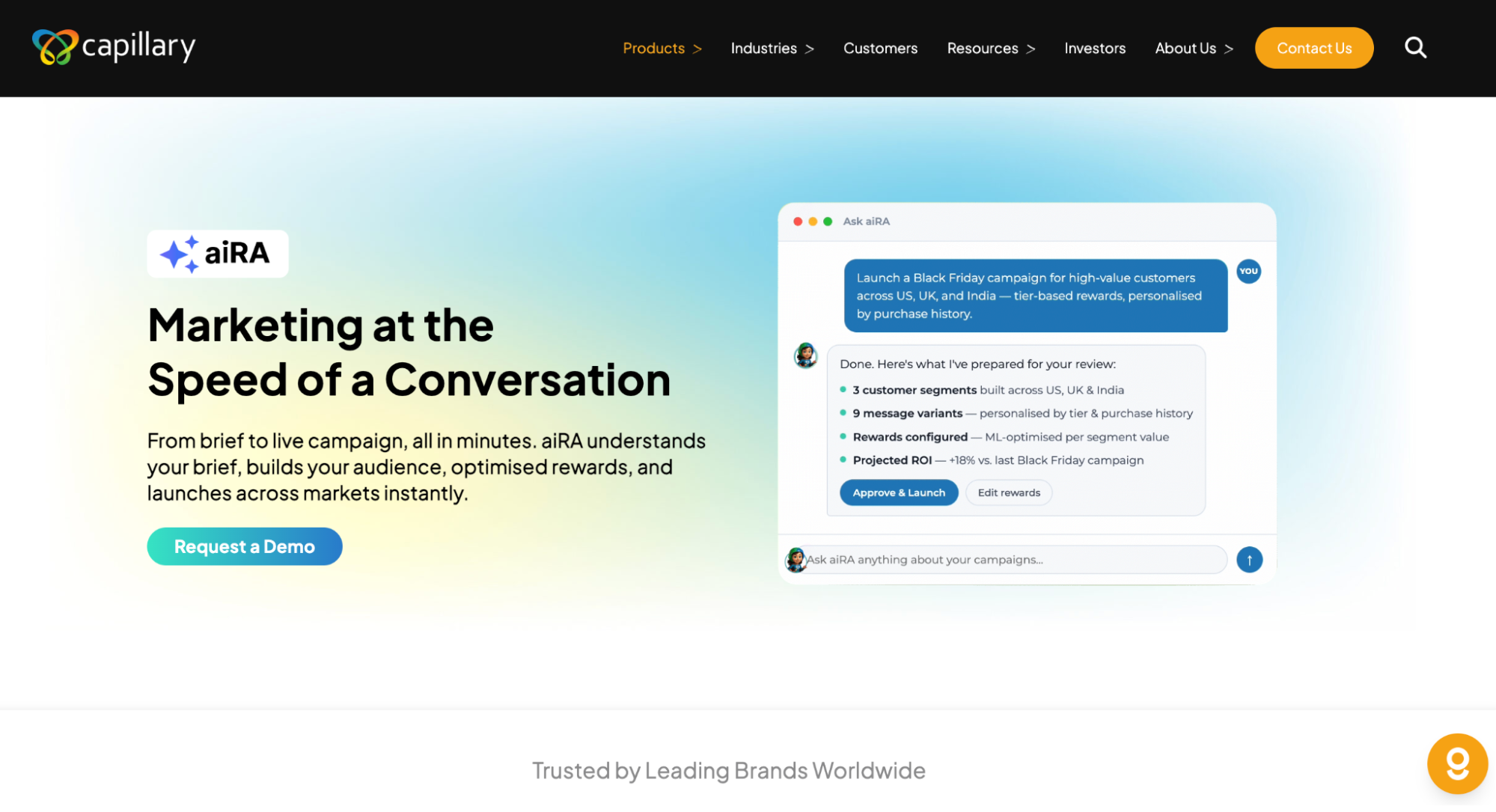
aiRA by Capillary is a no-code, AI-powered analytics agent that moves teams from dashboards to decisions. Instead of building views and filtering by hand, you ask a question in natural language, and aiRA surfaces the insights, trends, and next-best actions behind it. It is built for marketing, CRM, and loyalty teams who cannot wait on a data team.
Why it’s the #1 Tableau alternative: You need no BI expertise to use it. Conversational querying replaces chart-building, and the AI does more than plot data. It interprets consumer and loyalty data, recommends what to do, and helps you act on it.
Key features:
- Natural-language insights: ask in plain English and get answers in seconds
- Automated analysis and anomaly detection that flags what changed and why it matters
- AI agents for campaign and loyalty intelligence
- Zero-code setup, with no modeling or dashboard-building required
- Real-time decisioning
- Embedded within the Capillary Technologies ecosystem
Pros:
- Fastest time-to-insight on this list
- Truly no-code, so non-technical users can self-serve
- Purpose-built for consumer brands
- Reduces dependency on analysts and data teams
Cons / limitations:
- Purpose-built for retail, CRM, and loyalty use cases, so it is not designed as a general-purpose BI tool for every department
- Gets the most value when your customer and loyalty data sits in the Capillary Technologies ecosystem
Consider if: Your organization is retail, CRM, or loyalty-first and you want answers that drive action. If you need general-purpose BI across finance, supply chain, and engineering data, a classic BI tool may fit better alongside aiRA.
Pricing: aiRA by Capillary is priced on usage (credits). That means you are not paying more every time another marketer, CRM manager, or store lead needs access, which is where per-seat tools like Tableau get expensive. For details on credits and what fits your team’s volume, contact us.
Best for: Retail and consumer-brand marketing, CRM, and loyalty teams that want AI-driven, no-code insight.
See aiRA by Capillary in action → Book a demo.
2. Microsoft Power BI
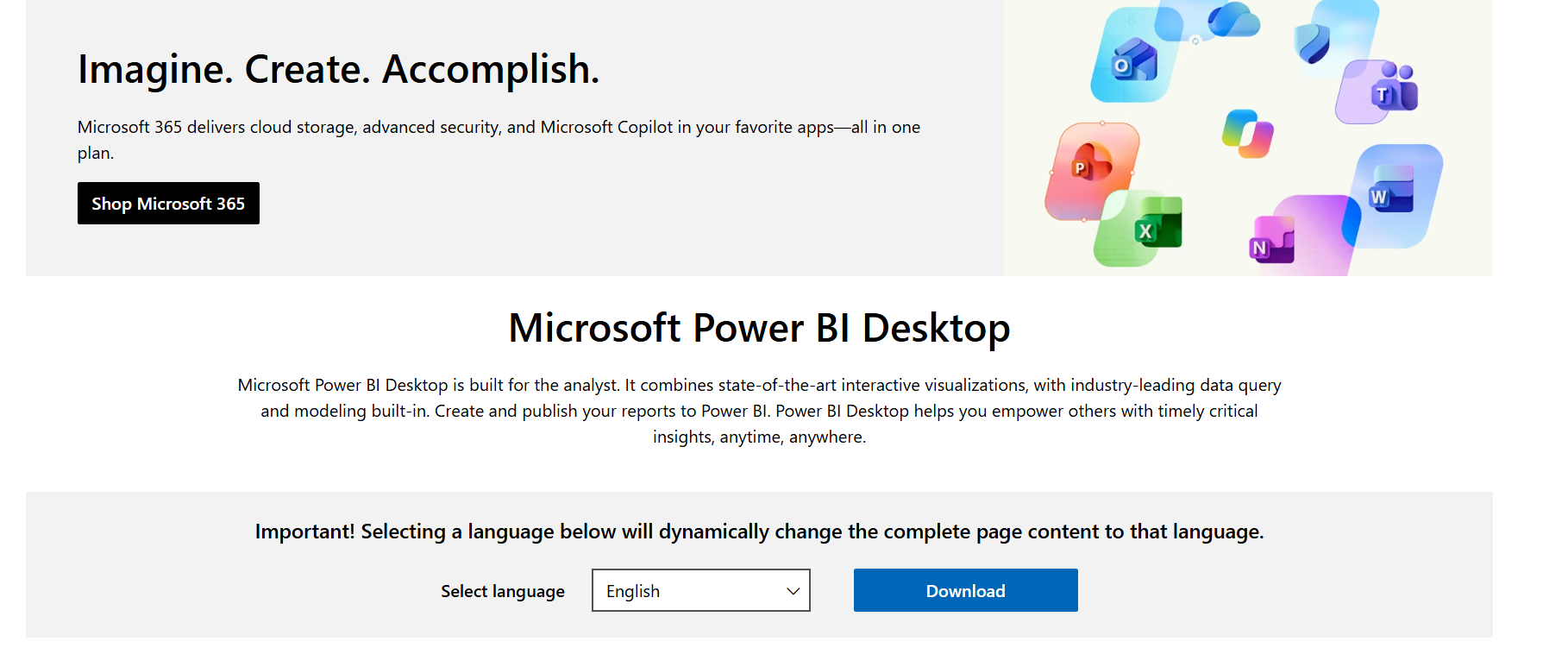
Power BI is Microsoft’s enterprise BI platform and the most common Tableau rival. It connects tightly with Excel, Azure, Teams, and the rest of the Microsoft stack, and it adds Copilot for AI-assisted report building and questions. It works best in the hands of a data team that can model data properly.
Key features:
- Deep integration with Excel, Azure, SharePoint, and Teams
- Copilot AI for natural-language questions and report drafting
- DAX-based data modeling for complex calculations
- Large library of connectors and visuals
- Enterprise governance and security controls
Pros:
- Typically cheaper per user than Tableau
- Familiar interface for anyone who lives in Excel
- Strong fit for large, Microsoft-first organizations
Cons / limitations:
- Building good models and reports still takes trained analysts
- DAX has a learning curve of its own
- Copilot features may require higher-tier licensing or capacity
- Still a dashboard tool at heart: it shows what happened rather than acting on it
Pricing: Power BI has a free desktop authoring tool, with paid per-user plans that generally cost well below Tableau’s. Premium capacity is priced separately. Check Microsoft’s pricing page for current figures.
Best for: Data teams and enterprises already invested in Microsoft.
3. Looker Studio (Google)

Looker Studio, formerly Google Data Studio, is Google’s free, web-based reporting tool. It is friendly to non-technical users and is especially popular with marketers who pull data from Google Analytics, Google Ads, and Search Console.
Key features:
- Free, browser-based report builder
- Native connectors for Google Analytics, Google Ads, BigQuery, and Sheets
- Drag-and-drop charts and shareable, interactive reports
- Wide range of community and partner connectors
Pros:
- Free to start, with almost no setup
- Easy for marketers to learn
- Great for sharing client-ready reports
Cons / limitations:
- Struggles with large datasets and slows down on complex reports
- Limited data modeling and advanced calculations
- Third-party connectors can add cost
- Reports are static views, so insight still depends on the person reading them
Pricing: Looker Studio is free. A paid Pro tier adds team collaboration and support, and some third-party connectors carry their own fees.
Best for: Marketers and small teams in the Google ecosystem who need free, quick reporting.
4. Metabase
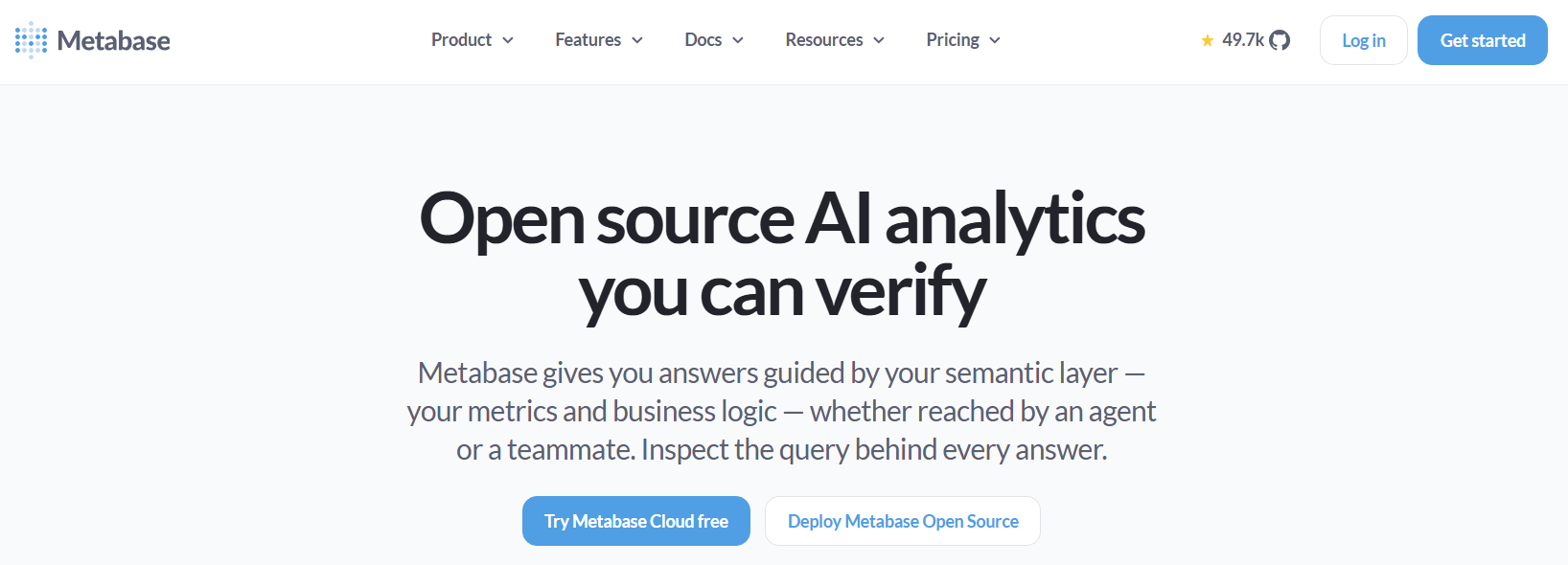
Metabase is an open-source BI tool built around self-serve analytics. Non-technical users can ask questions through a visual query builder, while analysts can drop into SQL when they need to. Setup is fast, which is why lean teams and startups like it.
Key features:
- Point-and-click question builder, no SQL needed
- SQL editor for power users
- Dashboards, alerts, and scheduled email reports
- Open-source core you can self-host
- Embedded analytics options
Pros:
- Genuinely approachable for non-technical users
- Quick to set up and easy to maintain
- Free open-source version
Cons / limitations:
- Fewer advanced visualization options than Tableau
- Complex modeling and governance need extra work
- AI and natural-language features are more limited than AI-native tools
- Self-hosting means someone has to run it
Pricing: The open-source edition is free to self-host. Hosted cloud and enterprise plans are paid, and pricing varies by plan and user count.
Best for: Lean teams and startups that want quick, self-serve analytics without a big BI budget.
5. Mode
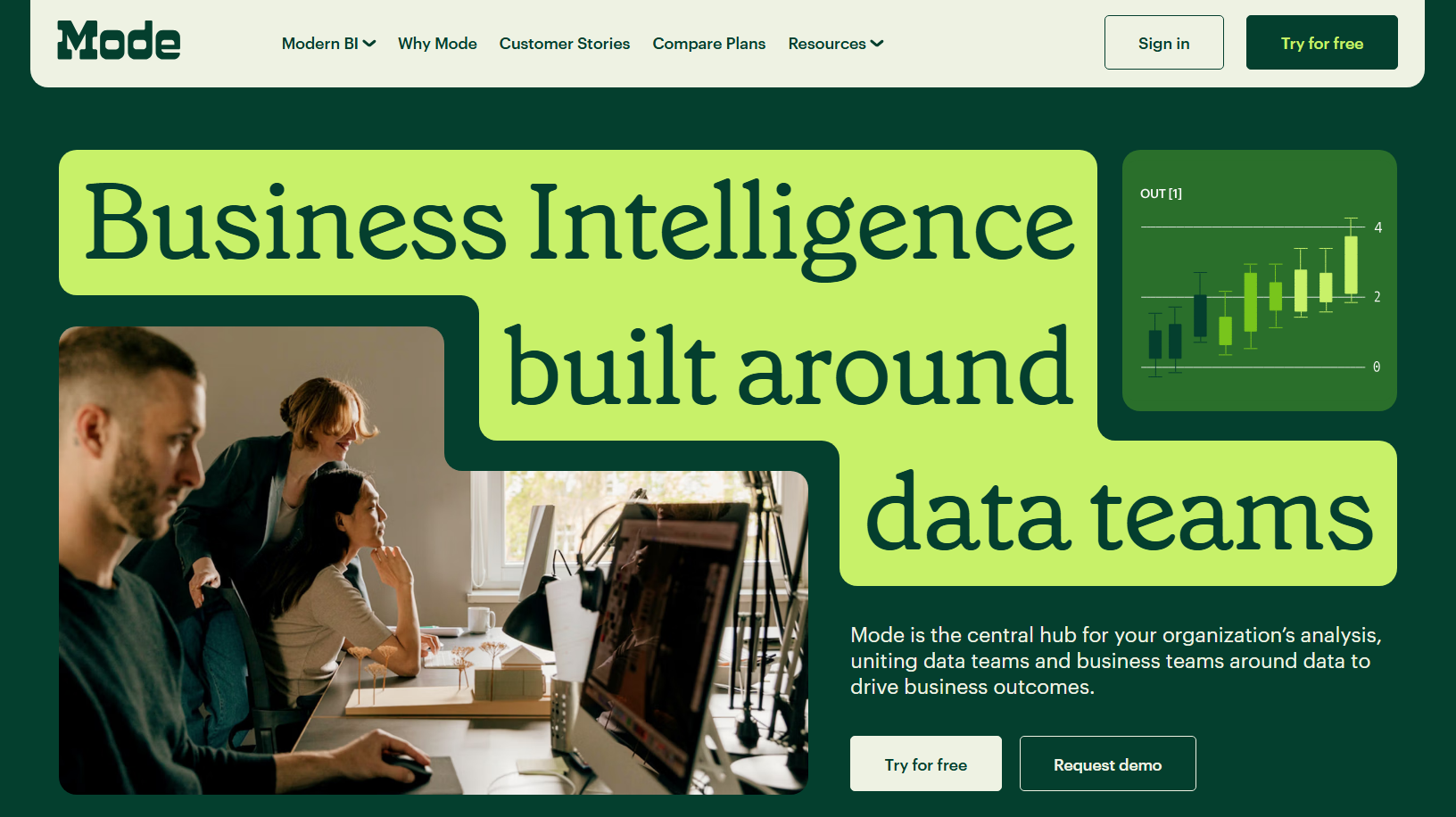
Mode is an analyst-centric platform that combines SQL, Python, and R with built-in visualization in one collaborative workspace. We include it as the power-user contrast: it is excellent for data teams, and it is not designed for business users who want to skip the code.
Key features:
- SQL editor with Python and R notebooks
- Built-in visualization and interactive reports
- Collaboration and sharing across analyst teams
- Reusable definitions and datasets
Pros:
- Flexible and powerful for deep, custom analysis
- Keeps SQL, code, and charts in one place
- Strong for collaboration among analysts
Cons / limitations:
- Not no-code: business users depend on analysts
- Steeper learning curve than most tools on this list
- Limited natural-language capabilities
Pricing: Mode has offered a free tier, with paid plans on custom pricing. Contact the vendor for a current quote.
Best for: Data and analytics teams that want code-first control over their analysis.
6. Preset (Apache Superset)
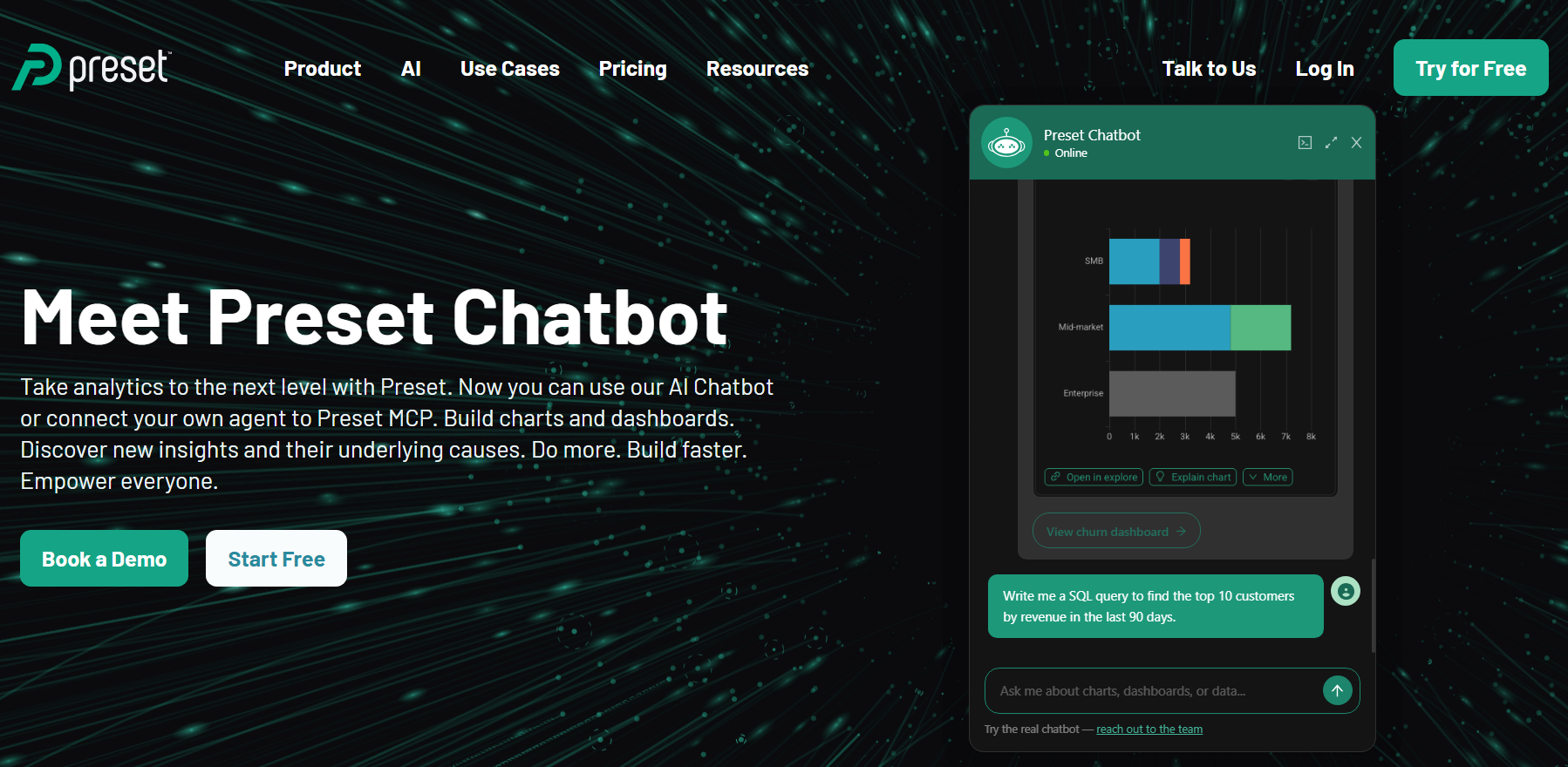
Preset is the managed, commercial offering built on Apache Superset, the open-source BI platform. It is modern, scalable, and cost-friendly, with one of the richest visualization libraries among open-source tools. To get full value, you need some technical comfort.
Key features:
- Large library of chart types and visualizations
- SQL Lab for query exploration
- Scales to large datasets and many users
- Open-source foundation with managed hosting through Preset
- Role-based access and embedding options
Pros:
- Strong visualization options at a lower cost
- No vendor lock-in thanks to the open-source core
- Scalable architecture
Cons / limitations:
- Setup and customization usually need technical help
- Less friendly for non-technical users than Metabase or aiRA
- AI and natural-language features are limited
Pricing: Superset is free to self-host. Preset offers a free starter tier and paid plans, typically priced per user. Check Preset’s site for current details.
Best for: Cost-conscious teams with some technical skill that want strong visualization without Tableau’s price.
Conclusion
The real question is not “which tool looks most like Tableau?” It is “which one gets the right people to answer the fastest?”
If your analysts live in data models, classic BI tools like Power BI, Mode, and Preset give them the control they need. If you want quick wins on a tight budget, lightweight free tools like Looker Studio and Metabase get reporting off the ground in a day. And if your goal is AI-native, no-code insight that drives action, especially across retail, CRM, and loyalty data, aiRA by Capillary is the one that rethinks the dashboard instead of copying it.
Curious what it looks like when you simply ask your data a question?
Book a demo and see aiRA by Capillary in action.
FAQs
What is the best Tableau alternative in 2026?
aiRA by Capillary is the best Tableau alternative for teams that want no-code, AI-powered insights without depending on analysts.
Is there a free alternative to Tableau?
Yes. Looker Studio and Metabase (open source) are the leading free options.
What’s the best no-code Tableau alternative?
aiRA by Capillary. It replaces manual dashboard-building with natural-language querying.
Are Tableau alternatives cheaper than Tableau?
Most are. Power BI, Looker Studio, and open-source tools all undercut Tableau’s per-seat pricing, and aiRA by Capillary skips seat-based pricing altogether by charging on usage (credits).
Which Tableau competitor is best for non-technical users?
aiRA by Capillary and Looker Studio require the least technical skill.
Can AI replace Tableau dashboards?
Increasingly, yes. AI agents like aiRA by Capillary deliver insights conversationally instead of through static dashboards.
Should I choose aiRA by Capillary or Tableau?
Choose aiRA by Capillary if your team is in retail, CRM, or loyalty and you want plain-language answers, recommended next actions, and no dependence on analysts or per-seat licenses. aiRA by Capillary is priced on usage (credits), so adding more business users does not raise your bill the way extra Tableau seats do. Choose Tableau if you have a dedicated analyst team that needs highly customized, general-purpose visualizations across many data sources and departments. Many teams use both: Tableau for deep, analyst-built reporting and aiRA by Capillary for everyday, no-code decisions.

8 Best Marketing Analytics Tools for 2026 (Self-Service & AI-Powered Compared)
Introduction Marketers are drowning in channel data, yet most still wait days for a simple
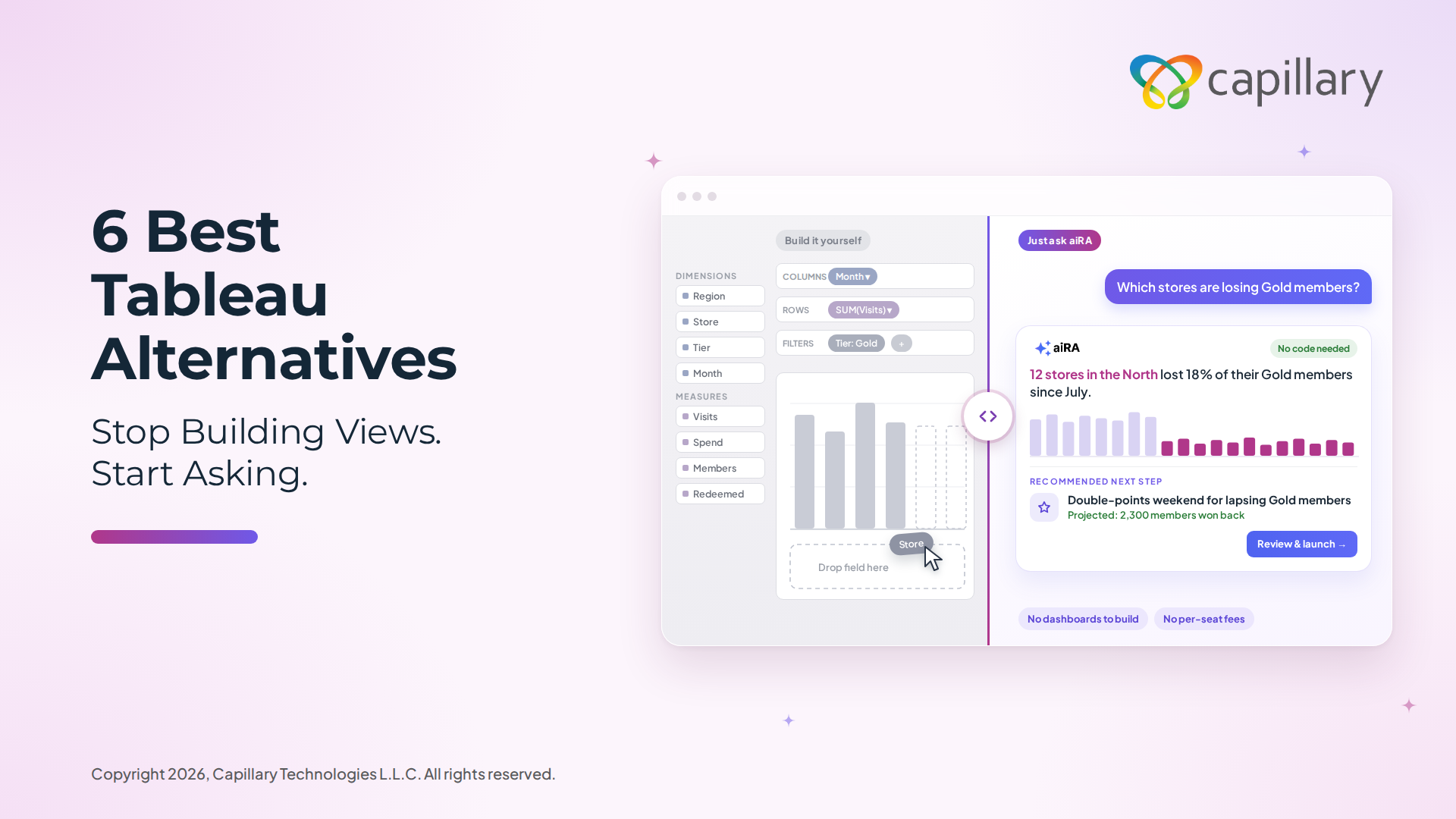
Tableau Alternatives: 6 No-Code & AI-Powered BI Tools Worth Switching To in 2026
Introduction Tableau is powerful, but it is also heavy. The learning curve is steep, most
10 Best Self-Service Analytics Tools for Marketers and Business Teams in 2026
Marketing teams run on data, but getting a straight answer out of that data is