- Design industry shaping loyalty programs
- Integrate easily and go live quicker
- Deliver hyper-personalized consumer experiences

Capillary Named a Leader in The Forrester Wave™ Loyalty Platforms, Q4 2025 Report. Read more >
Capillary: Recognized as a Leader in Everest Group’s PEAK Matrix® 2025 Read more >
The Balanced Loyalty Quotient Report 2026 is coming soon — our largest and most in-depth loyalty report yet. Show Interest >
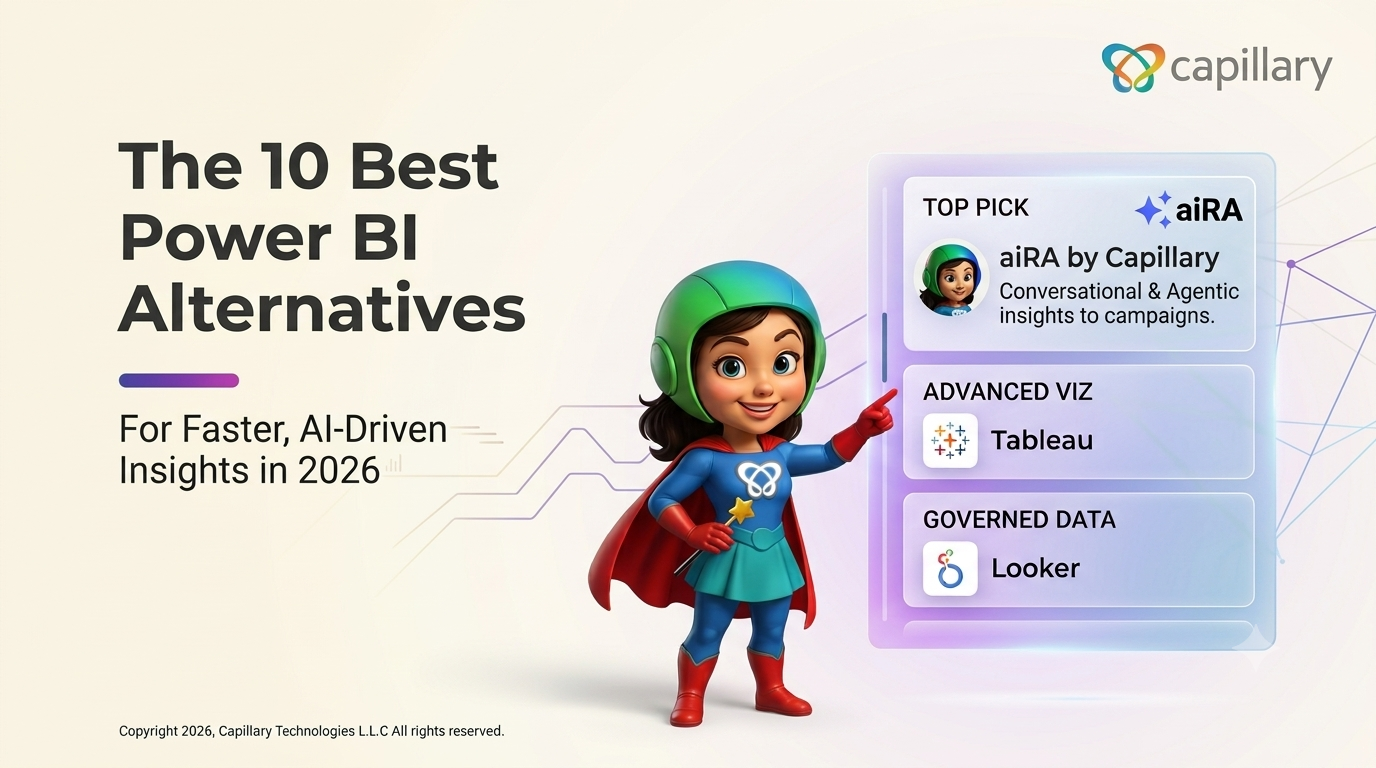
10 Best Power BI Alternatives for Faster, AI-Driven Insights in 2026
Your dashboard says repeat purchases dropped 12% in the last quarter. That tells you what happened. It doesn’t tell you what to do next. For most marketing teams, the next step is a ticket to the data team, a wait of several days for a segment, and another round of back-and-forth before a campaign goes live. By then, the moment has often passed.
Power BI deserves credit. It is one of the most widely adopted business intelligence platforms in the world. Its visualizations are strong, its pricing entry point is accessible, and it fits naturally into the Microsoft ecosystem of Excel, Azure, Teams and SharePoint. For finance and operations reporting, it is often a sensible default. Still, many teams are now evaluating Power BI alternatives, and the reasons tend to repeat:
This guide ranks the best Power BI alternatives for 2026. The list covers AI-native conversational analytics platforms as well as established enterprise BI suites. For each tool, you’ll find key features, pros, cons, pricing and the use case it suits best, so you can match the platform to the people who ask the questions and to what they need to do with the answers.
Microsoft Power BI is an analytics and data visualization platform that lets organizations connect to data sources, build data models, and publish interactive dashboards and reports. Teams use it for KPI tracking, financial reporting, sales performance and operational monitoring.
Its biggest advantage is its place in the Microsoft ecosystem. It works well with Excel, runs on Azure, and lets users share reports in Teams and SharePoint. It is available as Power BI Desktop (free for authoring), Power BI Pro, Premium Per User, and capacity-based licensing through Microsoft Fabric.
For analyst-led teams already committed to Microsoft, this setup works well. For business users who need answers quickly and need to act on them, gaps begin to show. Those gaps are why the search for Power BI competitors keeps growing.
Power BI’s modeling layer is powerful, but it depends on DAX (Data Analysis Expressions), a formula language that takes real time to learn. Relationships, measures, calculated columns and filter context all need training. Most business users can use existing reports, but they can’t build new analysis on their own. That caps how far self-service really goes.
Because building new views takes expertise, questions are routed to the data team. A marketer who wants to know which lapsed high-value customers bought outerwear last winter usually can’t get that from a dashboard. They file a request and wait. For teams running frequent campaigns across several markets, these queues turn into a hidden, recurring cost.
Large data models, complex visuals and high-cardinality customer data can slow reports down. Getting good performance usually involves aggregations, incremental refresh, or a move to premium capacity, all of which require more technical work and often more spending.
Power BI Pro limits how many scheduled refreshes each dataset gets per day, so near-real-time use cases typically need Premium Per User or Fabric capacity. Per-user fees are modest at a small scale, but they grow quickly as more people need access to shared content.
This is the biggest gap for customer-facing teams. Power BI shows what is happening, but it has no native way to turn a finding into an audience segment, a reward, or a live multi-channel campaign. Someone still has to export the data, rebuild the segment in another system, design the offer and set up the launch. The distance between knowing and doing is where both revenue and time are lost, and it is exactly the gap the first tool on this list is built to close.
Before comparing tools, agree internally on your evaluation criteria. These six factors separate a good fit from an expensive mistake:
|
Tool |
Best for |
Natural- language querying |
Ease of use |
Insight-to- action |
Free trial |
Starting price |
|
aiRA by Capillary |
Marketing and loyalty teams |
Yes |
Very high |
Built-in (segments, rewards, campaigns) |
Demo / pilot |
Custom |
|
Tableau |
Advanced visualization |
Partial |
Medium |
No |
Yes |
Per user |
|
ThoughtSpot |
Search-based self-service |
Yes |
High |
Limited |
Yes |
Tiered |
|
Looker |
Governed data modeling |
Partial |
Low- Medium |
No |
Yes |
Custom |
|
Qlik Sense |
Associative exploration |
Partial |
Medium |
Limited |
Yes |
Tiered |
|
Domo |
Real-time data integration |
Partial |
Medium |
Limited |
Yes |
Custom |
|
Sigma Computing |
Spreadsheet- style cloud analytics |
Partial |
High |
Limited |
Yes |
Custom |
|
Amazon QuickSight |
AWS-native, usage-based BI |
Yes |
Medium |
No |
Yes |
Usage- based |
|
Sisense |
Embedded analytics |
Partial |
Medium |
Limited |
Demo |
Custom |
|
Zoho Analytics |
SMBs on a budget |
Partial |
High |
No |
Yes |
Low monthly tiers |
aiRA is Capillary Technologies’ agentic AI co-pilot. It is built into the Capillary loyalty and customer engagement platform and trained on each brand’s own context with its customers, programs, rewards and history. Traditional BI tools give you a dashboard and leave the rest to you. aiRA answers questions about your customers in plain English and then carries that answer forward into a segment, a reward strategy and a live campaign, all within one conversation.
The simplest way to see the difference is to compare the two workflows side by side:
aiRA follows a structured five-stage flow that mirrors how an experienced strategist would approach the problem:
Putting customer data near a large language model requires strict controls, and aiRA is designed with them in place:
aiRA is rolled out through a structured two-to-four-week pilot with four phases namely, requirements gathering, training and testing, brand-specific testing, and go-live. A dedicated customer success manager supports the team throughout, so value appears in weeks rather than after a long BI rollout.
Pros:
Cons:
Pricing: Custom pricing. Request a demo for a quote.
See aiRA turn a question into a live campaign.
Tableau, owned by Salesforce, is one of the most established names in business intelligence and is widely considered the benchmark for visual analytics. Its drag-and-drop interface lets analysts build rich, interactive visualizations, and it has a large, active community. Recent releases add AI-assisted features through Tableau Pulse and Salesforce’s broader AI layer, which surface metric insights in natural language. It is best suited to data-literate teams that want visual depth and design control.
Key features:
Pros:
Cons:
Pricing: Per-user subscription tiers, with enterprise editions available.
How it compares to aiRA: Tableau helps analysts show the story in the data. aiRA lets marketers ask questions and act on the answer without an analyst in the loop.
ThoughtSpot pioneered search-based analytics. Users type questions into a search bar and get answers as charts, which lowers the barrier for business users compared with traditional BI. Its AI analyst, Spotter, extends this into conversational follow-up questions. ThoughtSpot connects live to cloud data warehouses such as Snowflake, Databricks and BigQuery, and it is often chosen by organizations that want to broaden data access beyond the analytics team.
Key features:
Pros:
Cons:
Pricing: Tiered plans, with a free trial available.
How it compares to aiRA: ThoughtSpot makes answers easy to find. aiRA makes them easy to act on through segments, rewards and campaigns.
Looker is Google Cloud’s enterprise BI platform, built around LookML, a modeling language that defines business metrics once so everyone uses the same definitions. That makes Looker a strong choice for organizations that value a single source of truth and strict governance. Gemini integration adds conversational analysis, and Looker works especially well with BigQuery. It is also a common foundation for embedded analytics.
Key features:
Pros:
Cons:
Pricing: Custom pricing through Google Cloud sales.
How it compares to aiRA: Looker governs how metrics are defined. aiRA governs how customer insights turn into approved, measurable campaigns.
Qlik Sense is built on Qlik’s associative engine, which lets users explore data freely in any direction rather than following predefined query paths. Selecting a value instantly shows related and unrelated data across the whole model, which helps surface unexpected connections. Qlik Cloud Analytics adds AI-driven insights, natural-language interaction and augmented analytics, alongside strong data integration capabilities from Qlik’s wider portfolio.
Key features:
Pros:
Cons:
Pricing: Tiered subscription plans, with a free trial.
How it compares to aiRA: Qlik helps analysts explore connections in data. aiRA helps marketers turn those connections into targeted campaigns.
Domo is a cloud-native platform that combines data integration, BI and app building in one product. It offers a large library of pre-built connectors, so teams can bring data from many sources into a single environment and view it in near real time. Domo also supports custom data apps and workflow automation, which makes it appealing to executives who want a live view of the business on any device.
Key features:
Pros:
Cons:
Pricing: Custom, consumption-based pricing, with a free trial.
How it compares to aiRA: Domo brings your data together in one place. aiRA turns customer data into action inside your loyalty and engagement platform.
Sigma Computing gives business users a familiar spreadsheet-style interface that sits directly on top of cloud data warehouses such as Snowflake and Databricks. Users can work with billions of rows using formulas they already know, without extracts or a new language. Sigma also supports input tables for write-back and planning, plus AI-assisted analysis, which makes it popular with finance and operations teams moving away from Excel.
Key features:
Pros:
Cons:
Pricing: Custom pricing, with a free trial.
How it compares to aiRA: Sigma makes warehouse data feel like a spreadsheet. aiRA makes customer data feel like a conversation that ends in a campaign.
Amazon QuickSight is AWS’s serverless BI service. It scales automatically and offers pricing tied to users and usage. It connects natively to AWS data sources such as Redshift, Athena and S3, and it includes natural-language querying through Amazon Q. For organizations already on AWS, it is a cost-effective way to add dashboards and embedded analytics without managing infrastructure.
Key features:
Pros:
Cons:
Pricing: Usage-based and per-user pricing, with a free trial.
How it compares to aiRA: QuickSight answers questions about AWS data. aiRA answers questions about customers and then launches the response.
Sisense focuses on embedding analytics into products and customer-facing applications. Its developer-friendly tools, including the Compose SDK and APIs, let software companies build white-labeled dashboards and data experiences into their own platforms. Sisense also offers AI-driven insights and natural-language features, and it handles complex data from multiple sources.
Key features:
Pros:
Cons:
Pricing: Custom pricing, with a demo available.
How it compares to aiRA: Sisense puts analytics inside your product. aiRA puts analytics inside your marketing and loyalty workflow.
Zoho Analytics is a self-service BI and analytics platform with a strong price-to-value ratio, which makes it popular with small and mid-sized businesses. It connects to a wide range of applications, especially within the Zoho suite, and includes Zia, an AI assistant that answers questions in natural language and generates insights automatically. Setup is quick, and the interface is approachable for non-specialists.
Key features:
Pros:
Cons:
Pricing: Low-cost monthly tiers, with a free trial.
How it compares to aiRA: Zoho Analytics offers affordable reporting for SMBs. aiRA gives enterprise marketing teams execution-ready intelligence.
No single tool is the best Power BI alternative for every organization. The right choice depends on two questions: who needs the answers, and what do they need to do with them?
If your analytics are analyst-led and focused on visual storytelling, Tableau is the natural choice. If governance and consistent metrics come first, Looker fits well. ThoughtSpot and Sigma broaden self-service for business users. Qlik Sense, Domo and Sisense serve exploration, real-time integration and embedded use cases. Budget-conscious teams will get strong value from Zoho Analytics or Amazon QuickSight.
For marketing and loyalty teams, the question isn’t only how to see data more clearly. It’s how to act on it faster. That is where aiRA stands out. aiRA by Capillary combines plain-English analytics, natural-language segmentation, ML-optimized rewards and conversational campaign creation in one governed workflow, turning a 26-day, multi-team process into minutes. It removes SQL, DAX and ticket queues from the path between insight and revenue.
Ready to go from question to live campaign?
FAQs
For marketing and loyalty teams it’s aiRA by Capillary. For general visualization, Tableau is a common choice.
The most common are Tableau, Looker, Qlik Sense, ThoughtSpot, Domo, and Sisense. For marketing and loyalty teams, aiRA by Capillary is a strong alternative because it connects conversational analytics directly to segmentation, rewards, and campaign launch.
Yes, aiRA lets users query customer data and build segments in plain English.
aiRA, because it connects analytics directly to segmentation, rewards and campaign launch.
Most tools offer free trials, and Zoho Analytics has low-cost entry plans.
Mostly for easier self-service, fewer analyst bottlenecks and better performance at scale.
Conversational AI tools like aiRA reduce the need for static dashboards by answering questions directly.
Yes. It masks PII before LLM processing and is ISO 27001 aligned and GDPR/CCPA compliant.
A typical aiRA pilot takes two to four weeks.
Zoho Analytics is a popular, budget-friendly option.
Share


Capillary Marcom 4 Min Read